Expression Syntax
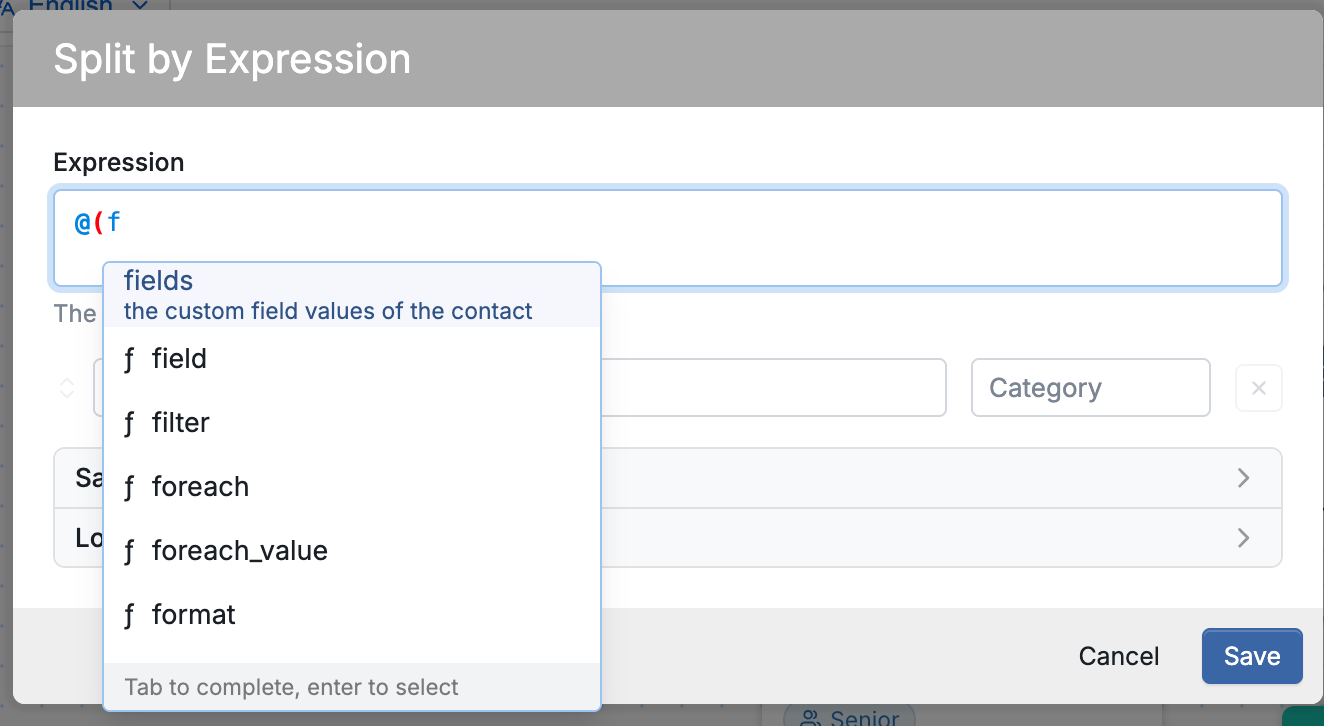
All expressions begin with an "@" symbol and an open parenthesis, e.g. @(now() or @(time_from_parts() Once entered, @( will trigger a completion dialogue that lists and explains each function:
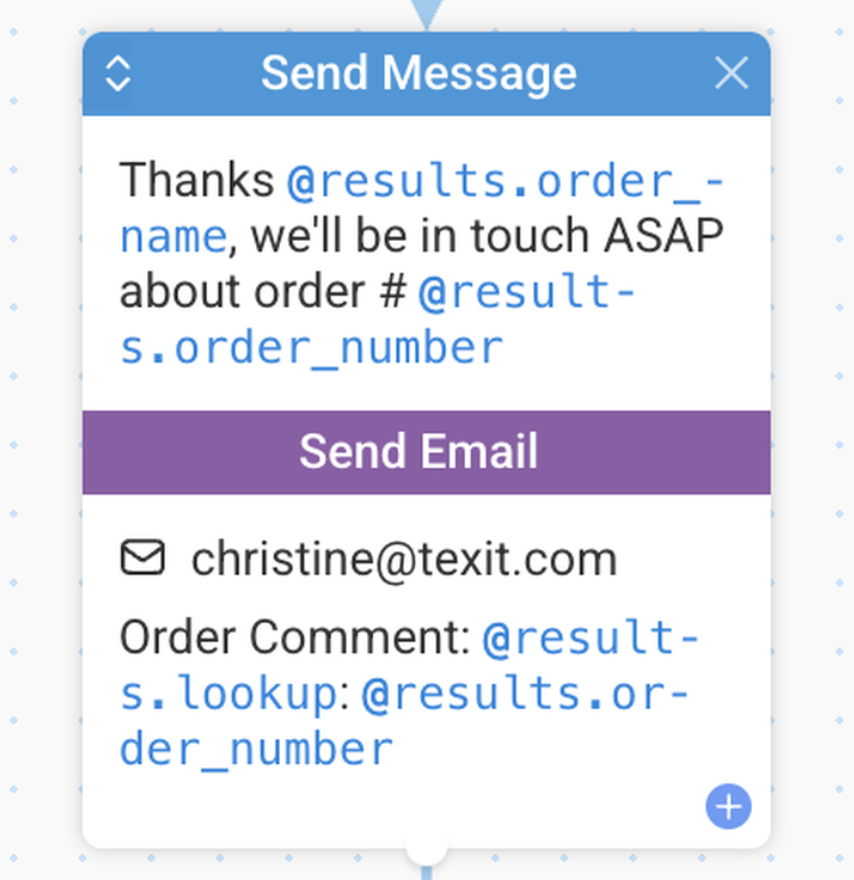
Syntax elements and variables within expressions are visually distinguished using color highlighting. This makes them easier to identify and helps keep logic clear and organized.
Simple Syntax
This is used to embed single values, e.g.
Hi @contact, you entered @results.age for age. Is this correct?
An expression can also be a function call, e.g.
Hello @(upper(contact.first_name))
Function names are not case-sensitive so UPPER is equivalent to upper. We support a subset of the functions available in Excel and these are listed below.
Advanced Syntax
This is used to build more complex expressions using similar syntax to Excel formulae, e.g.
Hi, you are @(format_date(now(), "YYYY") - results.year_born)years old
Expressions can also include arithmetic with the add (+), subtract (-), multiply (*), divide (/) and exponent (^) operators:
Result is @(1 + (2 - 3) * 4 / 5 ^ 6) units
| Note that the expression is enclosed in parentheses to tell us where it ends. |
You can also join strings with the concatenate (join) operator (&):
Hello @("contact.first_name" & " " & "contact.last_name")
Incomplete Expressions
If an expression contains mismatched parentheses or other errors, TextIt displays a red alert immediately to indicate the issue. Review the highlighted expression and correct the error before proceeding. This validation is especially useful when working with conditional logic in flows, calculations in variables or responses, and webhook payloads, helping ensure flows run correctly.
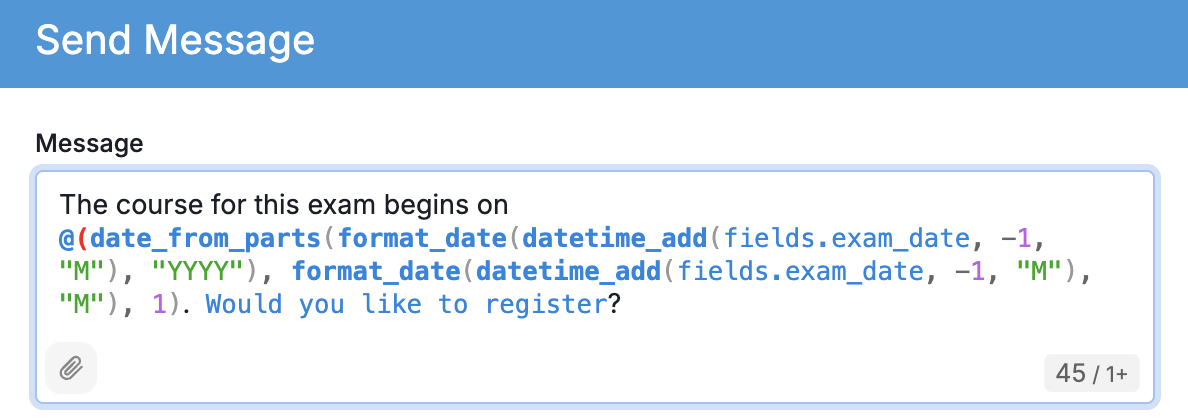
Take a look at our full expression reference here.