Introduction to Campaigns
Campaigns allow you to schedule messages and workflows relative to a date for a contact, such as the date a contact was created or the date a contact joined a group.
Campaigns are often used for drip communication such as maternity health reminders, therapy adherence messages, or messages that correspond with the lifecycle of a product or service.
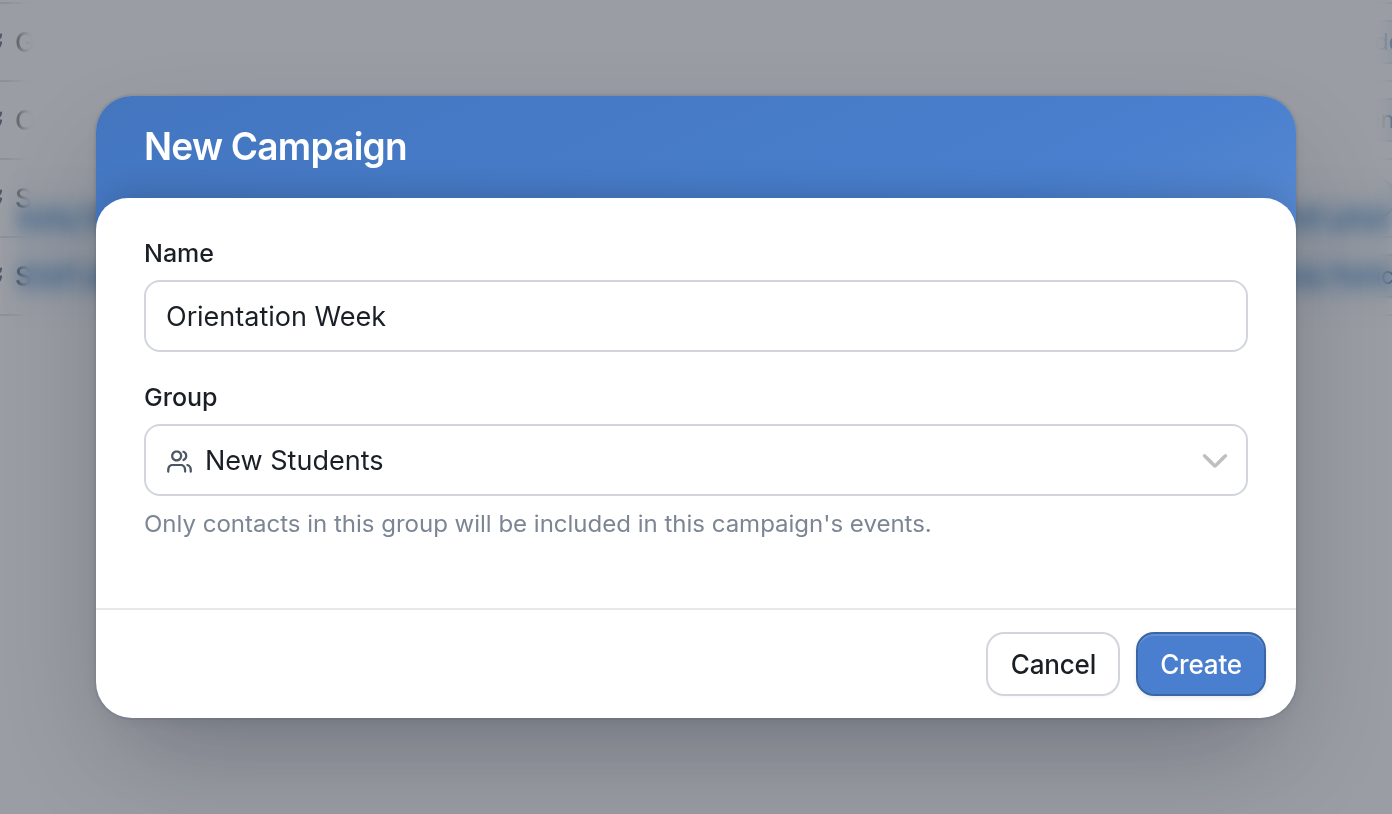
Here's an example of a campaign that sends orientation reminders to new students:
These reminders are based on dates stored for each contact, such as their orientation date. Contacts don't all receive the messages at the same time; each message is sent relative to that contact's own date.
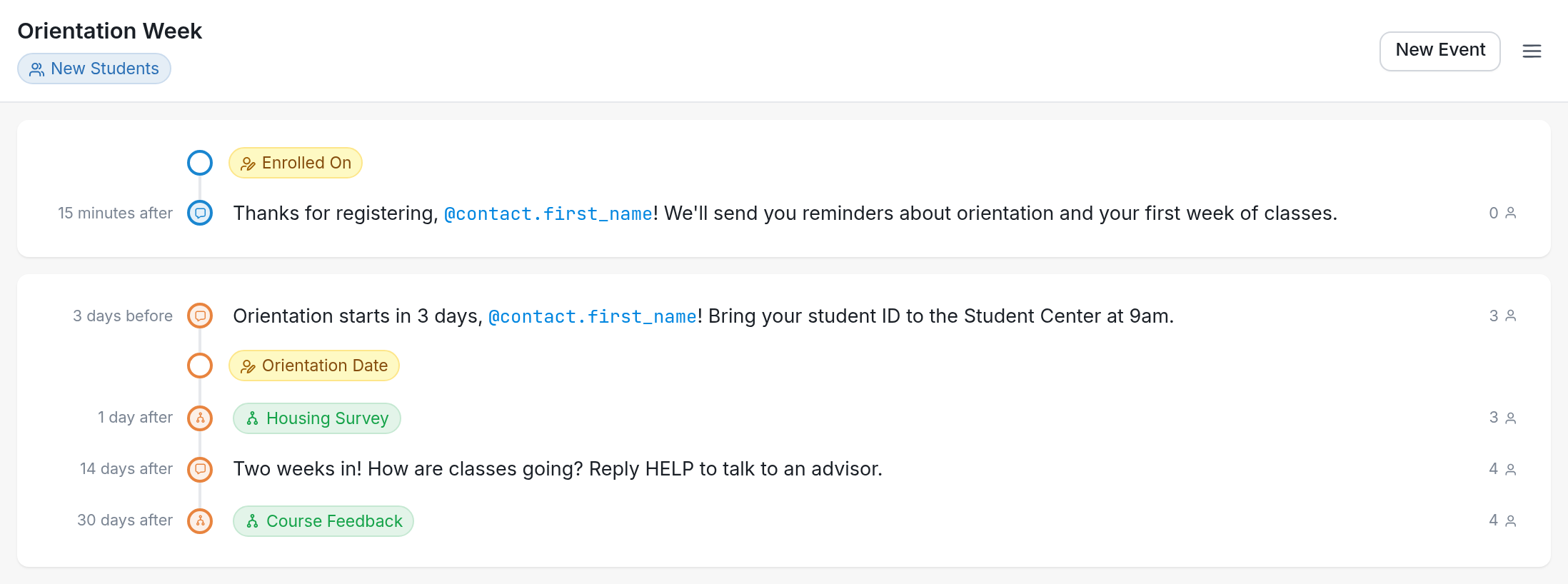
In the image above, each contact receives a message 15 minutes after their Enrolled On date and another 3 days before their Orientation Date.
To disable a campaign but keep it for future use, you can archive it.
| Note: This differs from scheduling a message to be sent later in that scheduled broadcasts are sent to all of their contacts or groups at the same time. |
To create your first campaign, click here.