Revision History
Revision history lets you view and revert to any edits that were made to a flow. Every change is saved automatically, so you can always roll back to an earlier version. It serves as your project's history log and safety net.
Viewing revision history
- On the right side of the toolbar, find Revision History.
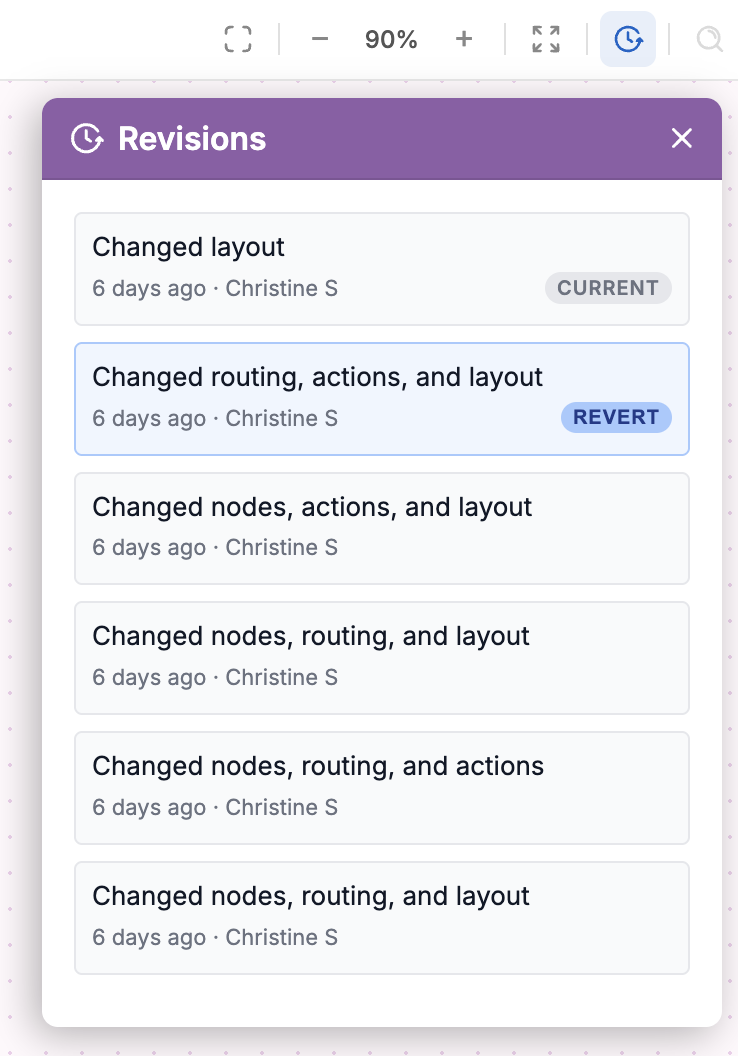
- Click the clock icon. A list of all edits and revisions made to the flow will drop down.
- Each revision shows a timestamp, who made the change, and a summary of what was changed. If you share a workspace, this tab identifies exactly which user made specific changes.
Reverting to a revision
To restore an earlier version of the flow, click Revert next to the revision you want to return to. The flow will be changed back to that revision