Best Practices: Testing your Flows before Launching
Using the simulator is an excellent way to test a flow while building, but nothing beats a real-world test before you launch.
Test runs with real phone numbers or social media channels help you catch common problems such as message content errors, flow logic mistakes, failed messages and channel connectivity issues. This is why we consider it a best practice to test before you send your flows out to contacts.
Connect your channel
Be sure to set up real connections for your preferred channel type.
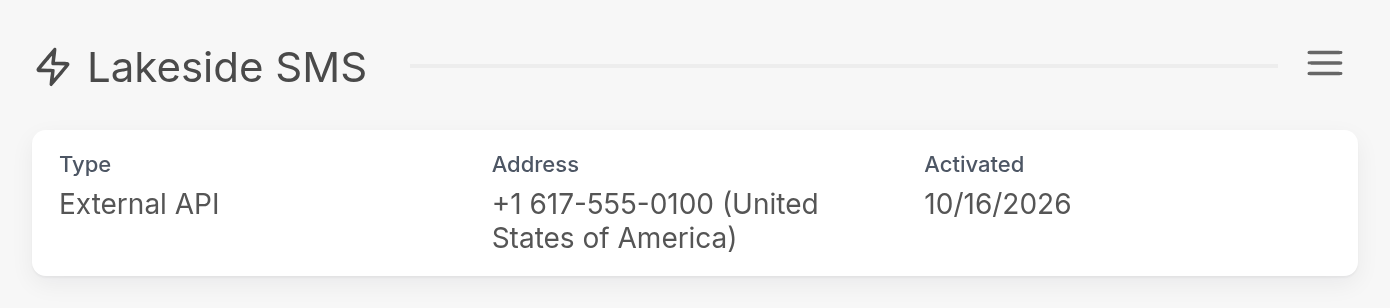
For example, if you're using an SMS gateway or local carrier, you should have phone numbers connected for each carrier you want to use. In the example below, the workspace has connected its SMS channel, Lakeside SMS.
Create a group of test contacts
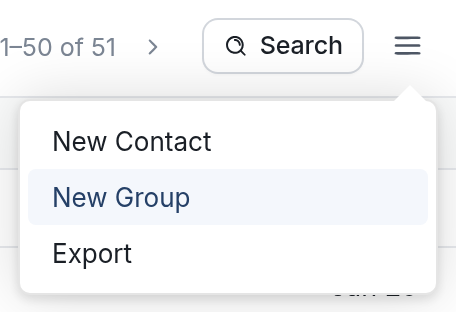
Before you send a flow out to dozens (if not thousands) of contacts, create a small test group. Go to Contacts, click the menu icon ☰, then click New Group.
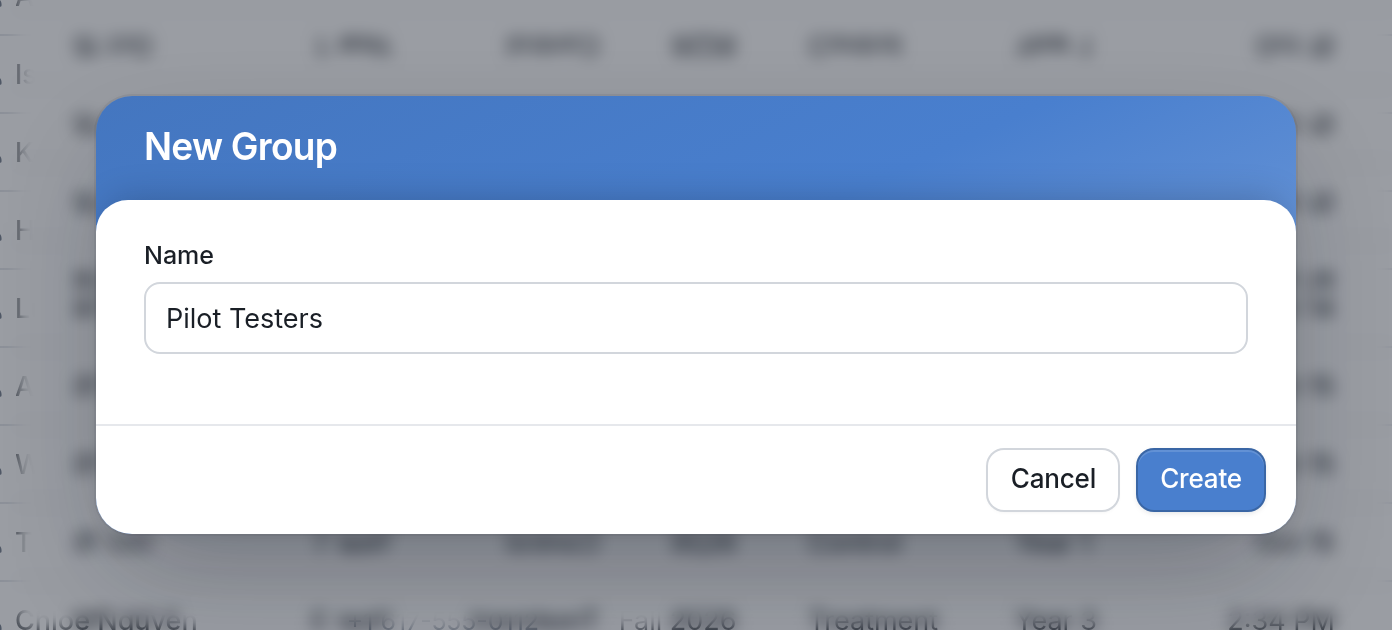
Give the group a name, such as "Pilot Testers", and click Create.
Send your flow to your test group by selecting all of its contacts with the checkbox at the top of the list, then clicking the Start Flow button that appears:

Your test contacts should complete the entire flow so you can check for message content errors, such as typos or confusing text. Be sure to read our article on message content best practices.
As your contacts go through the flow, note any messages or replies that don't work the way you expected.
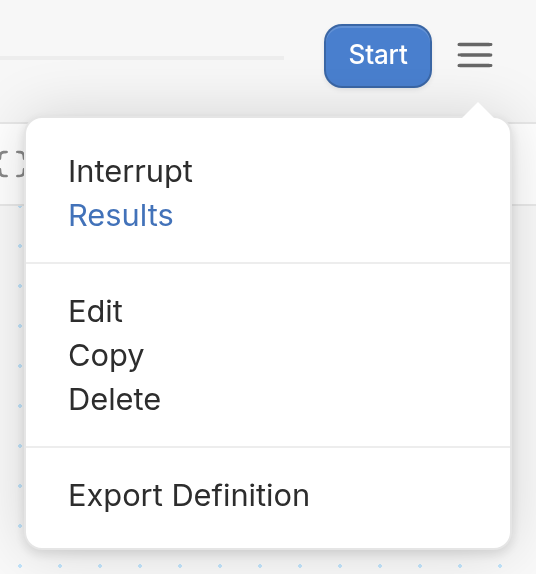
To analyze your contacts' interactions with your flow further, open the flow, click the menu icon ☰ and select Results. For more, see our article on Results:
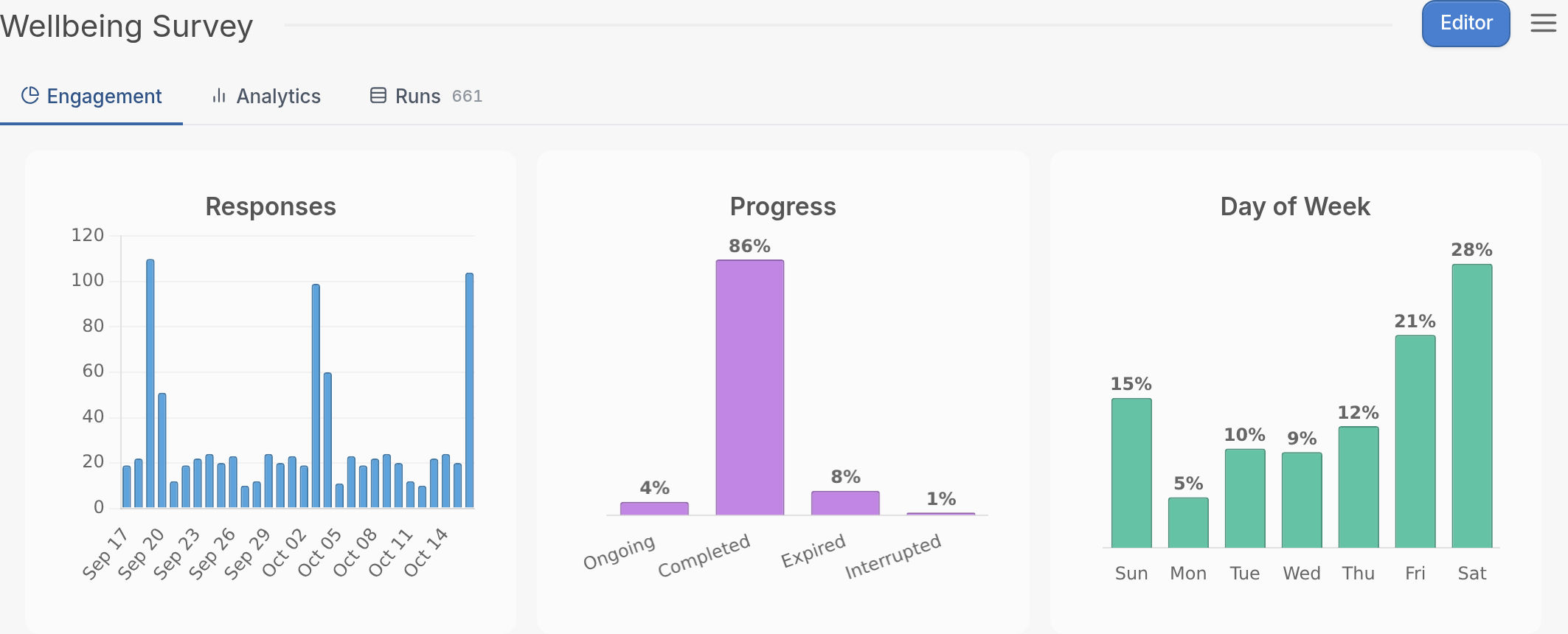
By fully testing your flows in a real-world context, you can avoid simple mistakes and save time and money. You may also be interested in A/B testing your flows before launching.
If your messages aren't sending properly, see our article on troubleshooting delivery errors. If you have any questions, contact us through the support widget at the bottom right of the screen.