'Open Tickets' Smart Group
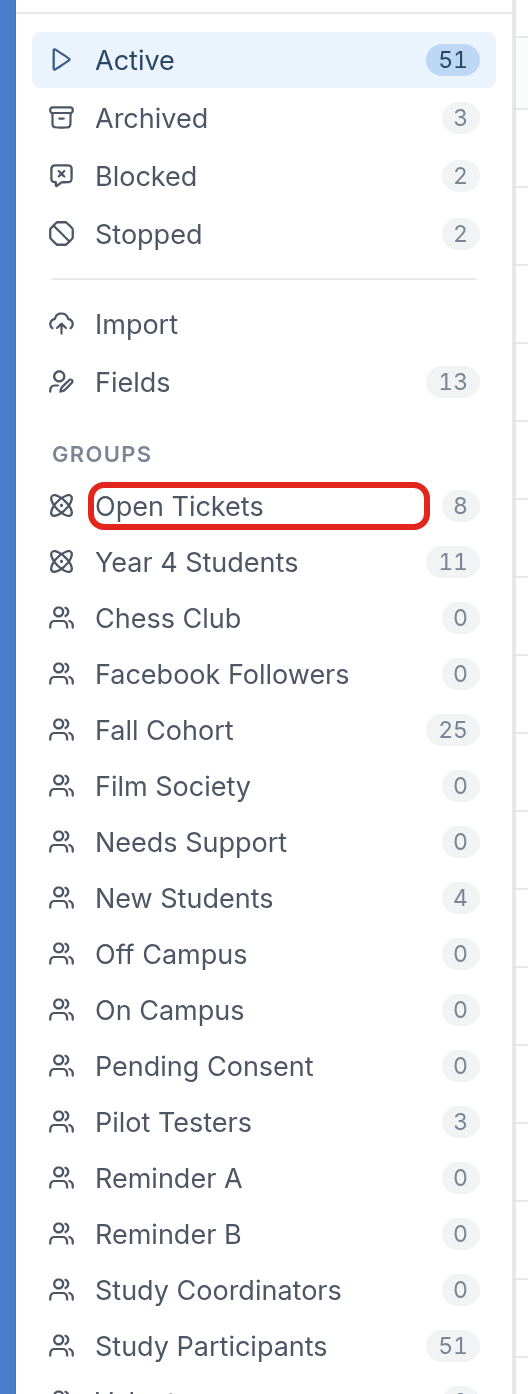
Every workspace has a default Smart Group in its contacts called Open Tickets, which holds the contacts with open tickets. Use it to follow up with those contacts through a broadcast or flow, add them to a group, or include or exclude them on triggers.
In the Contacts tab, you'll find the Open Tickets Smart Group under Groups:
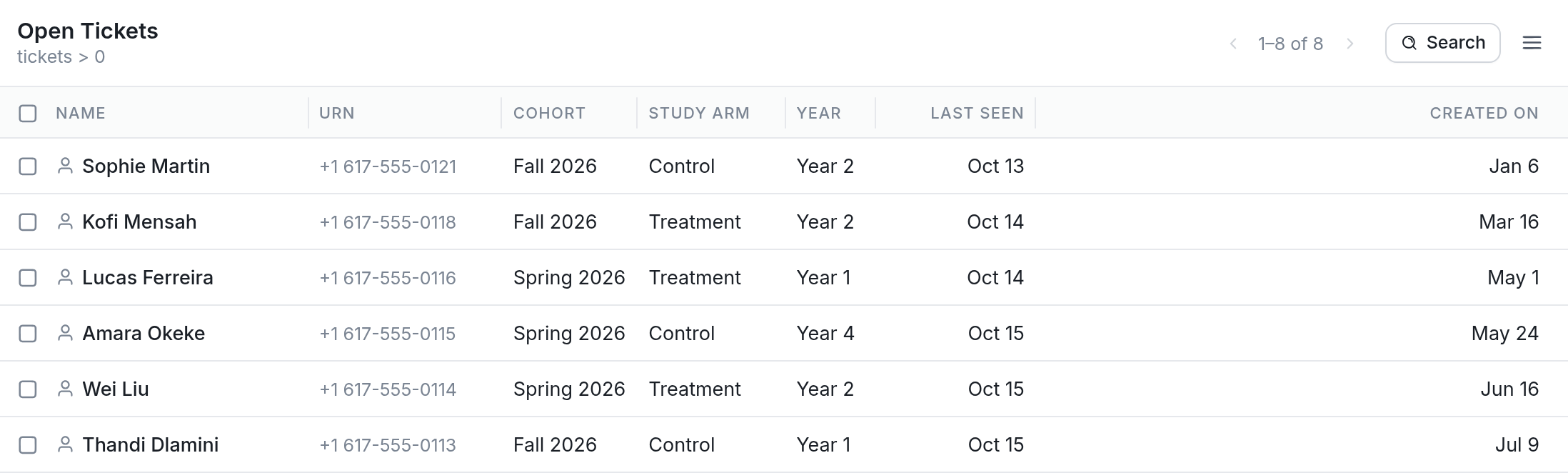
Click Open Tickets to see all the contacts in the group:
Including or Excluding the 'Open Tickets' Group on Triggers
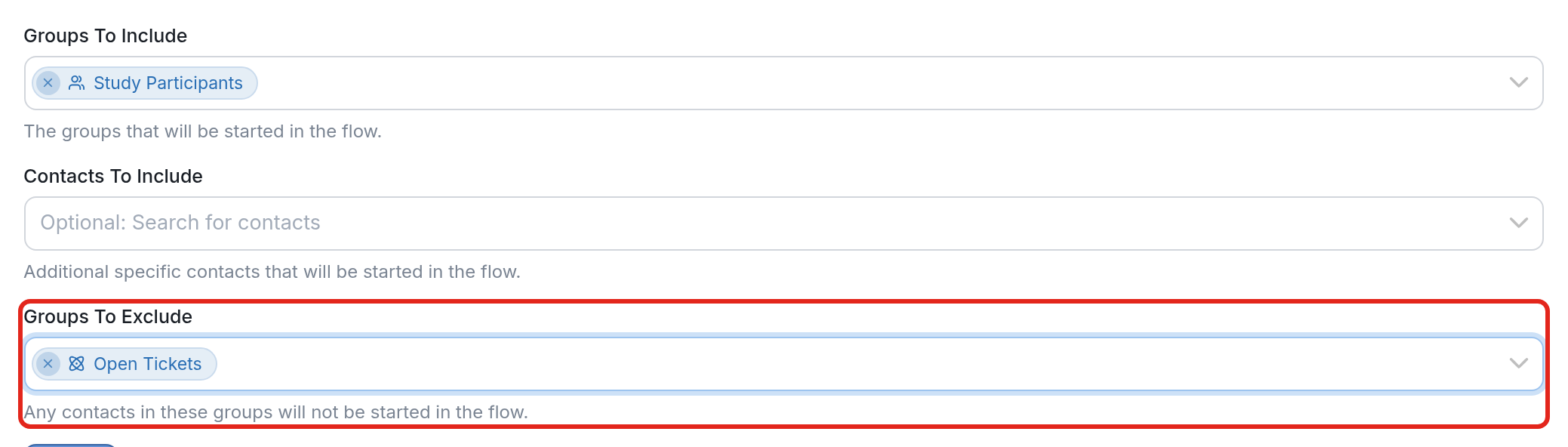
With the Open Tickets Smart Group, you can include or exclude contacts with open tickets on Triggers. In the example below, we're scheduling a trigger to start the Mood Check-In flow every week for the Study Participants group, and we don't want it to start any contacts with open tickets, so Open Tickets is added under Groups To Exclude.
| Note: We recommend excluding the Open Tickets group on the keyword trigger and the 'Catch all messages that don't match any keywords' trigger in particular. That way, a contact's reply to an agent won't be read as a keyword or picked up by the catch-all trigger and start a flow. |
Only the contacts in the included group who have no open tickets will be started in the flow.
Questions? Send us a message via the support widget to start a conversation.