Creating a Contact Group
To create a group:
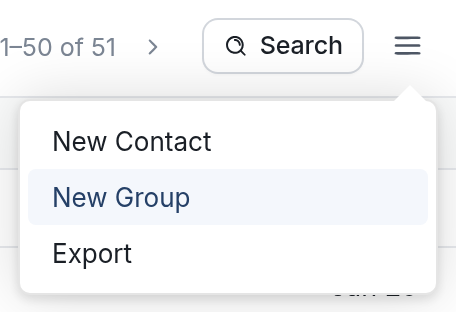
- Go to the Contacts tab, click the menu icon ☰ and select New Group.
- Give your group a name and click the New Group button. Your new group will appear in the list of groups on the left side of the page.
To create a group: