Flow Types
There are three flow types, and which ones you can use depends on the capabilities of the channel you've connected to your account. Messaging flows run over SMS and social media channels, while Phone Call, or Interactive Voice Response (IVR), flows are structured differently. Background flows let you run a flow without interrupting a contact's active Messaging flow.
You choose the flow type from the Type menu when you create a flow:
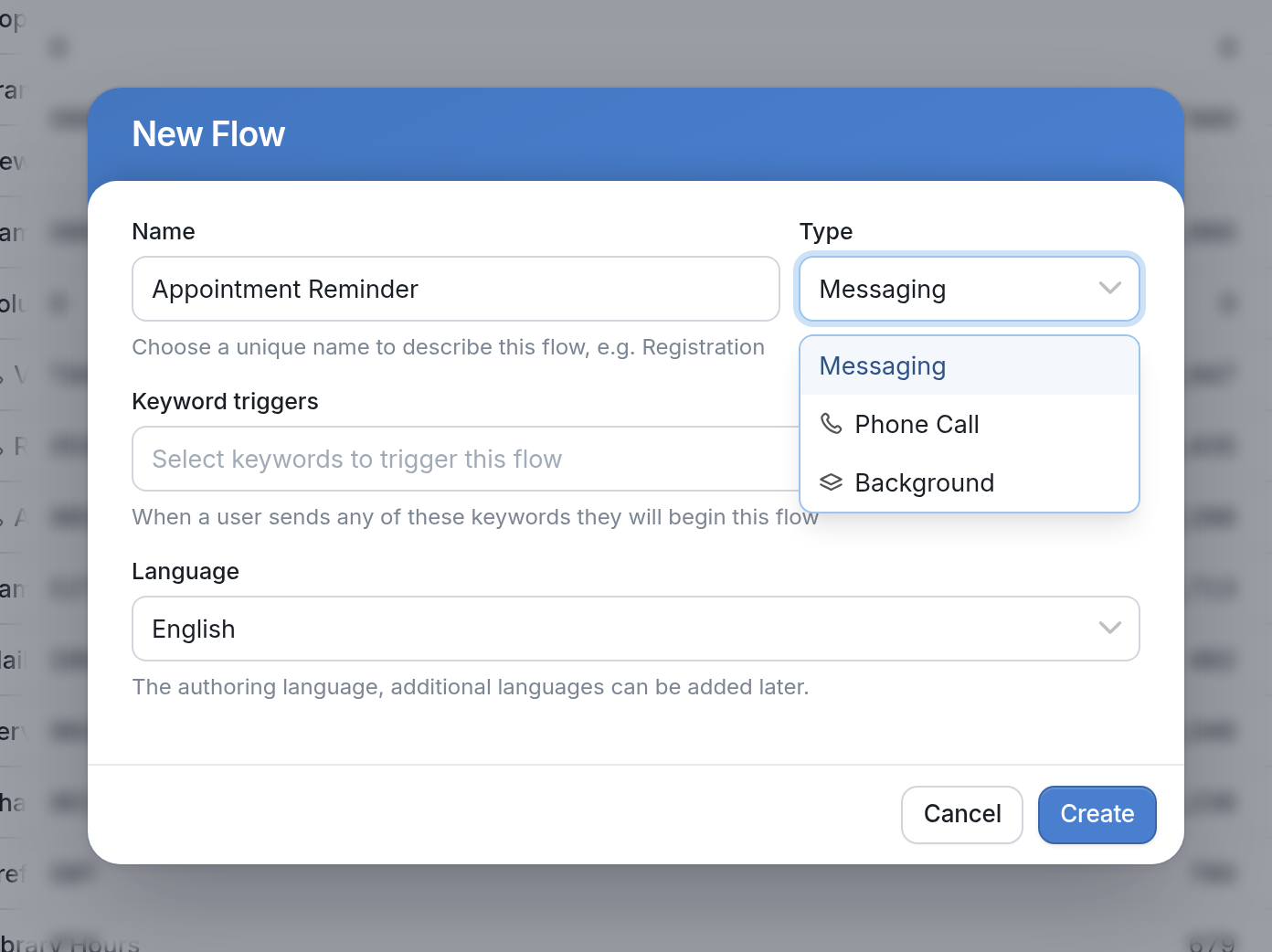
Messaging
Messaging is the default flow type, since every channel type supports text messaging. Messaging flows can be sent over an Android channel, a virtual number, or a social media platform like Telegram.
Phone Call
If you have a voice-enabled channel connected to your account (for example, a voice-enabled virtual number purchased from Twilio), the New Flow dialog gives you the option to create a Phone Call flow. These IVR flows let you apply flow logic to phone calls. See our IVR section for more information about IVR flows.
Background
Contacts can only be active in one Messaging flow at a time. To run a flow that performs actions without needing a response from the contact, use a Background flow.
Background flows are useful when you need to perform additional actions on a contact or group without interrupting any active flows.