Use a 'Split Randomly' Action to Create Evenly-Distributed Buckets
The Random Split action can be used for randomly passing your contacts through equally distributed pathways in your flow.
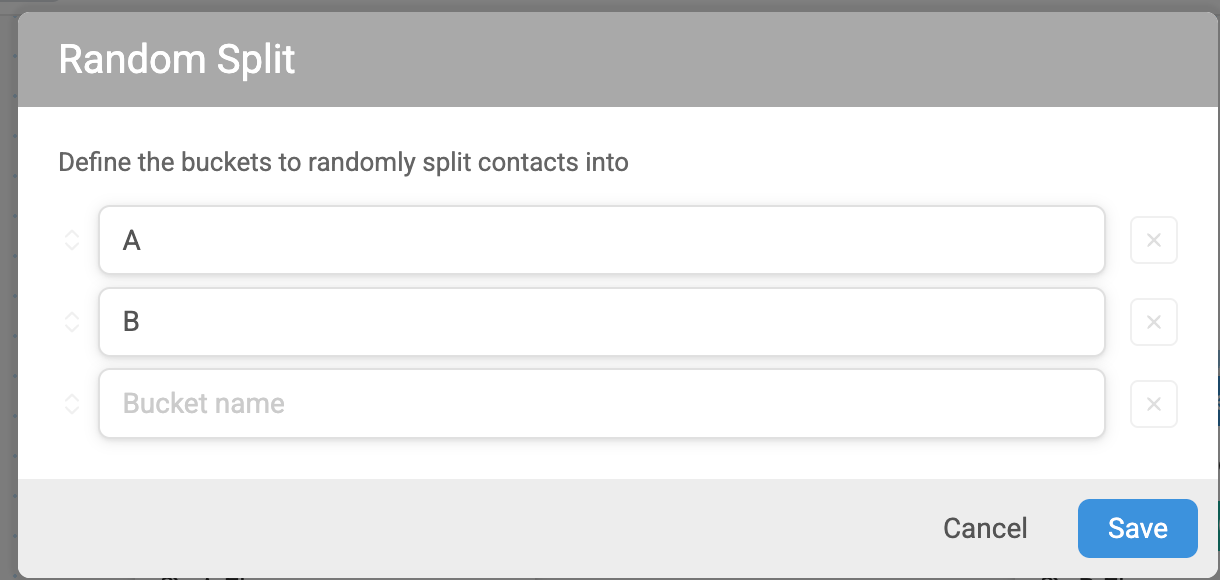
In the example below, we're immediately splitting contacts who enter a flow into two different groups named "A Flow" and "B Flow". You can add as many buckets as needed.
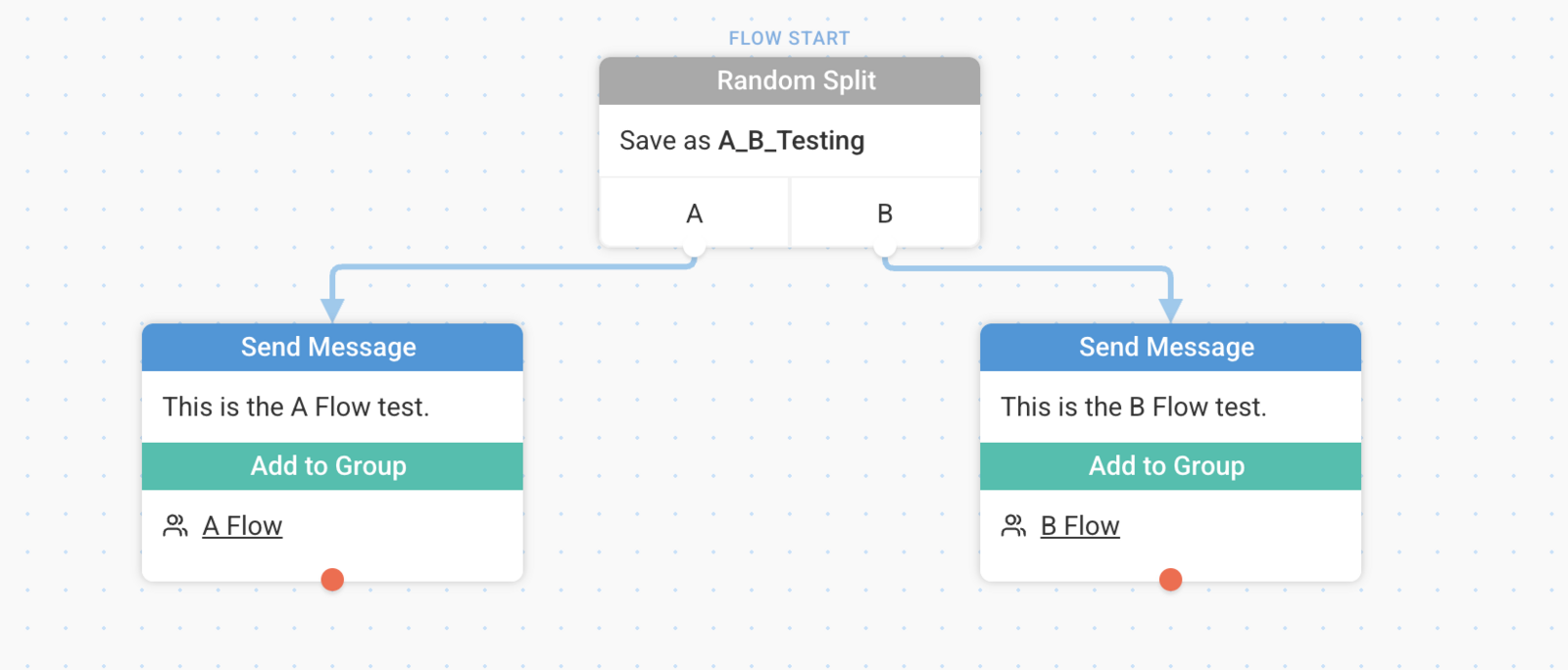
We've ended there in our example, but you could go on to start those contacts in a flow or any number of other actions or Split Actions.
Split Randomly is particularly helpful for the purpose of randomly branching a contact for an A/B test or the like. See this guide for more information on A/B testing.