Start Flow Sending Options
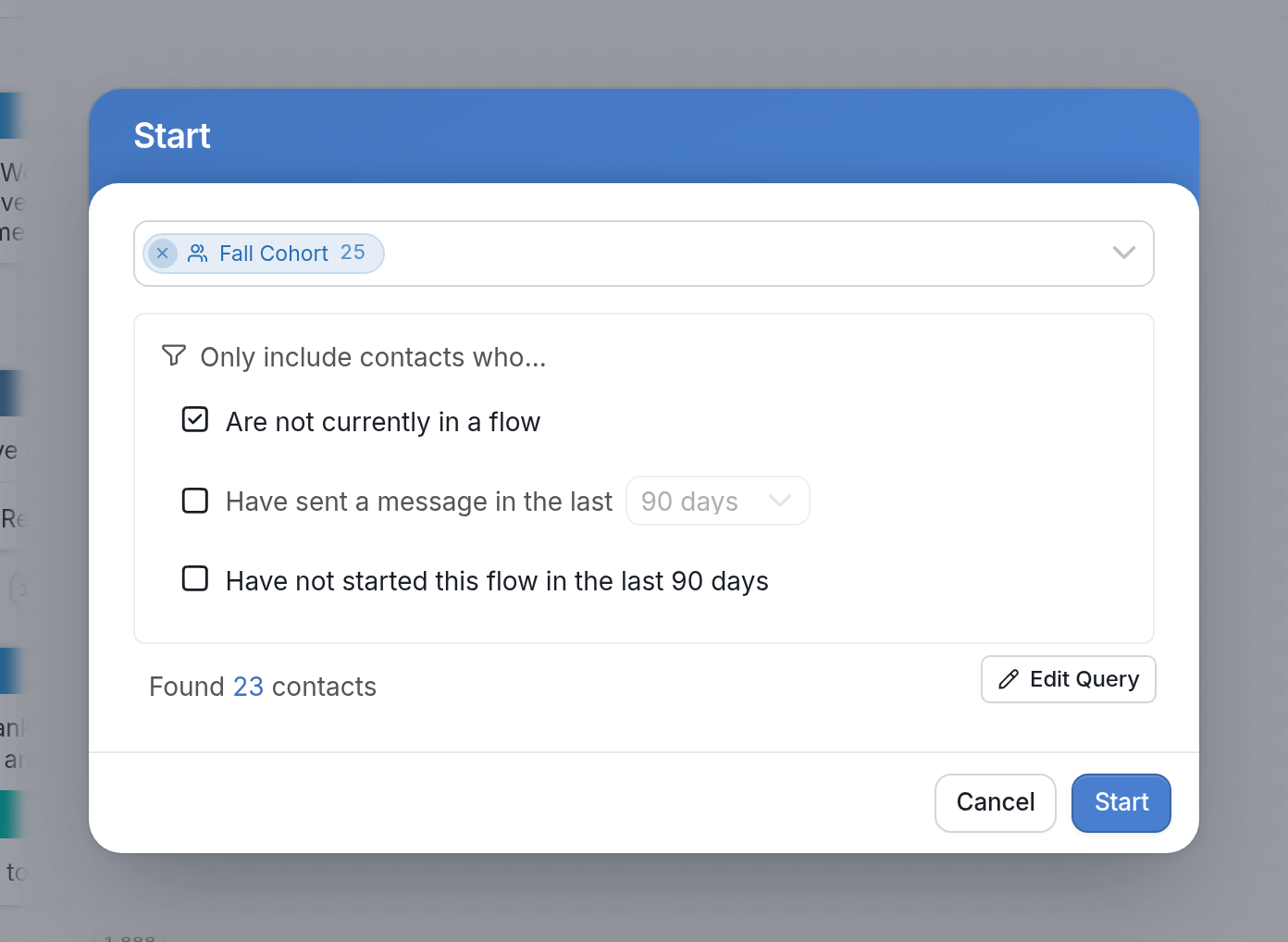
When you manually start a flow, the dialog includes checkboxes under Only include contacts who.... These sending options limit which of the selected contacts the flow start includes:
-
Are not currently in a flow: Check this box to avoid interrupting contacts who are already in a flow. Contacts can only be active in one Messaging flow at a time. To start a flow without interrupting contacts in another flow, use Background flows.
-
Have sent a message in the last: Check this box to include only contacts who have sent a message in the period you pick from the dropdown: 90, 180, or 365 days.
-
Have not started this flow in the last 90 days: Check this box to leave out contacts who have started this flow in the last 90 days.
If you have questions, send us a message via the support widget in the bottom right corner.