Searching Within Flows and Messages
You can search for content within your flows, messages and contact chat history.
In a Flow
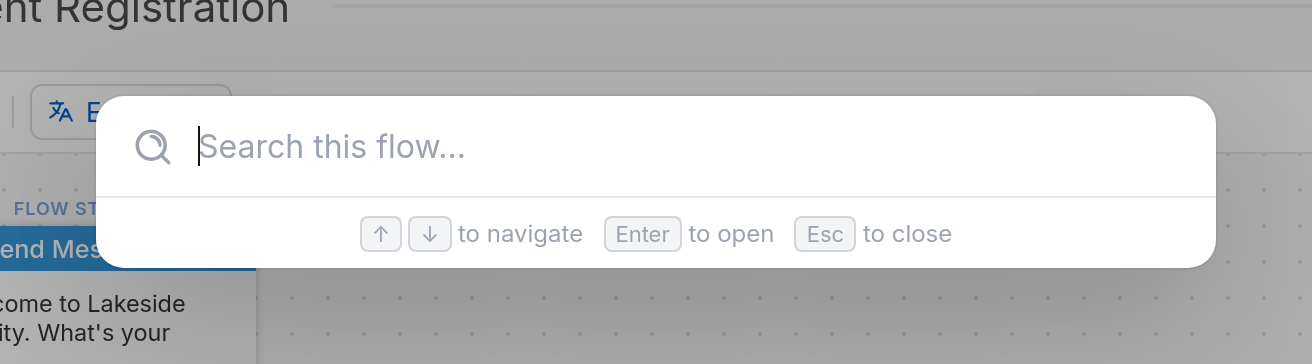
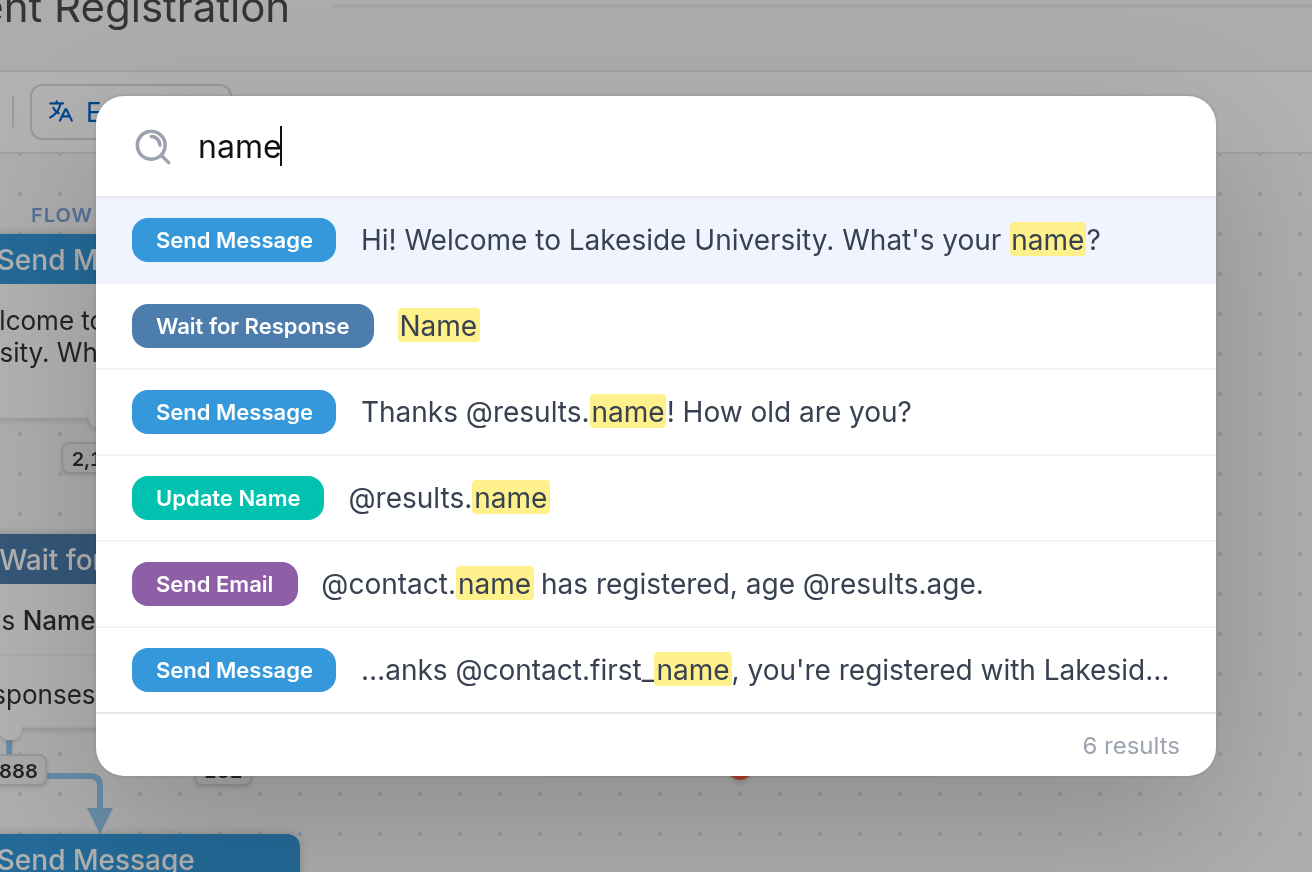
To search a flow, click the search icon on the toolbar or press Command + F.

Searching a flow helps with:
- Troubleshooting and editing: find messages, variables or logic to fix an issue or make a change without going through the whole flow.
- Navigating complex flows: jump straight to what you need instead of scanning a large flow by hand.
- Consistency: find every instance of a piece of content or logic so you can standardize your messaging and see how the flow is structured.
Clicking a search result takes you to that action in the flow so you can edit it. Search is also available in Table view.
In a Contact’s Chat History
Searching a contact's messages lets you quickly find important details or specific responses when you're helping a contact or solving a problem. To search a chat history, click the search icon in the upper-right corner of the contact's chat.
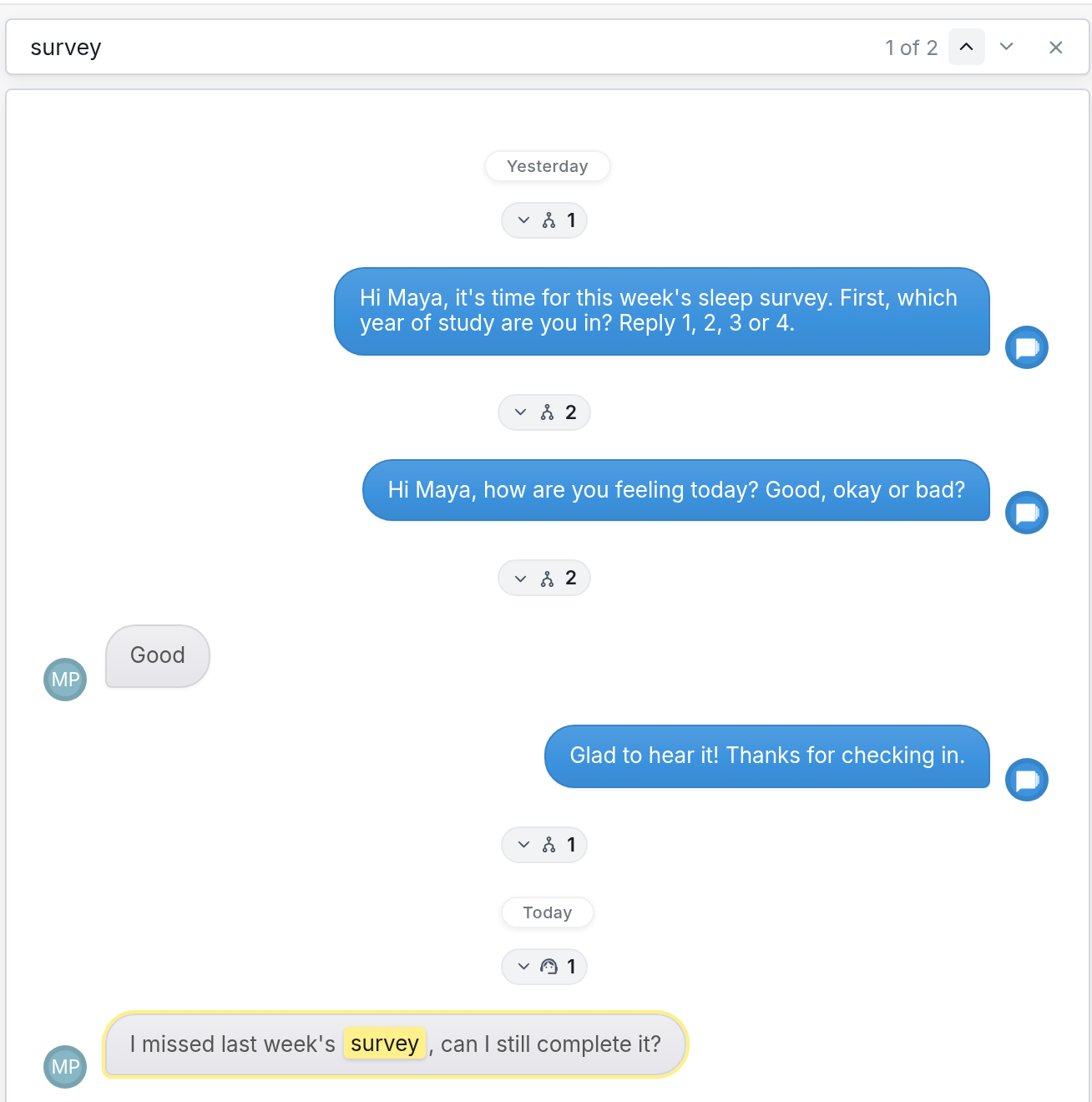
You can also search message content in your Inbox, Handled and Archived messages.