Troubleshooting Delivery Errors
This guide is intended to help you troubleshoot delivery errors on SMS channels. There are a few possible causes, depending on the channel you're using.
Twilio Channels
If you're using a Twilio channel and a message fails to deliver, you may be encountering one of these sending errors.
| Note: 9 times out of 10, the problem with an account's Twilio messages is that a trial number has been connected. Accounts can't send or receive real messages with a trial number; a purchased number must be connected. |
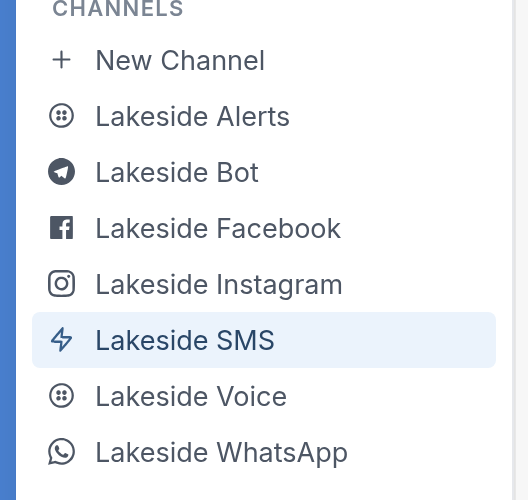
To view your error and sending logs, navigate to your settings and click your Twilio channel:
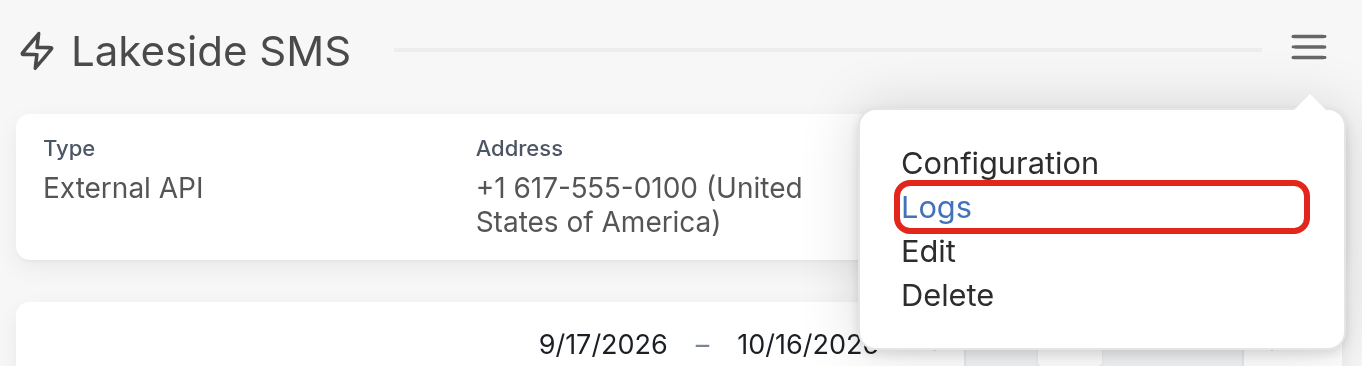
Next, click the ☰ menu icon and select Logs:
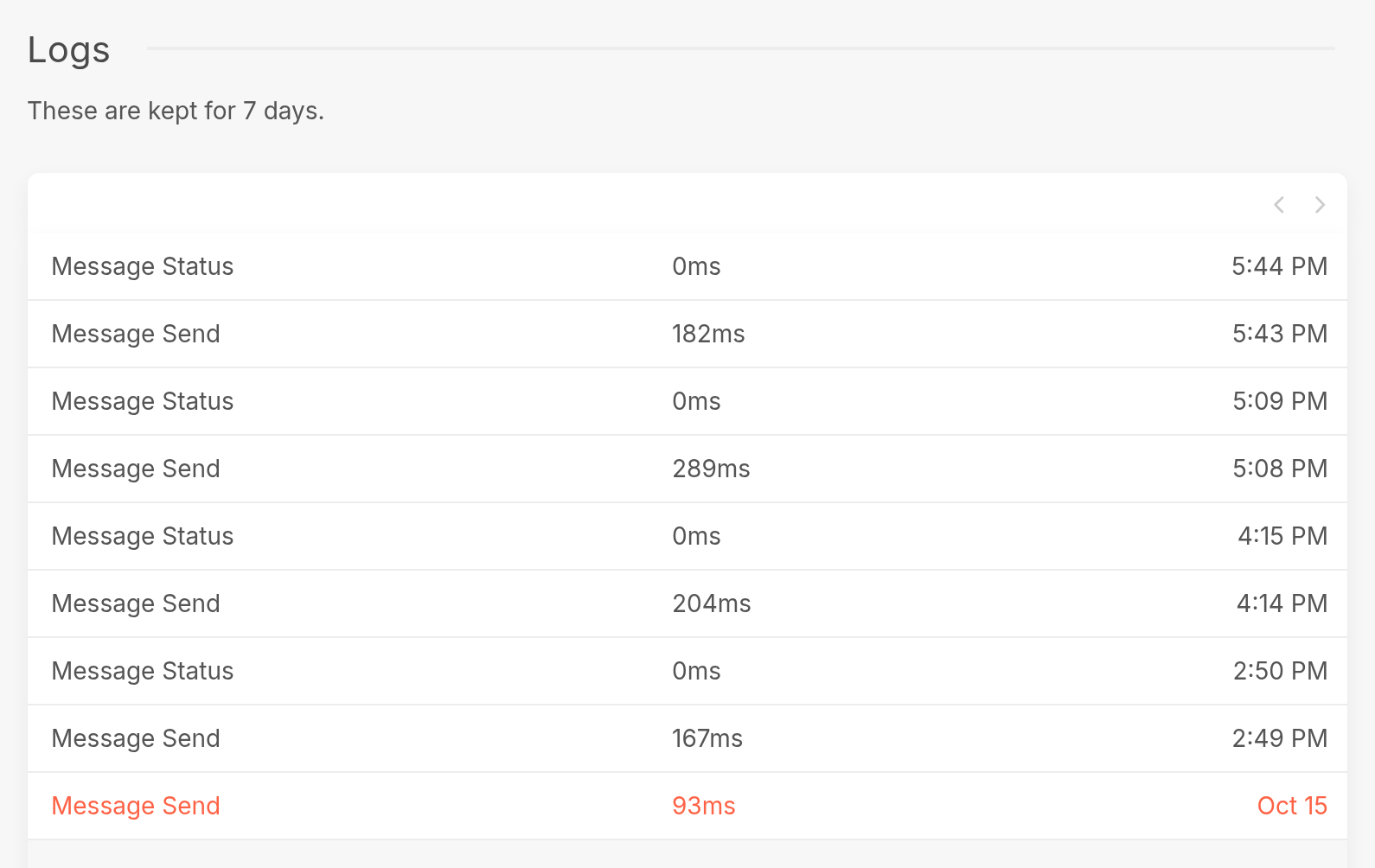
You can use your sending log to isolate the issue and make the necessary adjustments. Logs highlighted in red are for failed messages. In the log pictured below, the last Message Send entry failed to send.
Please include links to errors when sending us a support request. Alternatively, you can send us a link to the profile of the contact to whom the failed messages were sent.
Other Channels
Failed Messages
The first step in tracking down failed messages is to go to Messages and click the Failed folder:
| Clicking the red Failed icon to the right of a message takes you either to the channel error description or to the profile of the contact the message was sent to, depending on the status of the channel you used to communicate with them. Please include a link to the error or contact profile in your support request. | 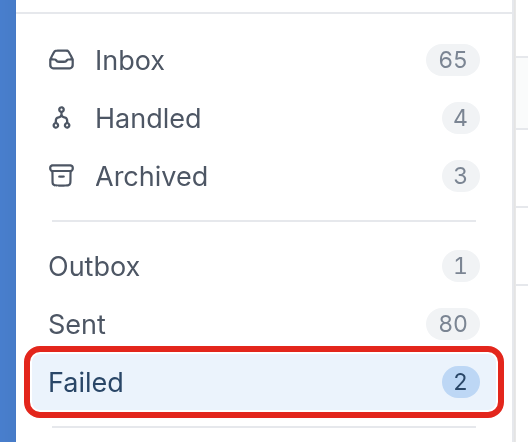 |
Flow Issues
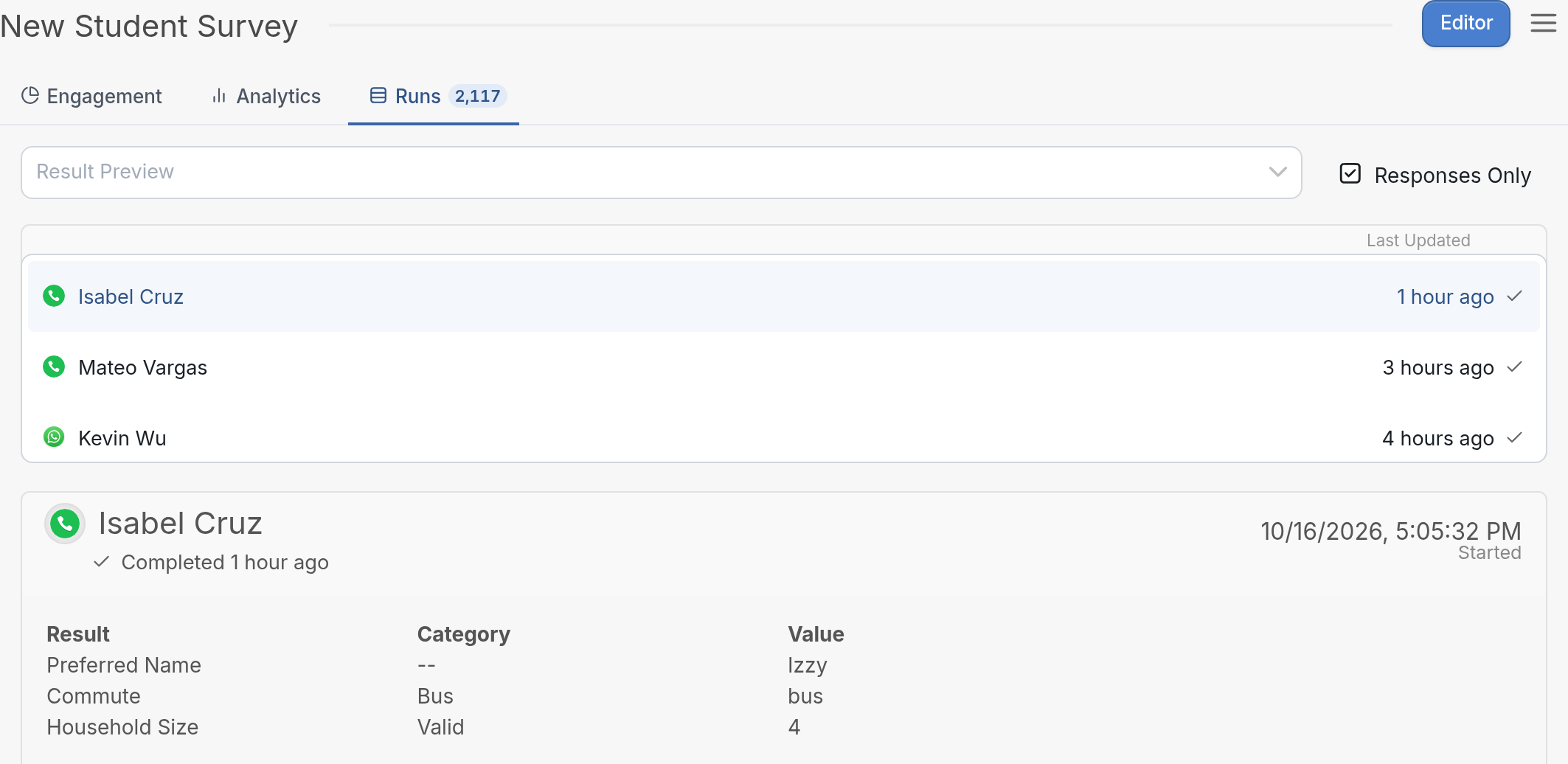
If you suspect a flow isn't behaving as expected, select Results from the ☰ menu in the flow editor. The Runs tab shows the most recent runs your contacts have made: