Why Didn't My Message Send?
Occasionally, a message won't send properly or won't reach a contact. When this happens, you can track down the exact error by checking the channel log.
To view the log, go to the contact's chat history, hover over the right side of the failed message (shown in red), and click the document icon.
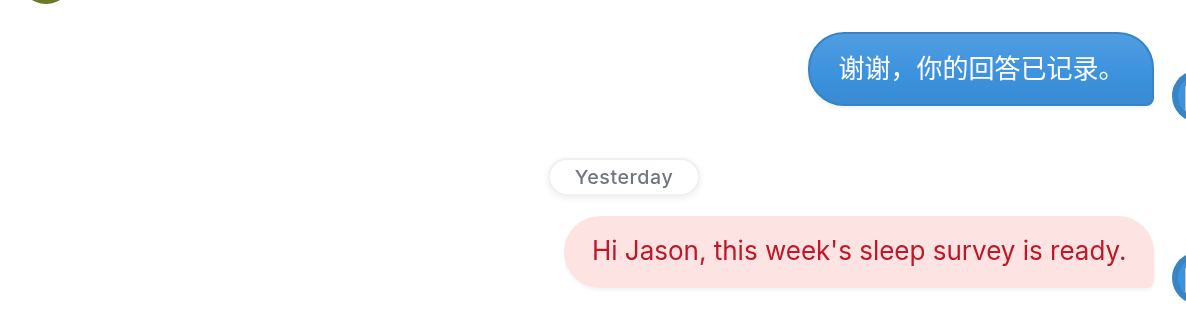
At the top of the log, you can see whether TextIt sent the message and passed it to the aggregator, carrier or social media channel. You can also see whether the provider called back to report that the message was sent and delivered.
Failed Messages
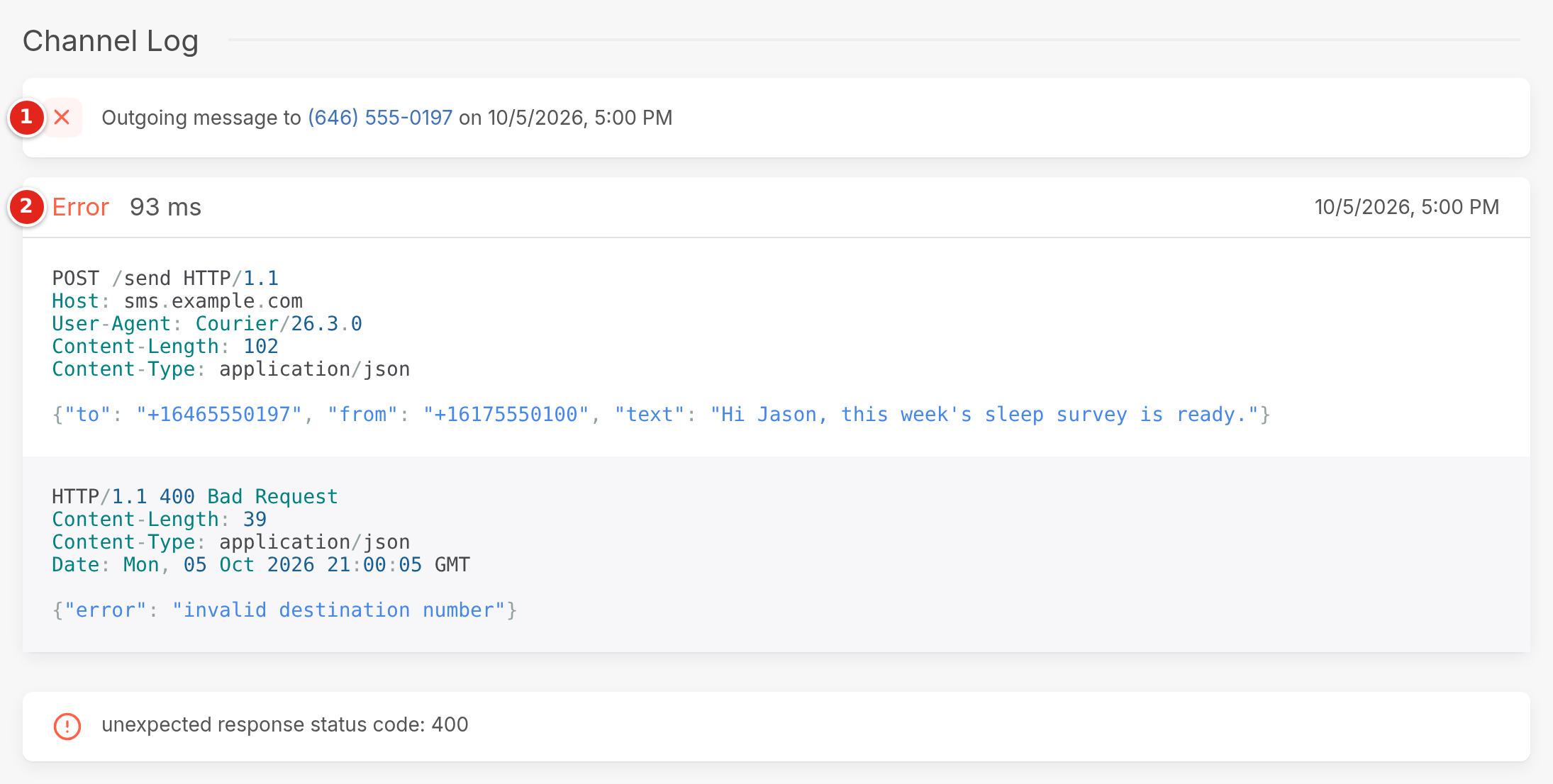
In the channel log above, we can see the following:
- The direction of the message, its recipient, and the date and time it was sent.
- The status of the message. In this example, the request to Lakeside SMS's provider ended in an Error.
Below the status, the provider's response shows 400 Bad Request with the reason: invalid destination number. The box at the bottom shows the error TextIt recorded: unexpected response status code: 400.
If TextIt shows a message as sent but the contact never received it, the error is most likely on the side of the aggregator, carrier or social media app. Contact them and share the logs you've viewed in TextIt to help them track down the problem.
Common Errors
Other common causes of failed messages are incorrectly formatted phone numbers, such as numbers missing a country code, and numbers that turn out to be landlines. For Twilio channels, the most common error is using a trial number instead of a purchased number. See a complete list of Twilio error codes here.
You can also view failed messages in the Failed folder under Messages:
| Clicking the document icon to the right of a message in the Failed folder takes you either to the channel error description or to the profile of the contact the message was sent to, depending on the status of the channel you used to reach them. Please include a link to the error or contact profile when asking for further support. | 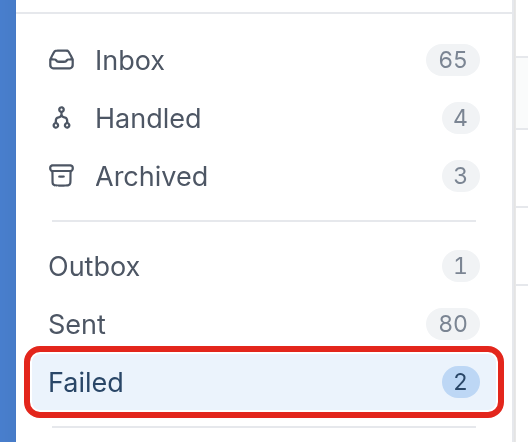 |
For more on troubleshooting delivery errors, see this article.
If you have questions, send us a message using the support widget in the bottom right corner of your browser.