Managing your API Tokens
We've overhauled the UI for API Tokens to improve your experience and provide greater security. Users now have to explicitly create an API token when they open a TextIt account.
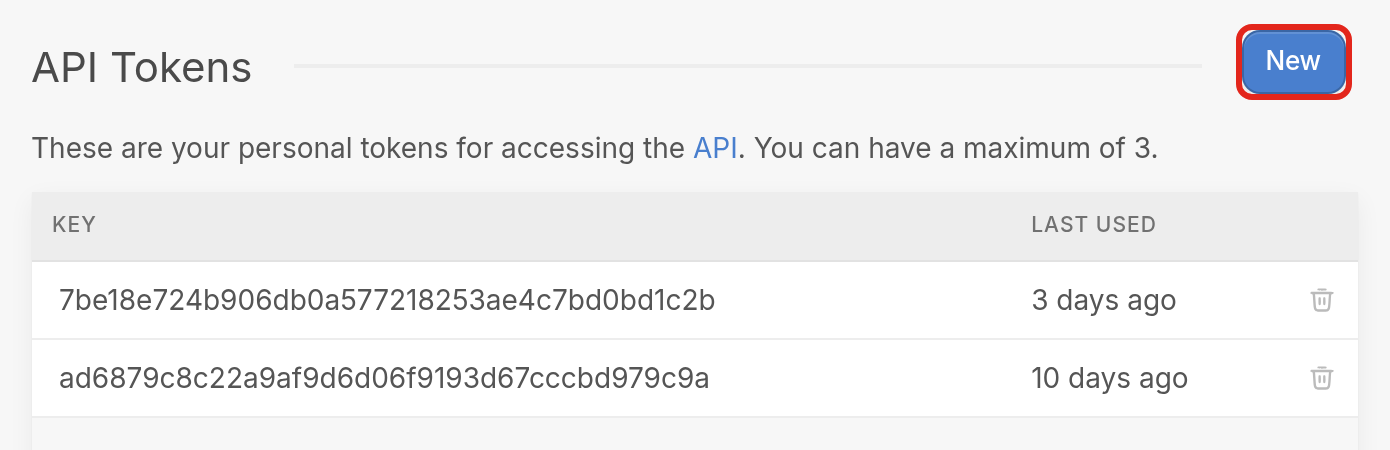
To see your tokens, go to your workspace settings page by clicking the gear icon at the bottom left of the browser, then go to API Tokens. To create a token, click New.
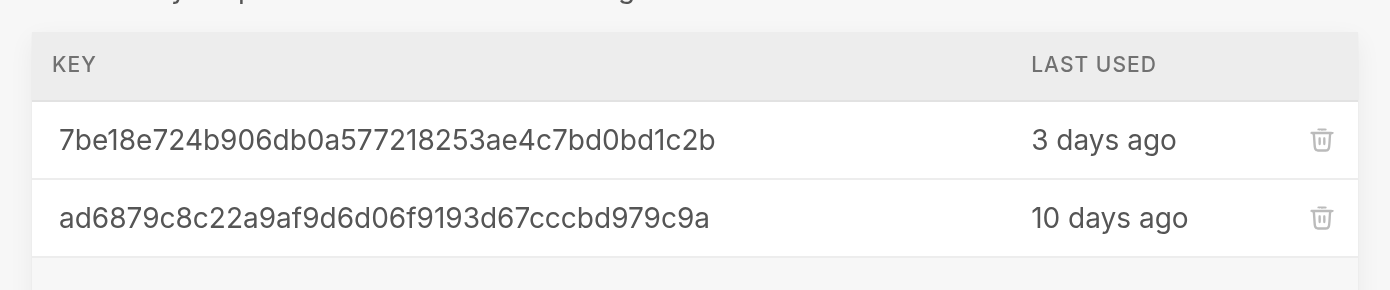
Here, you can manage your tokens by:
- Creating new ones
- Deleting existing ones with the trash icon
- Tracking when each token was last used in the Last Used column
Why the change?
It's a security best practice to update your tokens regularly, and this page lets you create, delete and track your tokens in one place. Creating a new token also lets you switch an external app over to it before you delete the old one.
For more information on our API, see our explorer.
As always, reach out via the support widget in the bottom right corner for help.