Managing your Timezone and Date Format Settings
Your workspace's Timezone and Date Format should match those of the region in which you're sending and receiving messages. These settings affect features that use date and time values, such as campaigns, triggers that fire on a schedule, and anything that uses date & time functions.
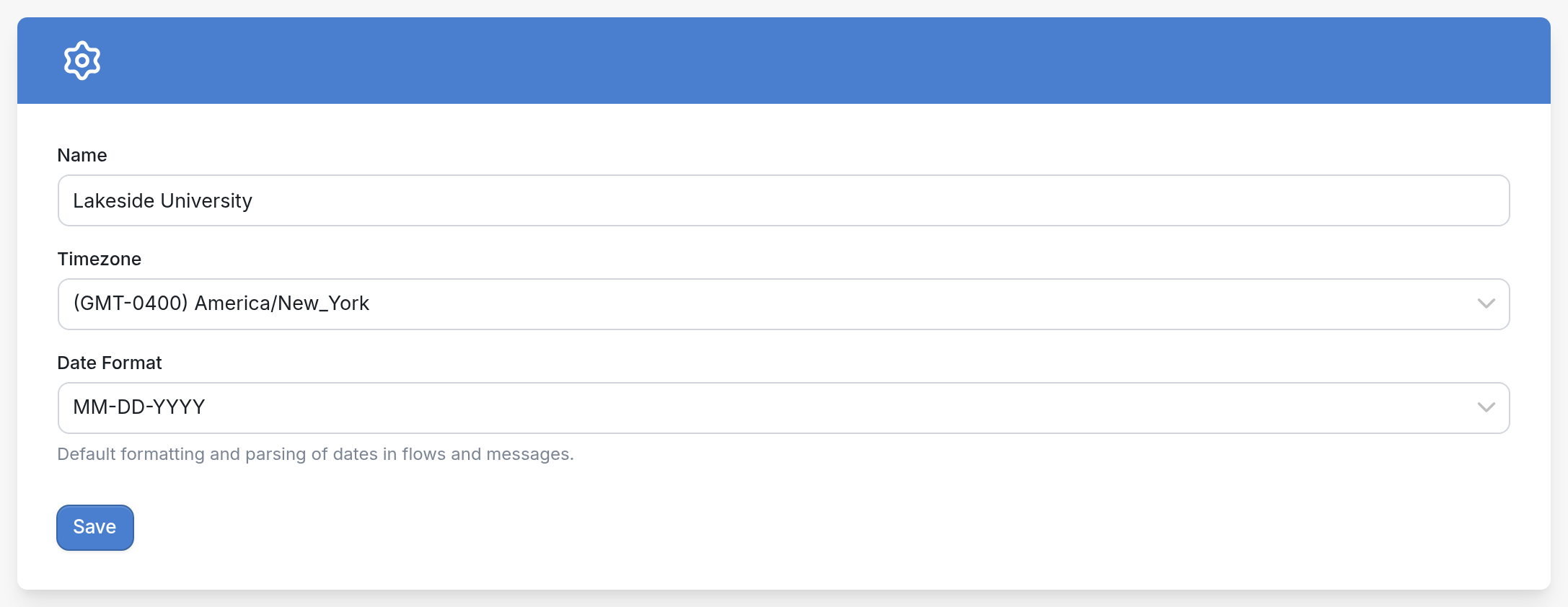
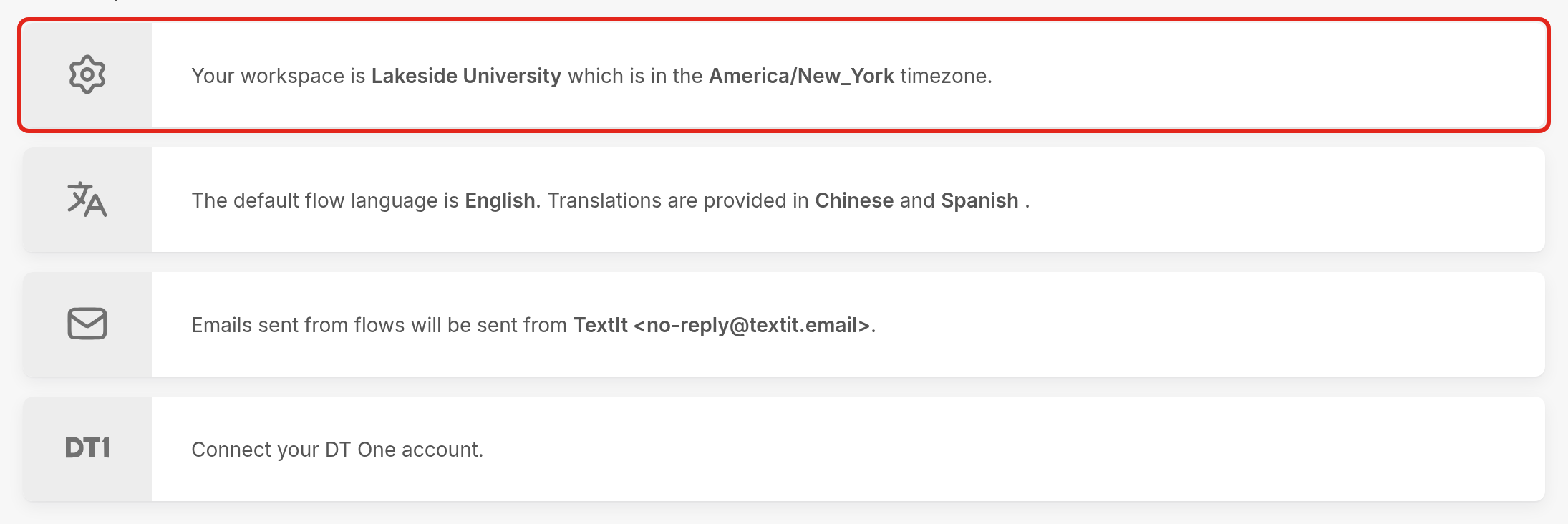
To edit your workspace's Timezone and Date Format, go to your workspace settings page and click on "Your workspace is...". From there you can edit the workspace name, timezone and date format.
Select the appropriate Timezone and Date Format from their drop-down menus, then click Save. If you plan to collect date and time values from your contacts, choose the format most widely used in your region.