Managing Your Language Settings
Default Language
Your workspace's default language is the language your flows appear in within the flow editor. The Default Flow Language setting does not determine the language your contacts receive messages in. That is set by each contact's preferred language setting.
Additional Languages
Adding Additional Languages to your workspace is the first step in translating your flows. You can add any language that has been assigned an ISO 639-3 code. To do this, go to your workspace settings and find the language row, which begins "The default flow language is...":
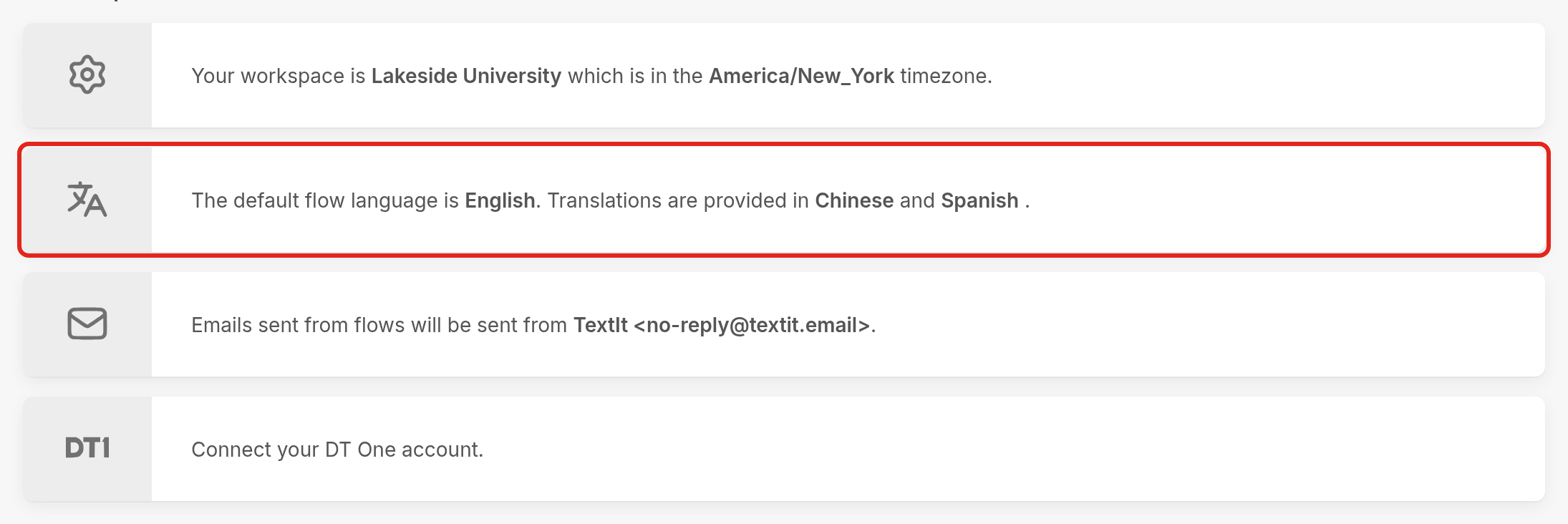
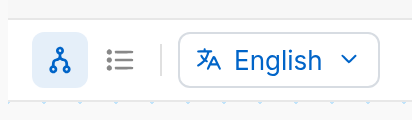
Click the row, add languages under Additional Languages, and click Save. The languages you add will appear in the language menu at the top left of the flow editor.
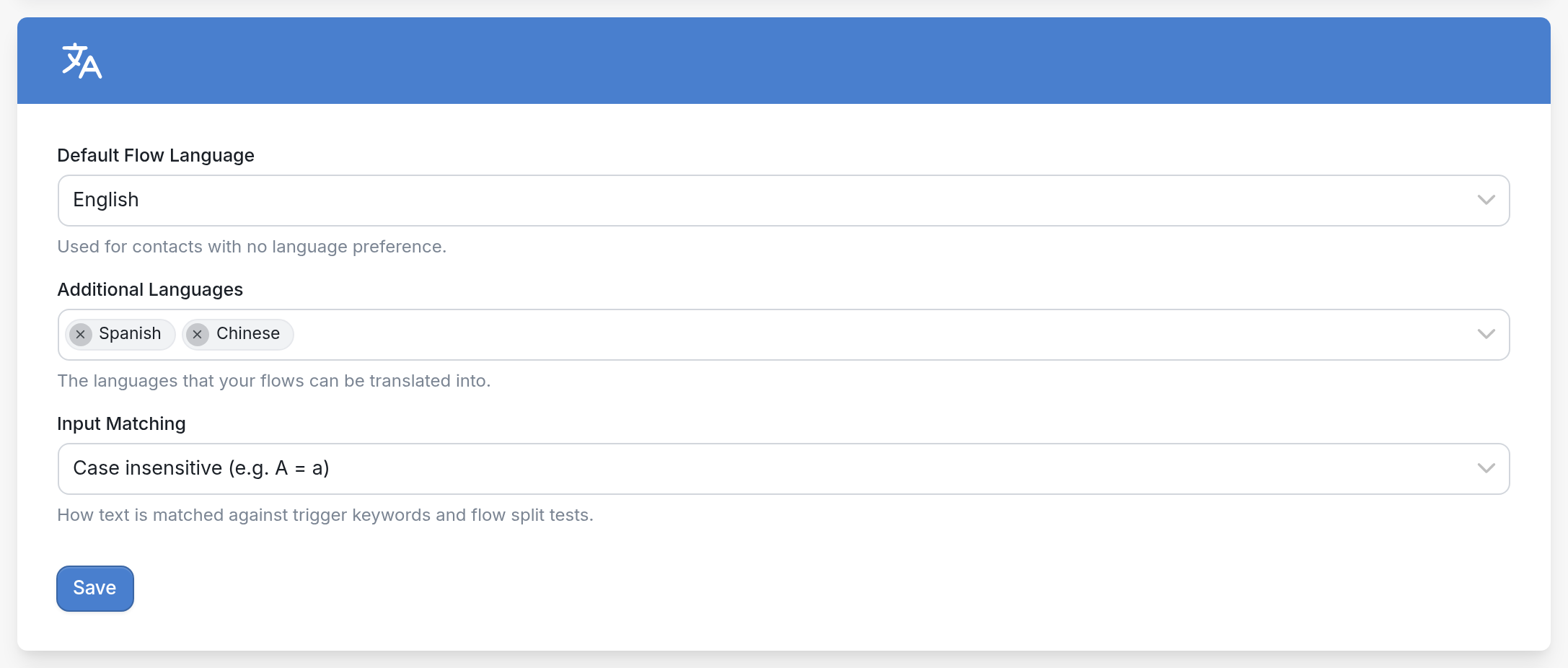
Default Flow Language
The flow editor's language menu marks the default language as Original.
| You can change the default language for the whole workspace in your workspace settings. You can also choose a different one for an individual flow when you create it, using the Language drop-down menu in the New Flow dialog: |
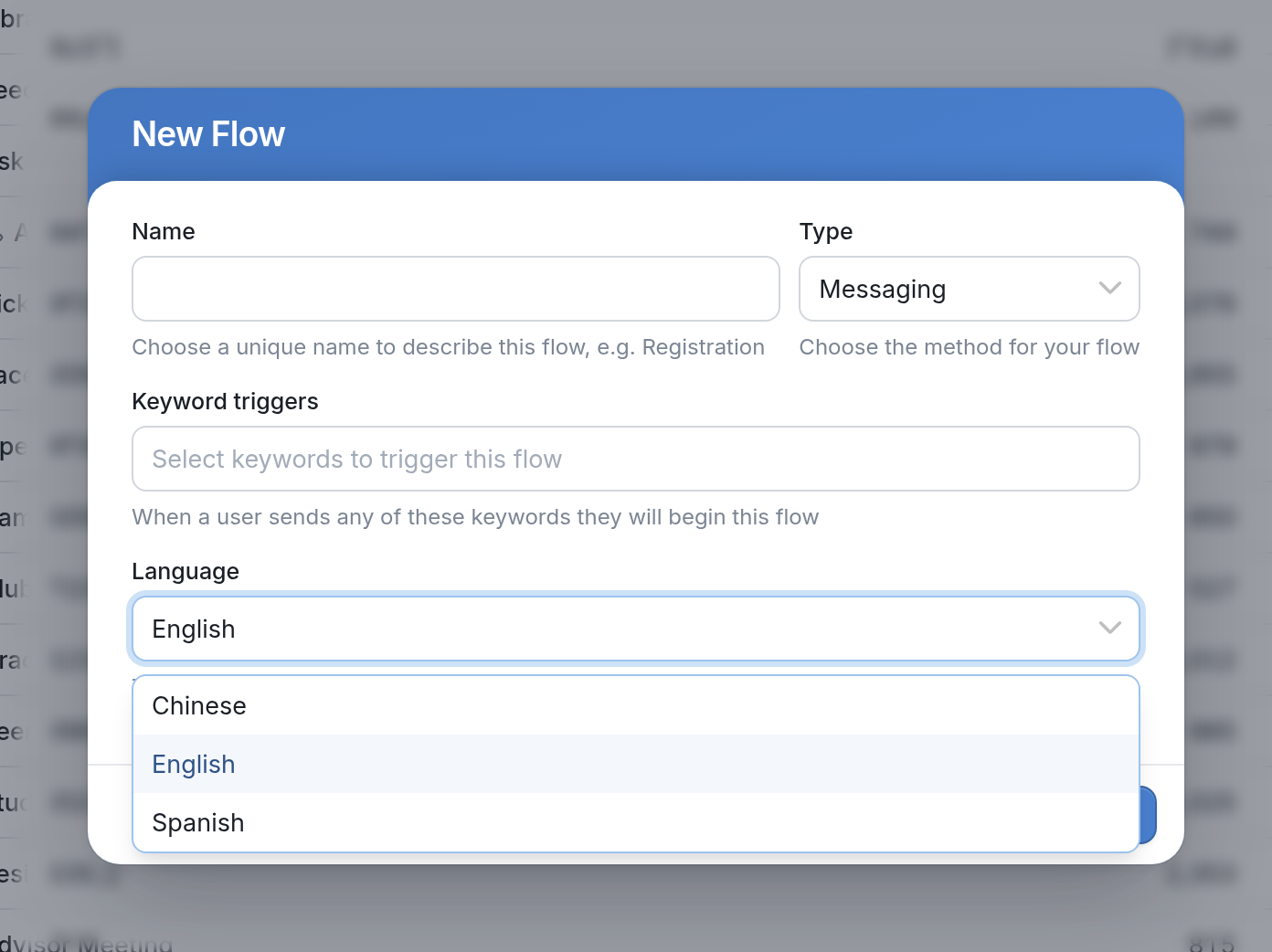
If you changed a flow's language when you created it, so that it differs from your workspace's default language, the flow's language is the one marked Original in the language menu:
Click here to learn how to set a contact's preferred language.