Adding Audio to Say Message Actions
You can add your own audio to your messages by recording yourself with a microphone or headset in QuickTime or Windows' Sound Recorder. Once your messages are recorded, use a site like media.io to convert them to WAV files, then create a Say Message action and click Upload Recording.
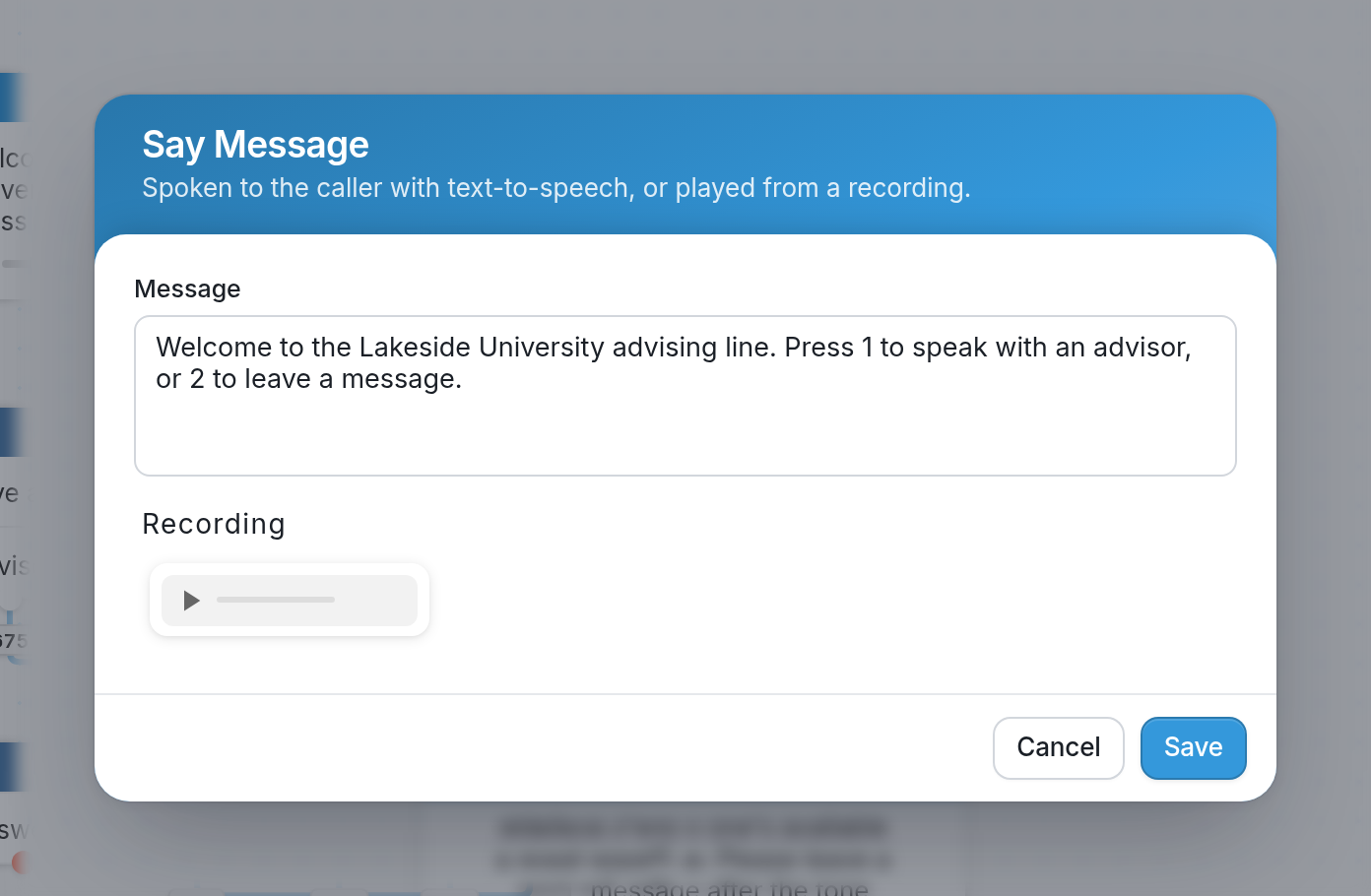
Once the file is uploaded, it appears as a player under Recording in the Say Message dialog. Click the play button to listen to it.
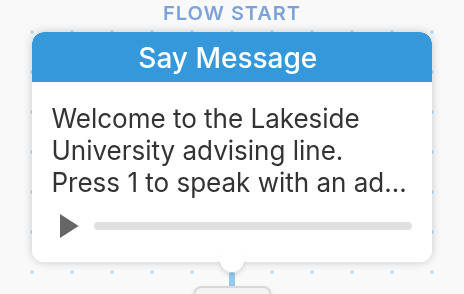
The player also appears on the action in the flow editor, so you can play the recording from there too.
Learn more about IVR flows here.