Replaying a Contact Recording
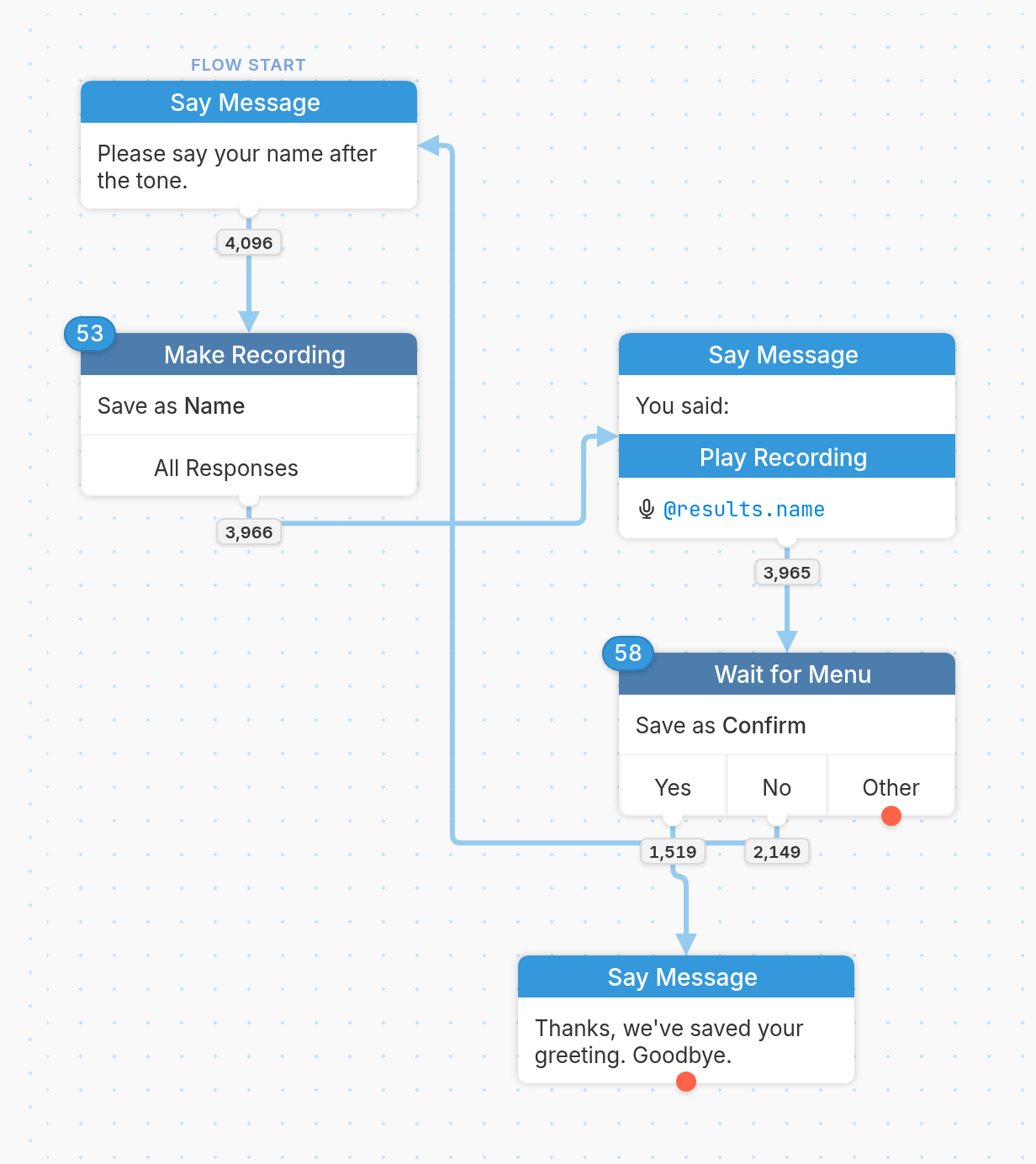
The Play Recording action plays back a contact's voice message collected by a Make Recording action.
Use it to confirm a contact's response, or to let contacts hear their message and record it again if they aren't satisfied.
Create a Recording Step
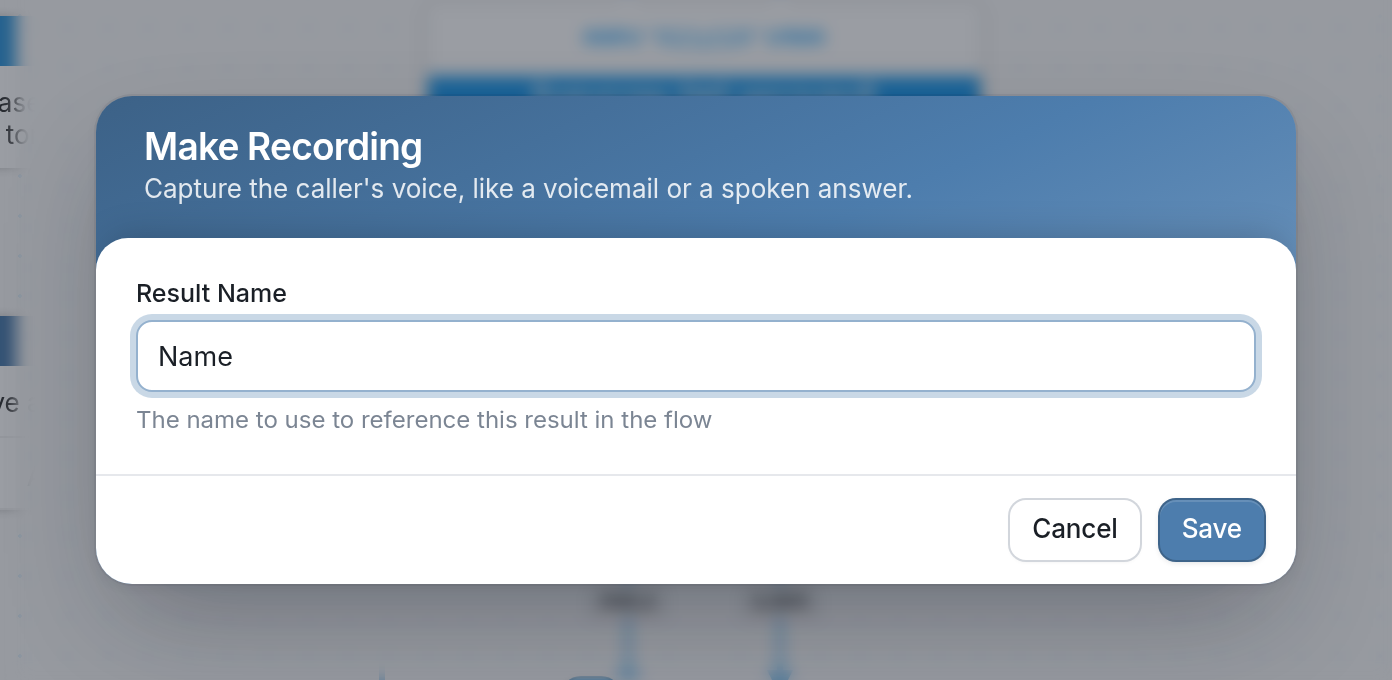
First, create a Make Recording action. In the example below, we save the recording to the result Name, which later steps can reference with @results.name.
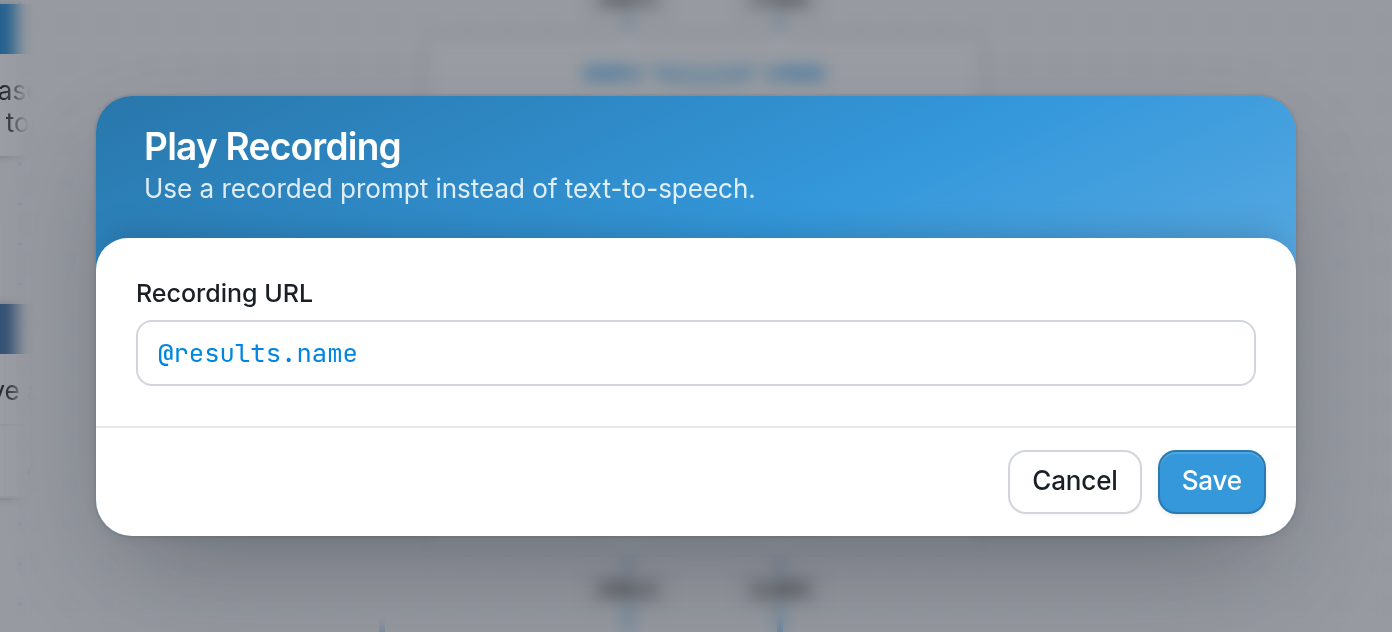
Next, create a Play Recording action by selecting Play Recording from the menu of possible actions and split actions. In the Recording URL field, enter the result created by the Make Recording action. In the example below, we use @results.name:
See more on creating IVR flows here.