Ignoring Keywords while in a Flow
When a contact sends a message that matches a keyword you've set to start a flow, they're placed in that flow by default. This means that if a contact is in Flow A and responds with a message that contains a keyword that starts Flow B, they'll leave Flow A for Flow B. This is useful when you want your contacts to be able to move between flows at will using keywords.
If you want to keep your contacts in a flow until they've either completed it or expired from it, you can configure the flow to ignore keyword triggers until your contacts have left it.
To tell a flow to ignore keyword triggers:
-
Navigate to the Flows tab and click the flow you'd like to modify.
-
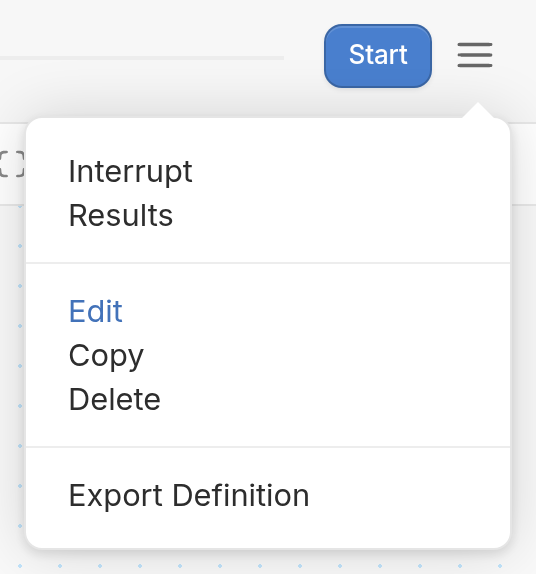
Click the ☰ menu icon in the top right corner of the flow editor, then click Edit.
- Check the Ignore triggers box ("Ignore keyword triggers while in this flow").
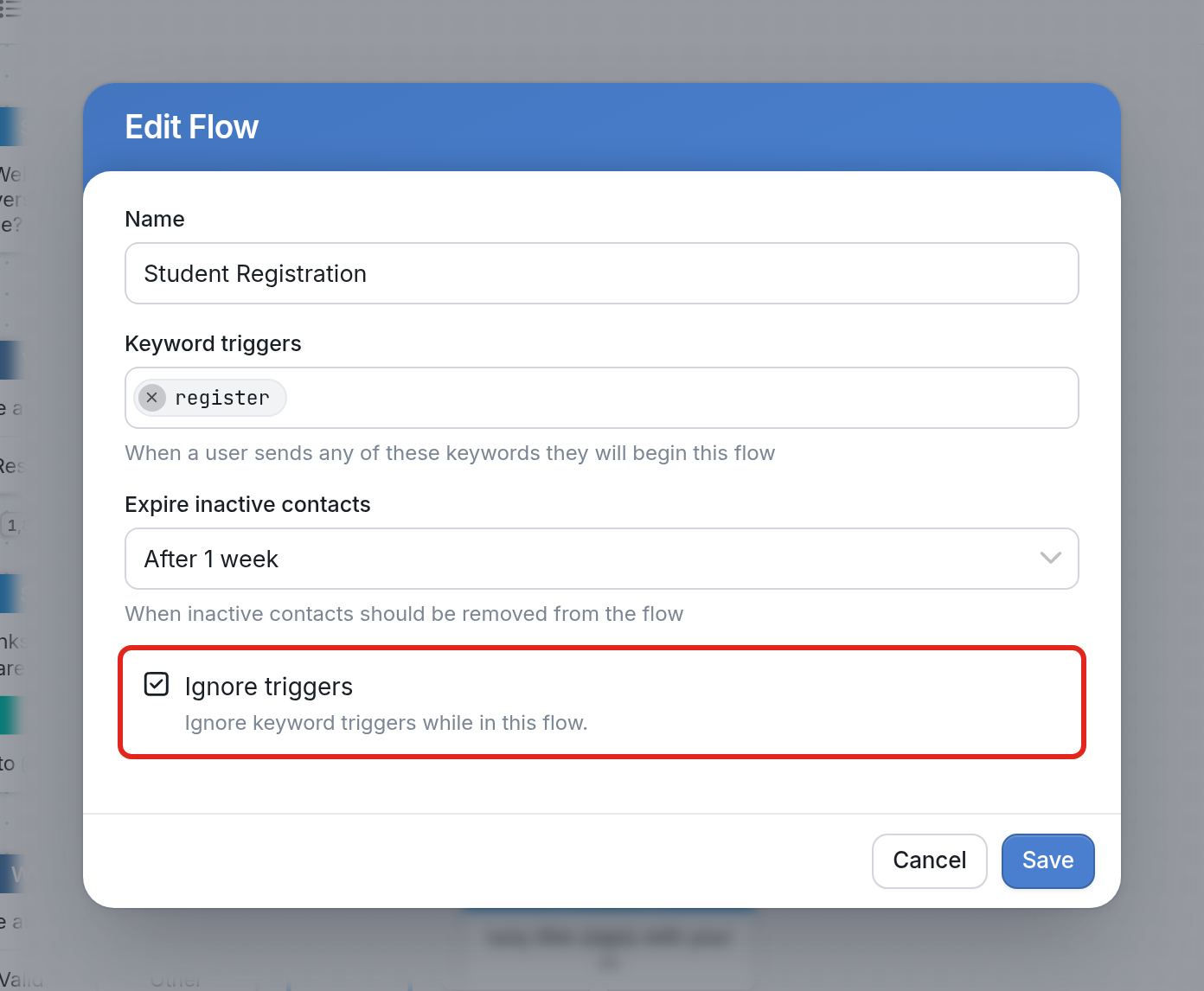
- Click Save to complete your flow edit.