Triggering a Flow When a Contact Initiates a Conversation
When a person starts a new conversation with your Facebook or Telegram bot, you can set expectations with a get started flow that kicks off the experience.
To create your conversation trigger, go to your account's Triggers page and click New Trigger in the top right.
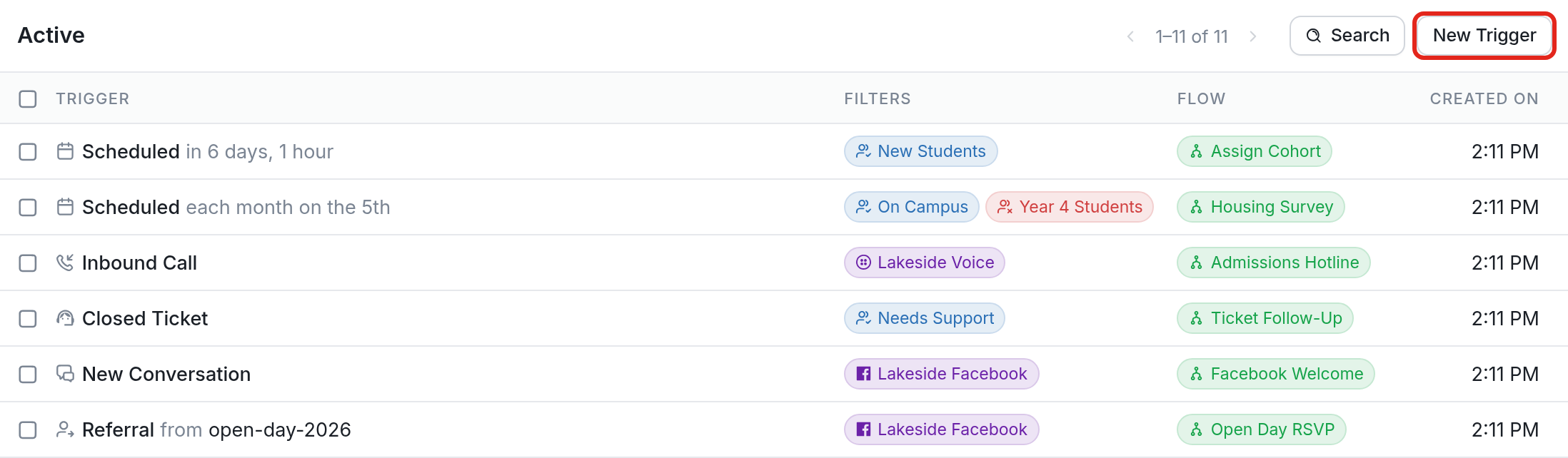
Then, click the 'Start a flow when a conversation is started by a contact' trigger:

Choose the Flow to start and the Channel it applies to, then click Create. In this example, the trigger starts the Facebook Welcome flow when a contact starts a conversation on the Lakeside Facebook channel.
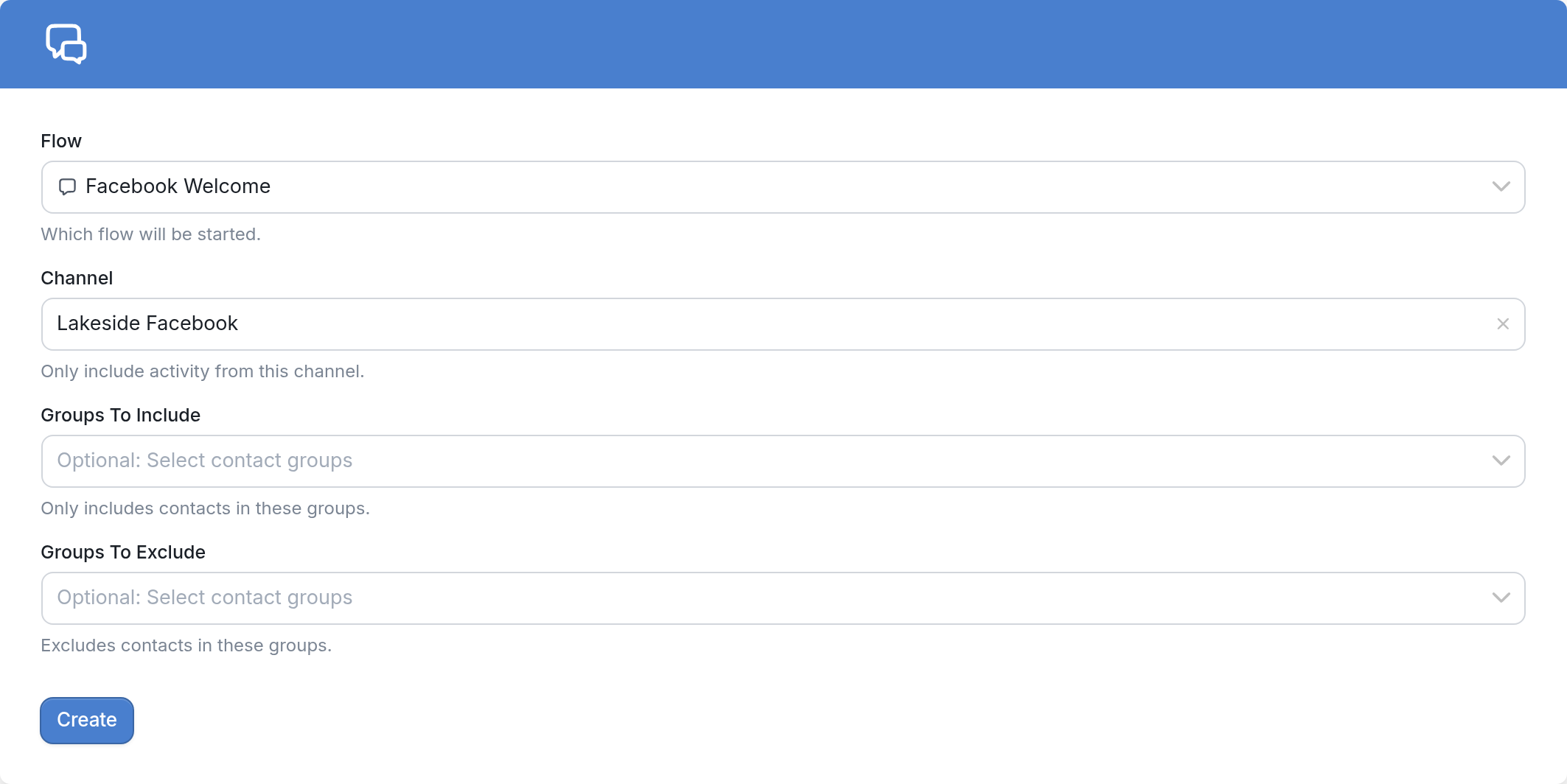
You can choose to include only a specific group, or exclude one.
| Note: 1. The channel is the page your bot is attached to, and the flow is the one you'd like to start when a contact starts a conversation with your bot. 2. You won't see 'Start a flow when a conversation is started by a contact' among the trigger options if your workspace doesn't have a Facebook or Telegram channel. |