Starting a Flow in the Future or on a Schedule
Use this trigger to start a flow at a set time in the future, or to repeat it on a daily, weekly or monthly basis.
To trigger a flow in the future or on a schedule:
- Navigate to the Triggers tab and click New Trigger.
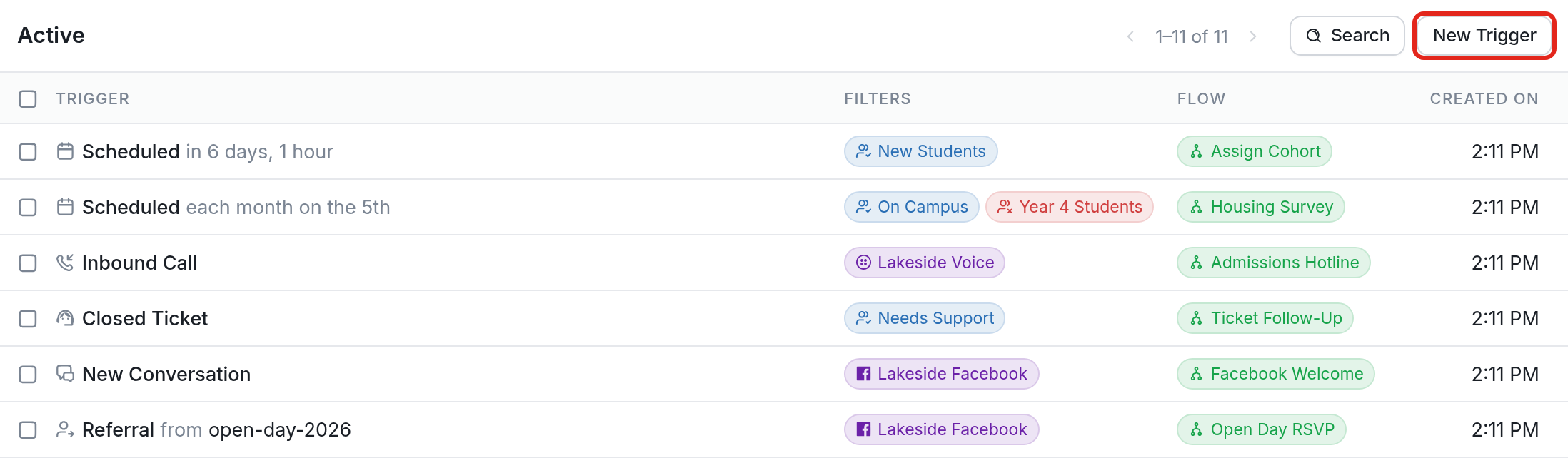
- Click the Start a flow in the future or on a schedule option.

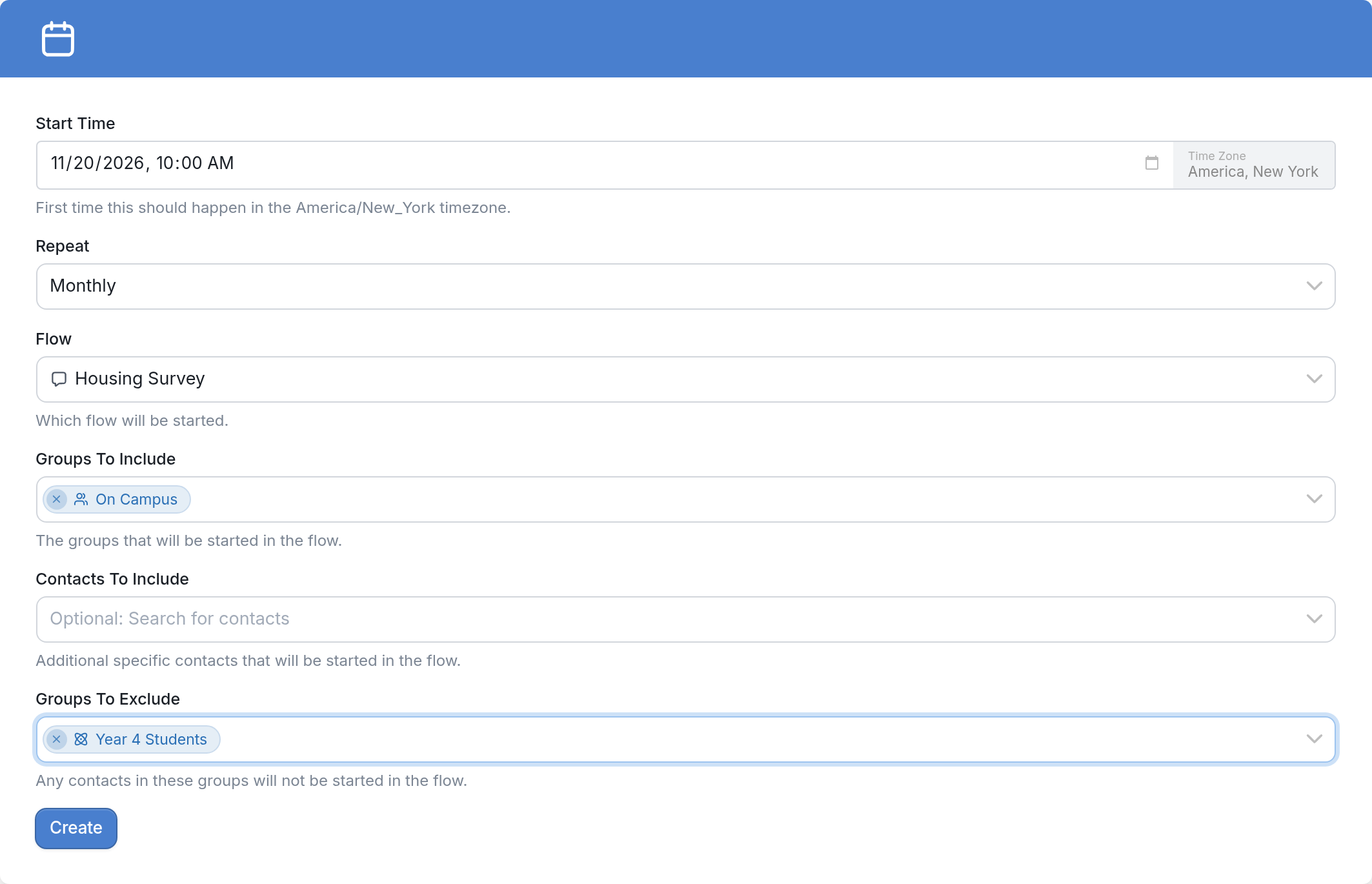
- In Start Time, pick or type the first date and time the flow should start. The timezone shown next to the field is the one set in your workspace settings.

-
Optional: Use Repeat to run the flow on a daily, weekly or monthly basis.
-
Choose the Flow to start, then select the groups and contacts to include or exclude using Groups To Include, Contacts To Include and Groups To Exclude.
-
Click Create to save.
In the example below, starting on November 20, contacts in the "On Campus" group (but not in the "Year 4 Students" group) will be started in the "Housing Survey" flow at 10:00 AM each month.
Once created, the trigger is listed in your active triggers and in the Scheduled folder:

If you have questions, send us a message using the support widget at the bottom right.