Archiving Campaigns
Follow the steps below to archive a campaign:
-
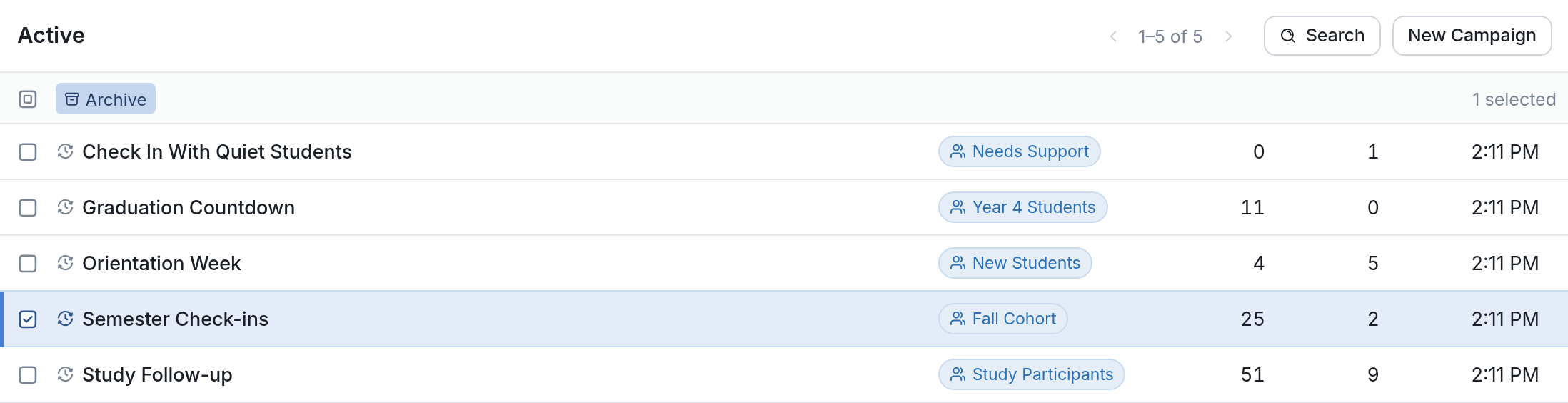
Click the Campaigns tab icon, and then check the box to the left of the campaign you want to archive.
-
Click Archive above the list of campaigns, and the campaign will be archived.
You can view all of your archived campaigns by going to the Campaigns page and clicking Archived in the box on the left of the screen.
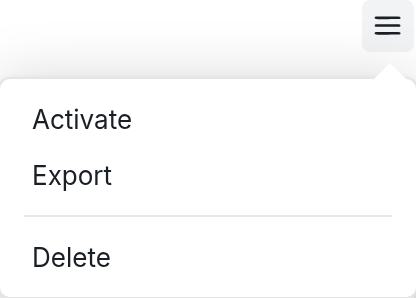
From the Archived folder, you can reactivate or permanently delete campaigns you no longer need. Open the campaign and click the menu icon (☰) at the top right to see the options: Activate, Export and Delete.