Exporting Campaigns
Use this action to export data from campaigns.
- Go to the Campaigns page and click the campaign you want to export, such as Orientation Week.
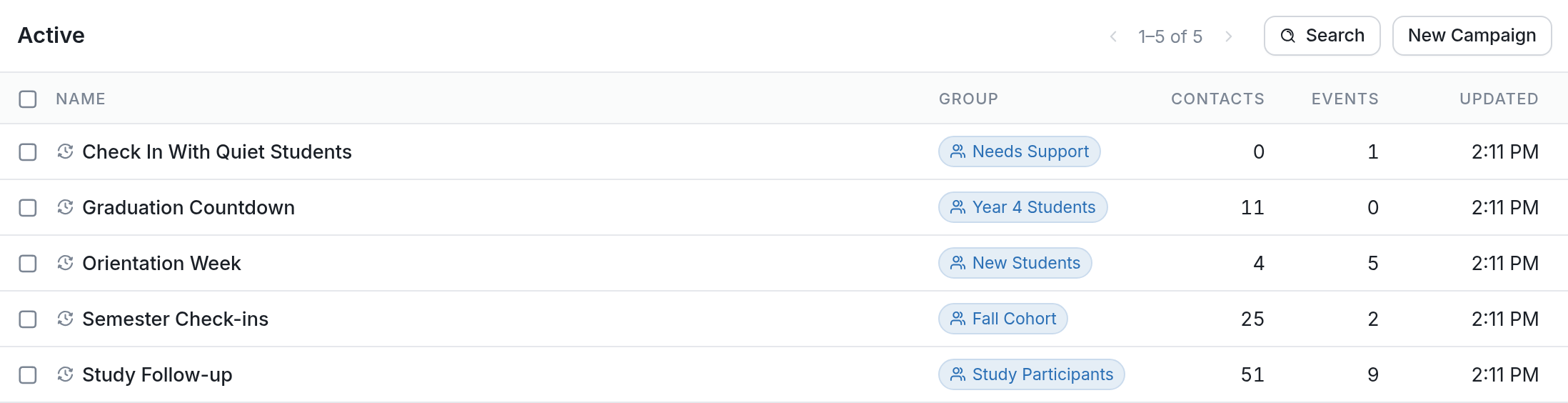
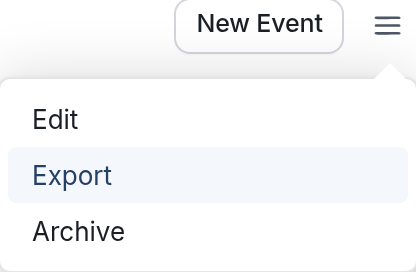
- Click the ☰ menu icon.
- Choose Export.
-
You'll land on the Create Export page, with the campaign's group of flows and campaigns already selected. You can export individual campaigns and flows, or groups of campaigns and flows that we've determined work together. Check a box to add an item to the export, or uncheck it to remove it.
-
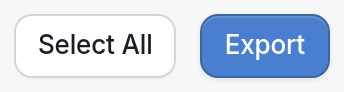
Click the Export button at the bottom of the page.
- A JSON file will begin downloading in your browser.
Questions? Send us a message via the support widget.