Deleting Campaign Events
To delete an event from a campaign:
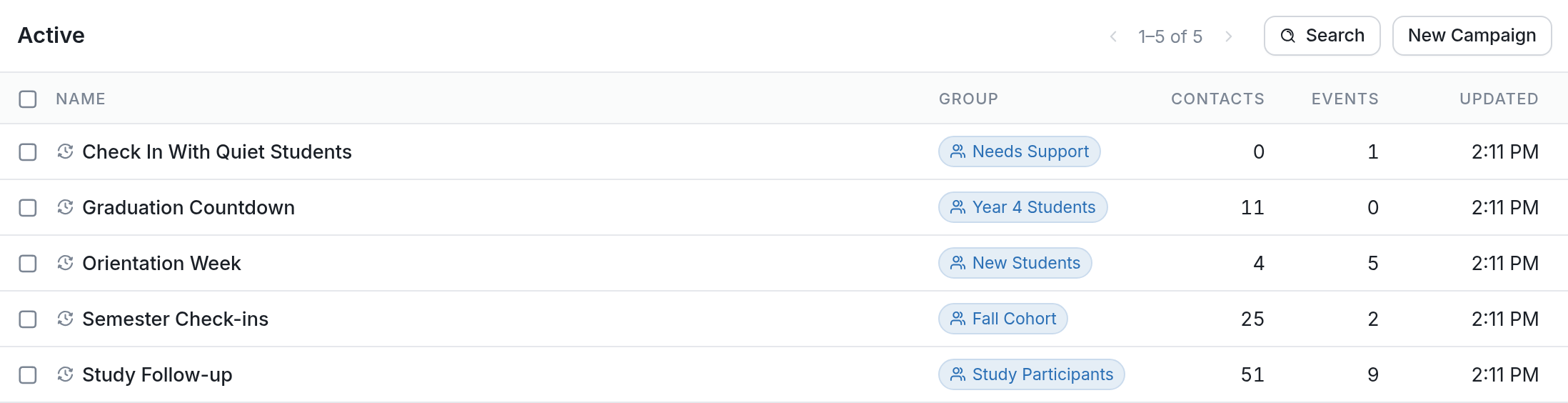
- Go to Campaigns, then click the campaign that contains the event you want to delete, such as Orientation Week below.
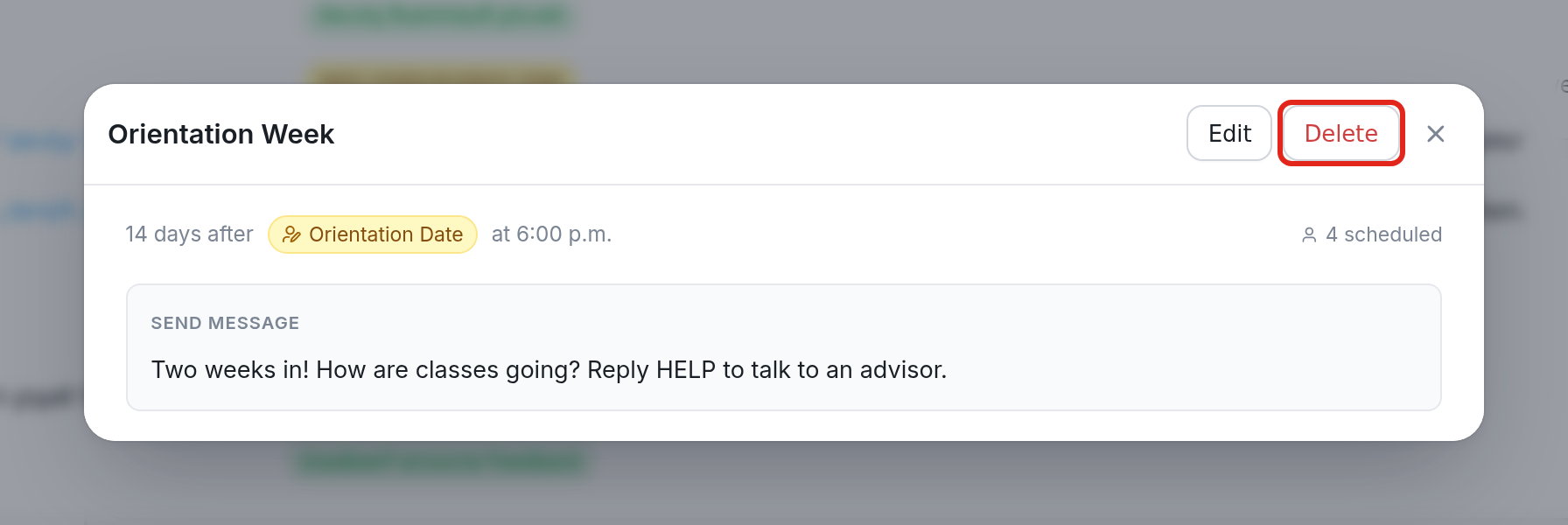
- Click the event you want to delete, then click Delete in the event window. In this example, the event sends the message "Two weeks in! How are classes going? Reply HELP to talk to an advisor." 14 days after Orientation Date.
- Confirm the deletion. A deleted event can't be restored, so if you change your mind you'll need to create it again.