Creating a Campaign
A campaign needs a name and a contact group to send campaign events to. Each campaign can operate on only one group.
Creating a Campaign
-
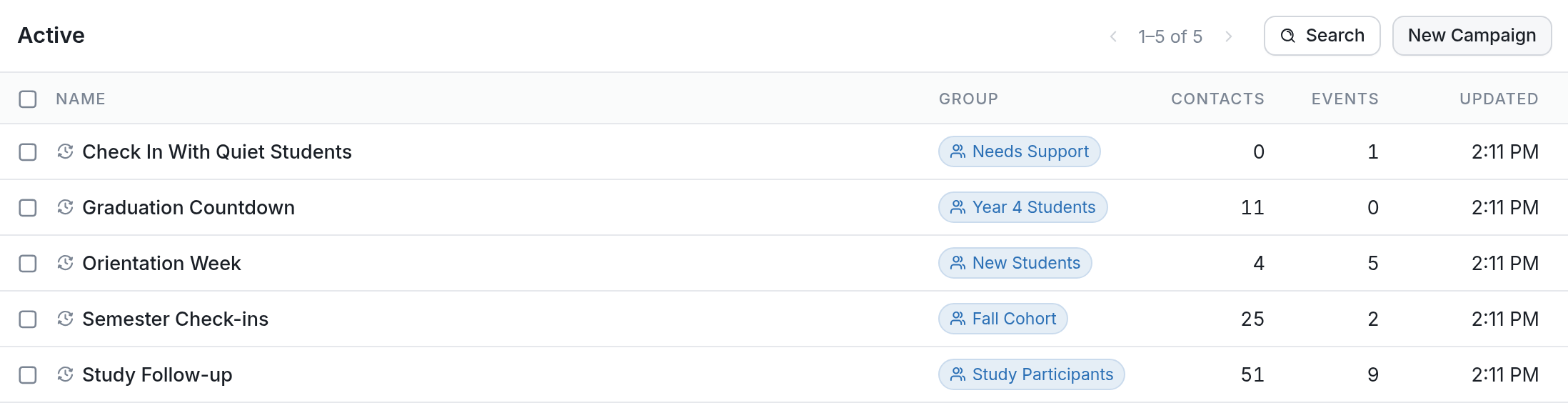
Navigate to the Campaigns tab.
-
Click the New Campaign button at the top right of the page.
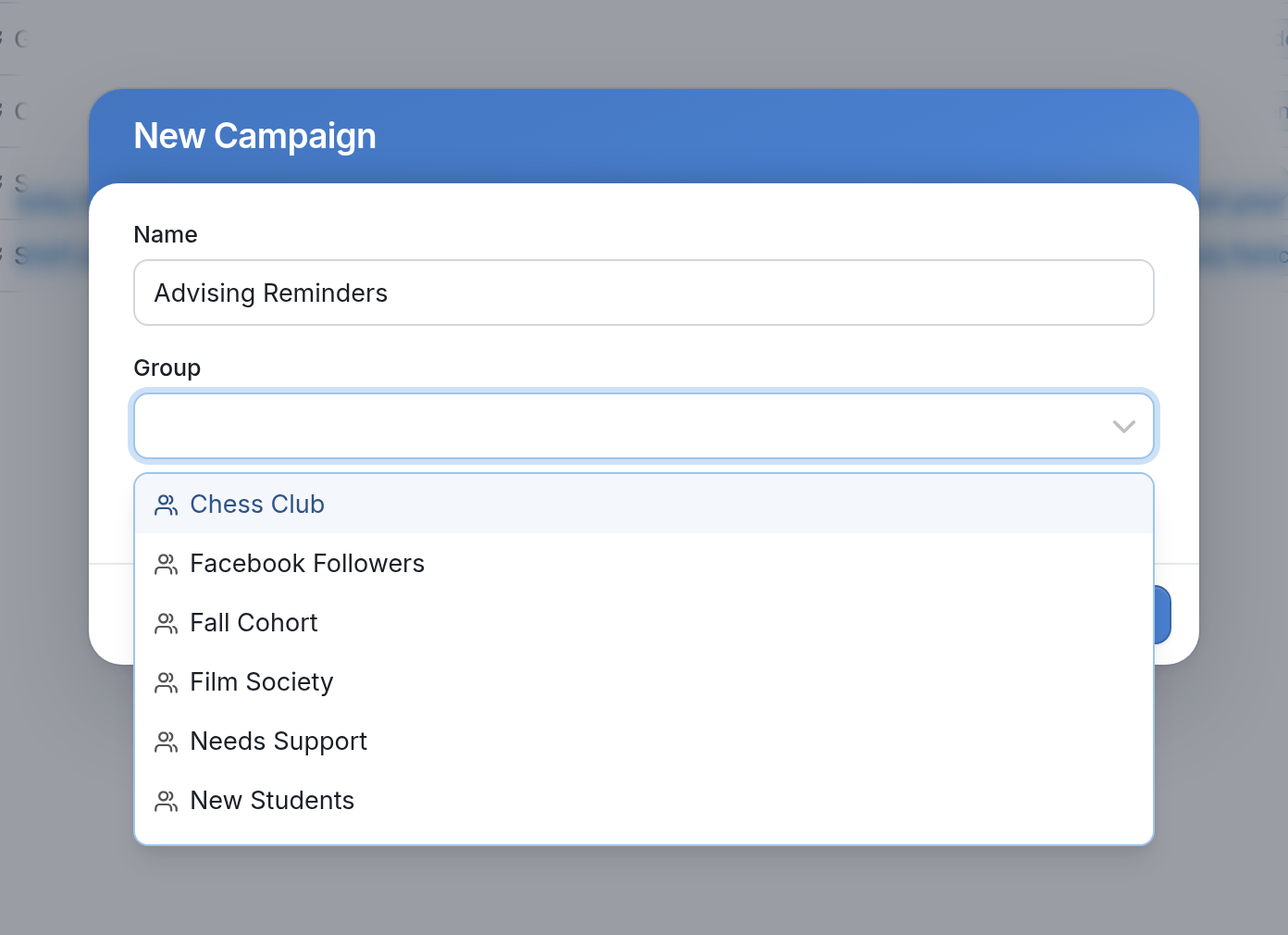
- Give the campaign a name and select the contact group the campaign will operate on.
Now you're ready to Add a Campaign Event.