Editing Campaigns
To change the name of a campaign or the group it operates on:
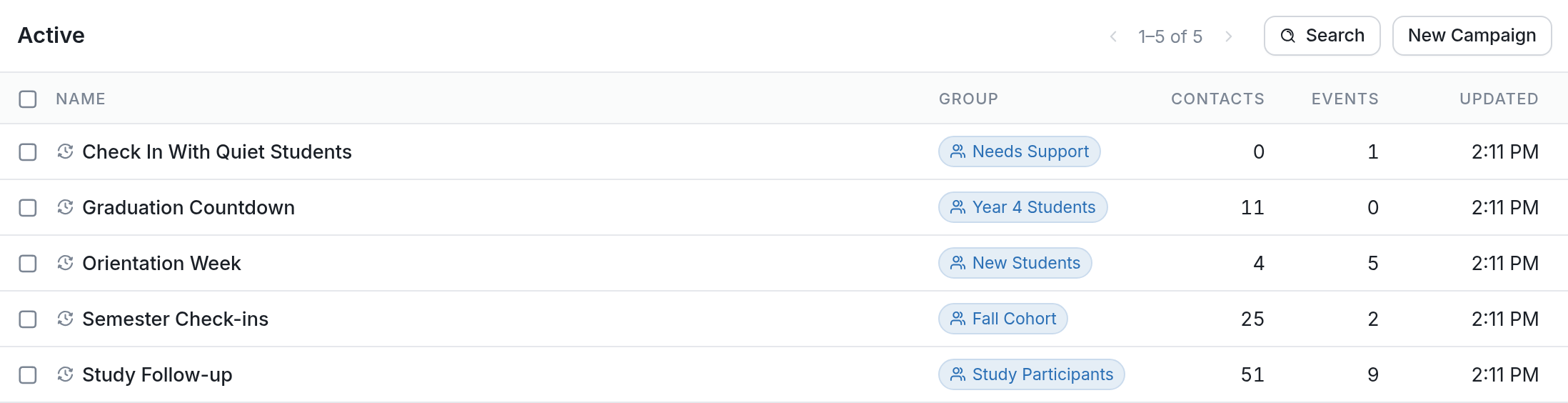
- Click Campaigns in the left sidebar, then click the campaign you want to edit.
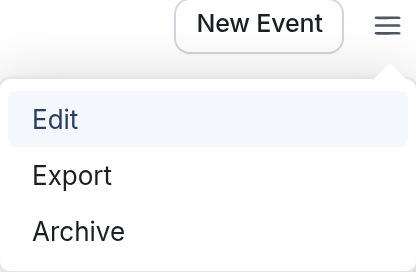
- Click the ☰ menu icon in the upper right of the page and select Edit.
- Change the campaign's name, the group it operates on, or both, and click Save Changes.