Adding WhatsApp Templates to Broadcasts
You can now add your WhatsApp templates to Broadcast messages. This means that Facebook and WhatsApp contacts can be targeted at the same time as all other contacts when you send a broadcast.
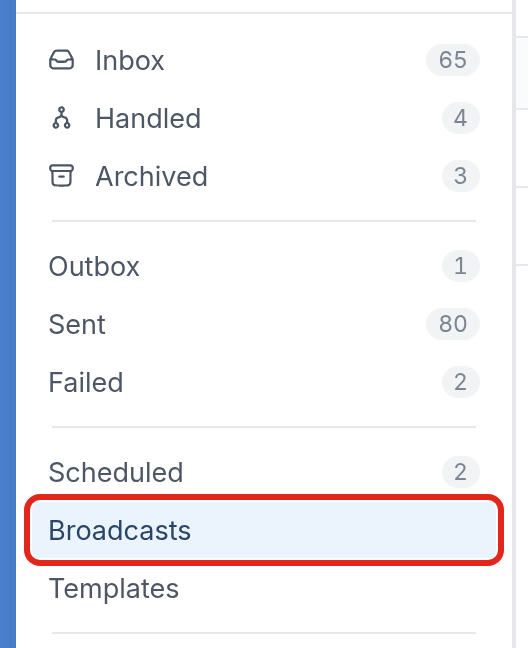
To send a broadcast with a template, first go to Broadcasts in the Messages section:
Here, you'll see a list of all previously sent broadcasts:

Click New Broadcast at the top right, then fill out the dialog with the contacts or groups who should receive the message, such as the Study Participants group, and choose your targeting options.
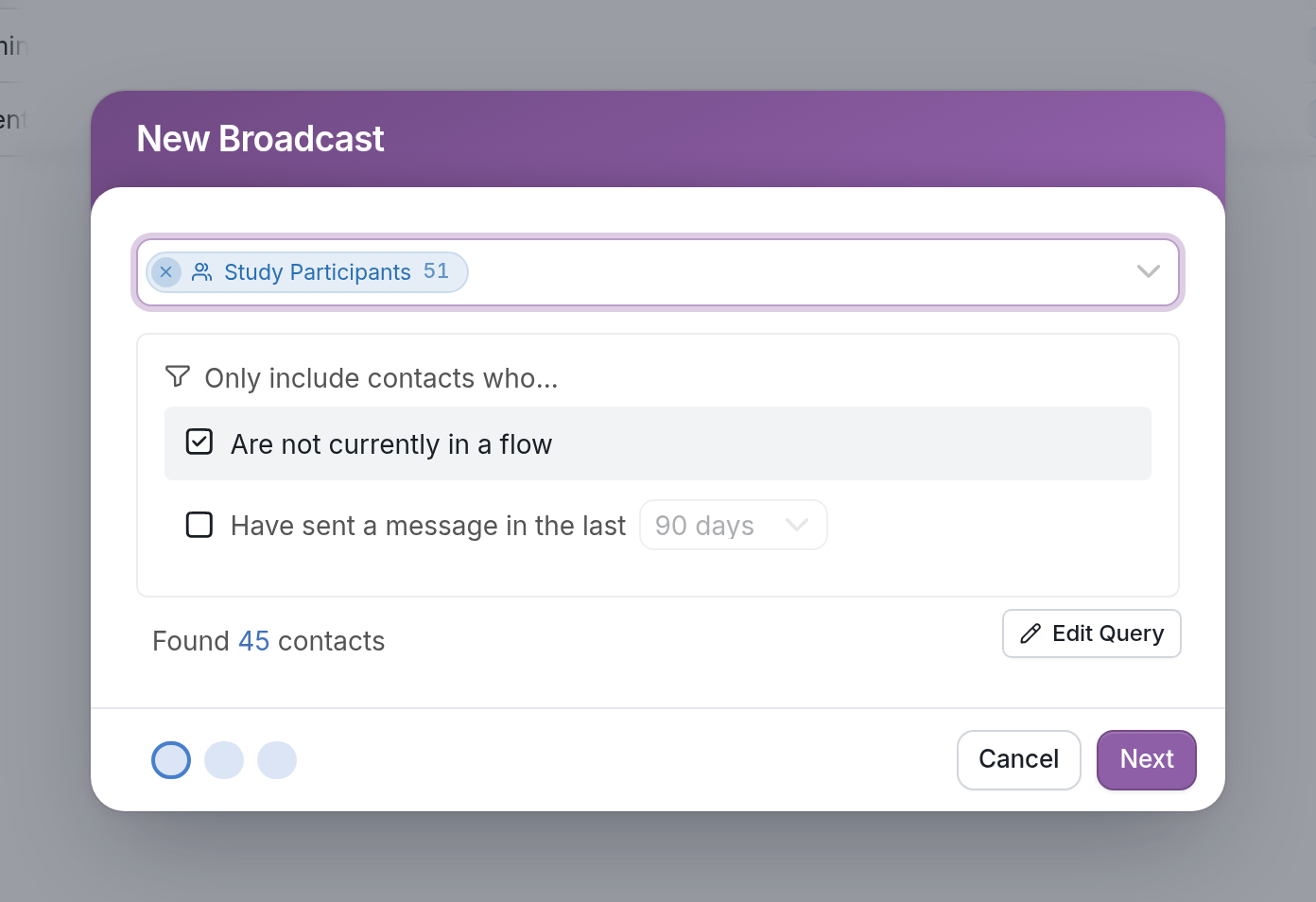
The audience targeting options allow you to:
- Only include contacts who Have sent a message in the last 90, 180 or 365 days, to avoid sending to inactive contacts.
- Only include contacts who Are not currently in a flow. Check this box to avoid interrupting contacts who are already in a flow. Remember that contacts can only be active in one messaging flow at a time. To start a flow without interrupting contacts in another flow, use Background flows.
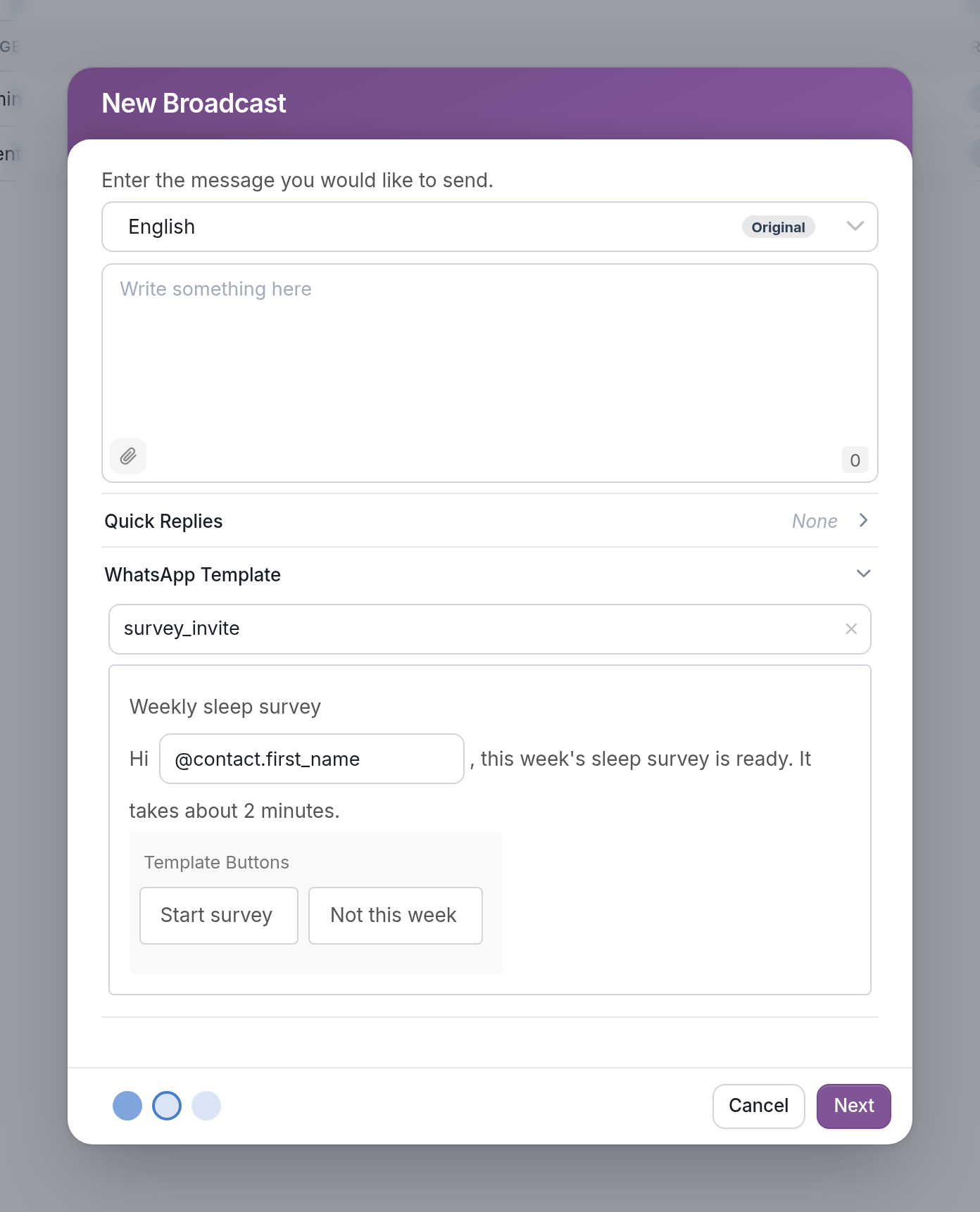
After clicking Next, you'll write the body of your broadcast. Open the WhatsApp Template section and select one of your pre-approved templates, such as survey_invite. The template's content appears below it, with fields for any variables it uses, like @contact.first_name, and any template buttons it includes.
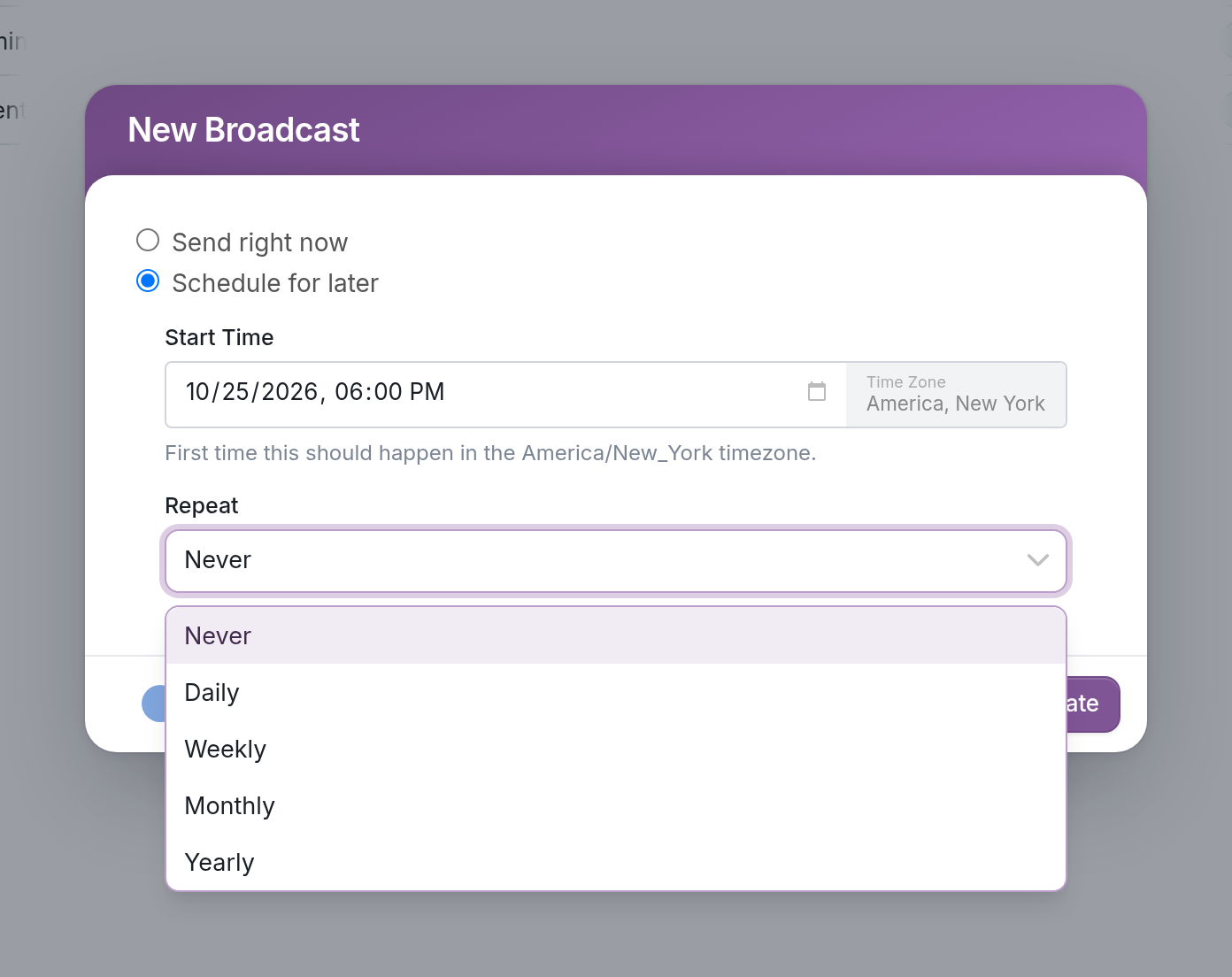
Click Next again to go to the scheduling step. Choose Send right now to send the broadcast immediately, or Schedule for later to set a Start Time and choose how often it should Repeat: Never, Daily, Weekly, Monthly or Yearly.
Learn more about using WhatsApp and managing your templates in our help docs.
Questions? Send us a message via the support widget at the bottom right corner of your browser.