Attaching a PDF URL to a Message
We've added a new feature that lets you attach a PDF URL to a message, in addition to image, audio and video URLs.
Attaching your PDF URL
Once you're in the flow editor, create a Send Message action. Click the + in the attachments area below the message text. Each attachment you add appears there as a tile. Here, the Club Sign-Up message has the club guide PDF attached:
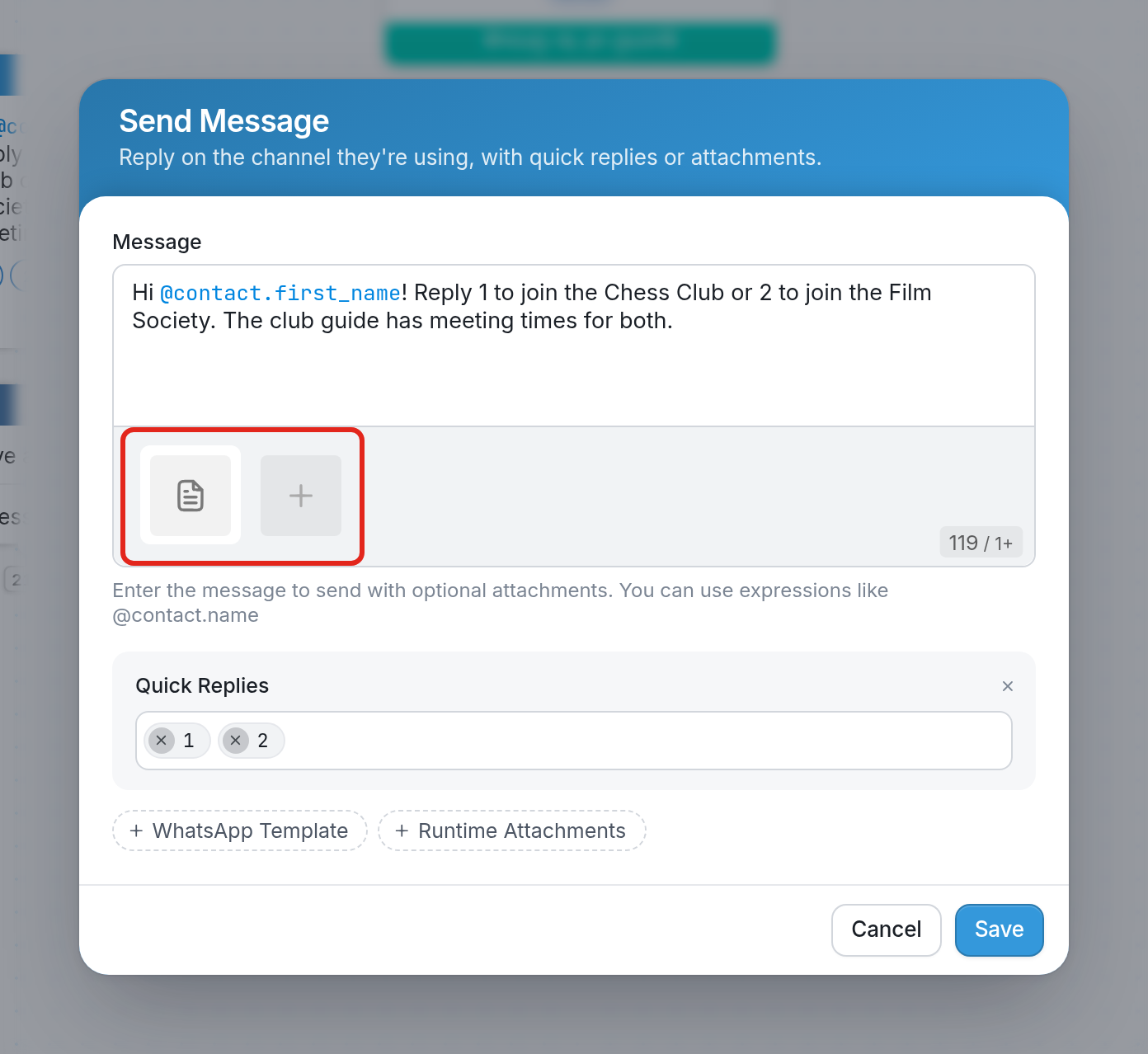
Choose PDF Document from your local computer.
Paste the PDF URL in the text field and click Save.
You can then test your link in the Simulator. Click the attached document and it will open in a browser window.
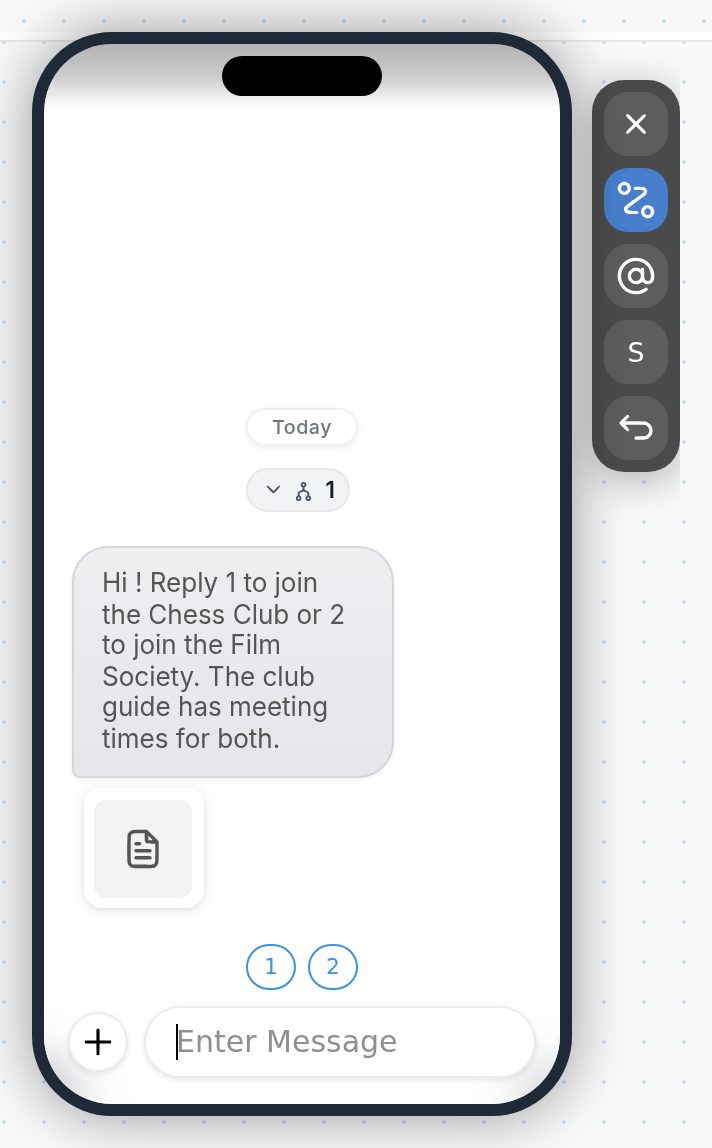
As always, test your link in real messages before sending to your contacts.
Questions? Send us a message via the support widget in the bottom right corner of your browser.