WhatsApp Templates Tab
The Templates section of the Messages tab lists all of your WhatsApp templates on one page. From this list, you can open individual templates to review their components and check that they're approved.
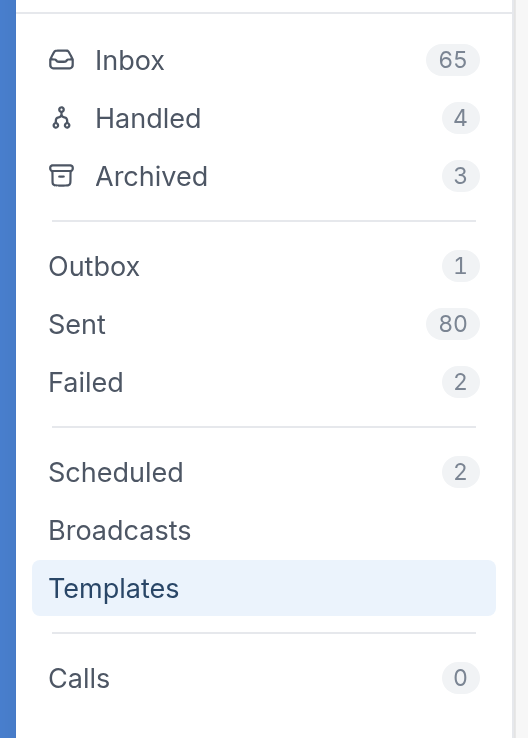
To find your templates, go to the Messages tab on the left-hand side of the platform and select Templates:
Here you'll see all of your WhatsApp templates. Templates are fetched from supporting channels, and templates with the same name are merged into a single multilingual template, so each row shows how many languages and channels it covers:
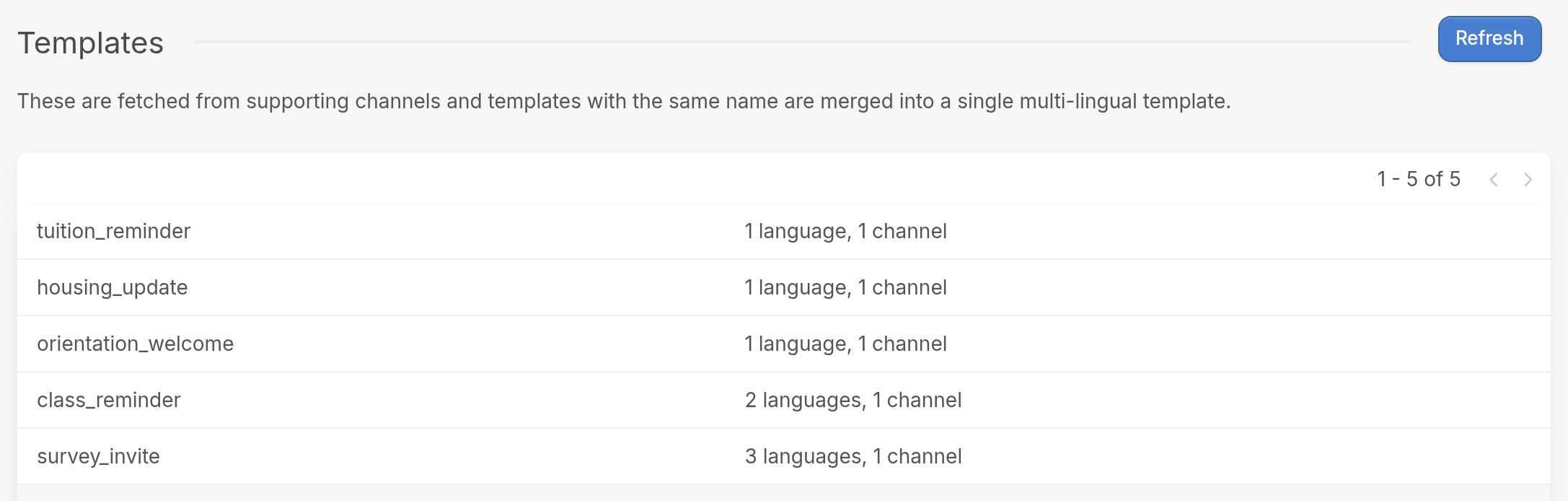
Click a template, such as survey_invite, to see more detail. Along with the template's header, body and any buttons, you'll see:

- Channel
- Language
- Approval Status
Template Components
We support the following WhatsApp components:
- Header - This can be either text or an image. For images, you can use the picker to select a file from your computer. Variables can't be used in headers yet.
- Body - This is the text of your template. You can use variables and language translations.
- Footer - Footers are optional and appear immediately after the body. They can give contacts additional information.
- Buttons - These are quick replies that let the contact click a response instead of typing it out.
| We don't support every template component your channel provider may offer. If a component isn't supported, the approval status will show as 'unsupported'. |
If you have questions, reach out via the support widget in the bottom right corner of your browser.