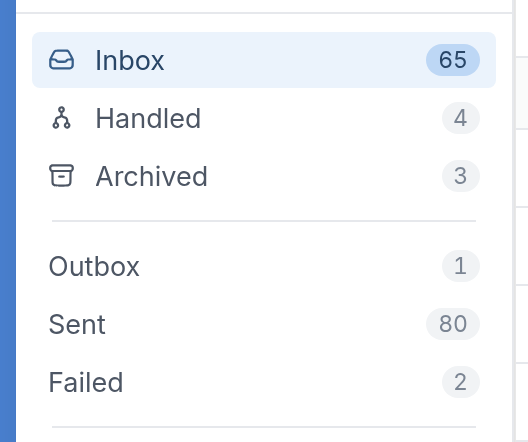
Message Folders
Message folders represent the stages messages go through as they move through your flows and campaigns.
Inbox
The Inbox holds messages received from contacts. These are incoming texts or messages on other channels that haven't been processed yet or are being kept for review.
Handled
Handled holds incoming messages that have already been processed by a flow or automation. Once TextIt routes a message through a flow, the message moves from Inbox to Handled.
Archived
Archived holds incoming or outgoing messages that have been hidden from active views, either manually or automatically. They're still stored, just not part of the main working queues. To delete a message, you must archive it first.
Outbox
The Outbox holds messages that are queued to be sent but haven't gone out yet. A message can wait here for scheduling, system processing or delivery conditions.
Sent
Sent holds messages that have been sent to the recipient. This doesn't guarantee the recipient saw them, only that TextIt handed them off to the delivery channel.
Failed
Failed holds messages that couldn't be delivered. This can be caused by invalid numbers, connectivity issues, carrier problems or configuration errors. You can find out why a message failed by checking the message logs.