Creating a Contact
To create a contact:
- Go to the Contacts tab.
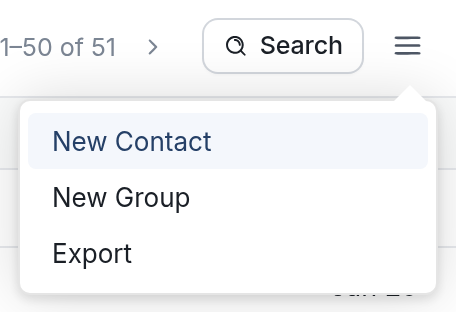
- Click the menu icon (☰) on the right-hand side, then click New Contact.
- Enter the contact's name and phone number.
All phone numbers added to the platform must include a country code, following the E.164 format. More on that here.
- Your new contact will appear at the top of the Active contacts list.
When a message arrives from an unknown URN, it's automatically saved as a new contact.