Exporting Contact Groups
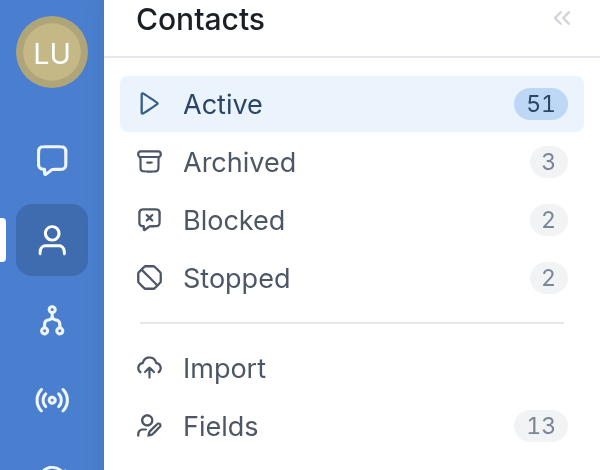
To export a contact group, go to Contacts, then scroll down the list on the left to find the group you want to export and click it:
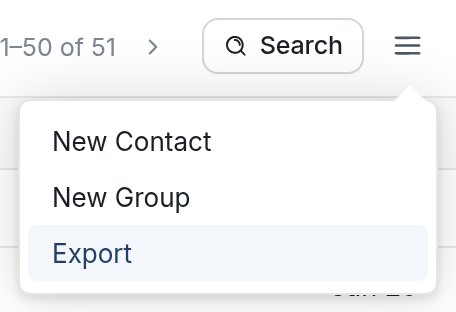
Next, click the ☰ menu icon in the upper right-hand corner and choose Export:
You'll be asked which group(s) you'd like to export. Click the Groups field and choose the group(s) from the dropdown:
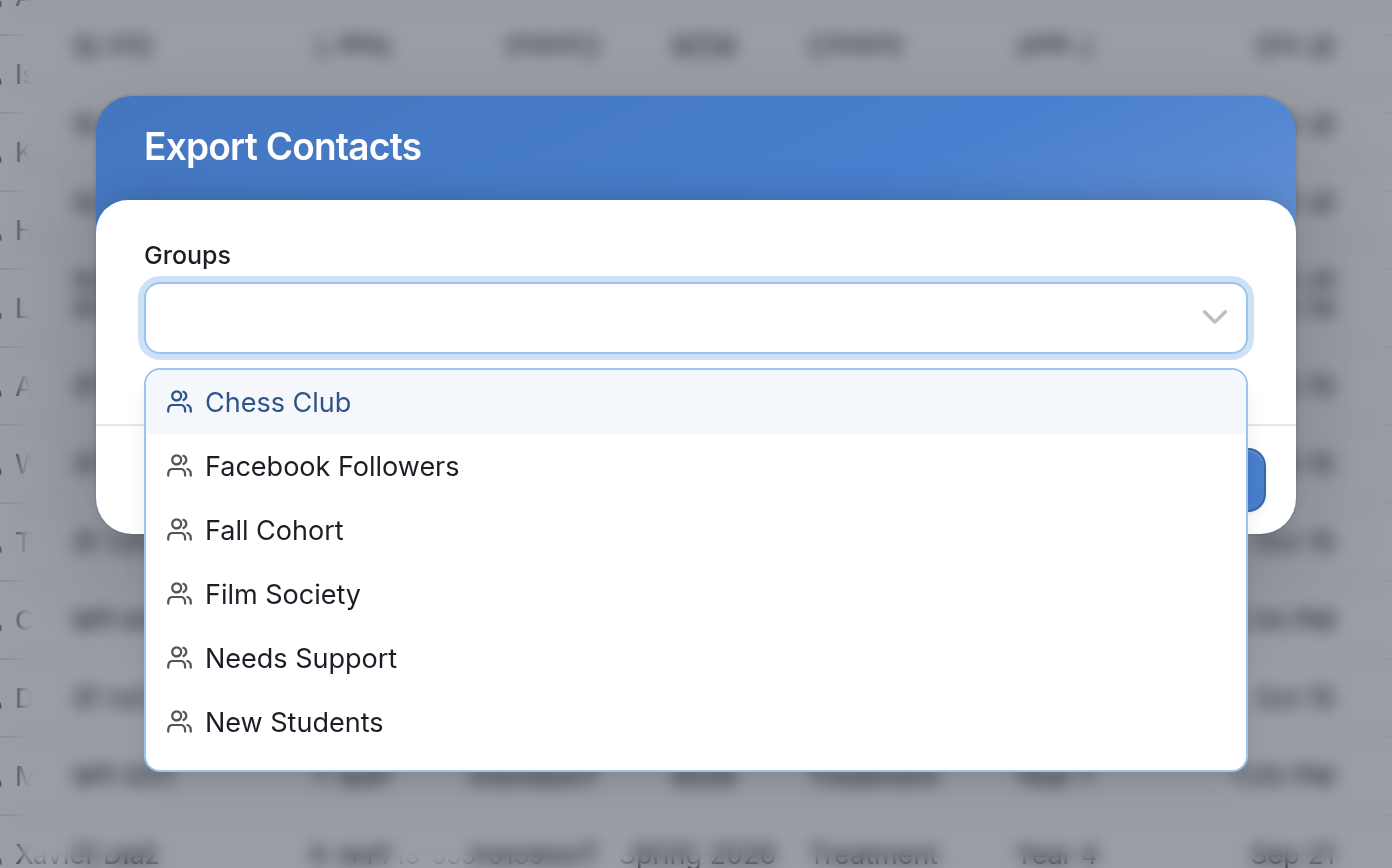
Once you've chosen the group(s) you'd like to export, click the Export button.
When the export is ready, it will appear in your Notifications. Click the bell icon at the bottom left of your workspace to open them:

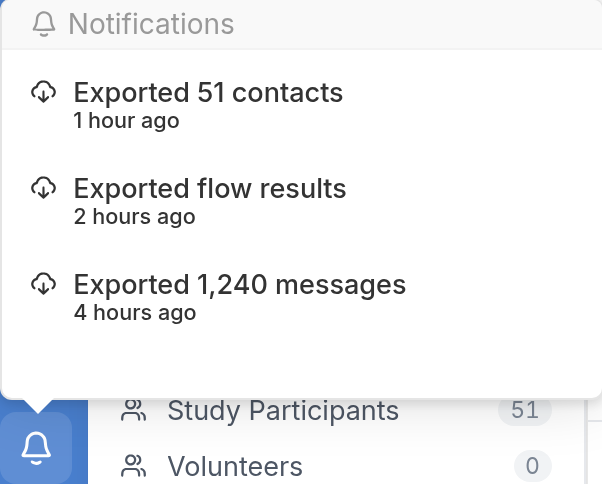
Click the export notification, such as "Exported 51 contacts", and your browser will download the file automatically.
If you have questions, send us a message via the support widget.