Deleting Contact Fields
If you no longer need a contact field, you can delete it. Deleting a field also removes all the values stored in it.
To delete a contact field:
-
Go to the Contacts tab.
-
Click the Fields button.
-
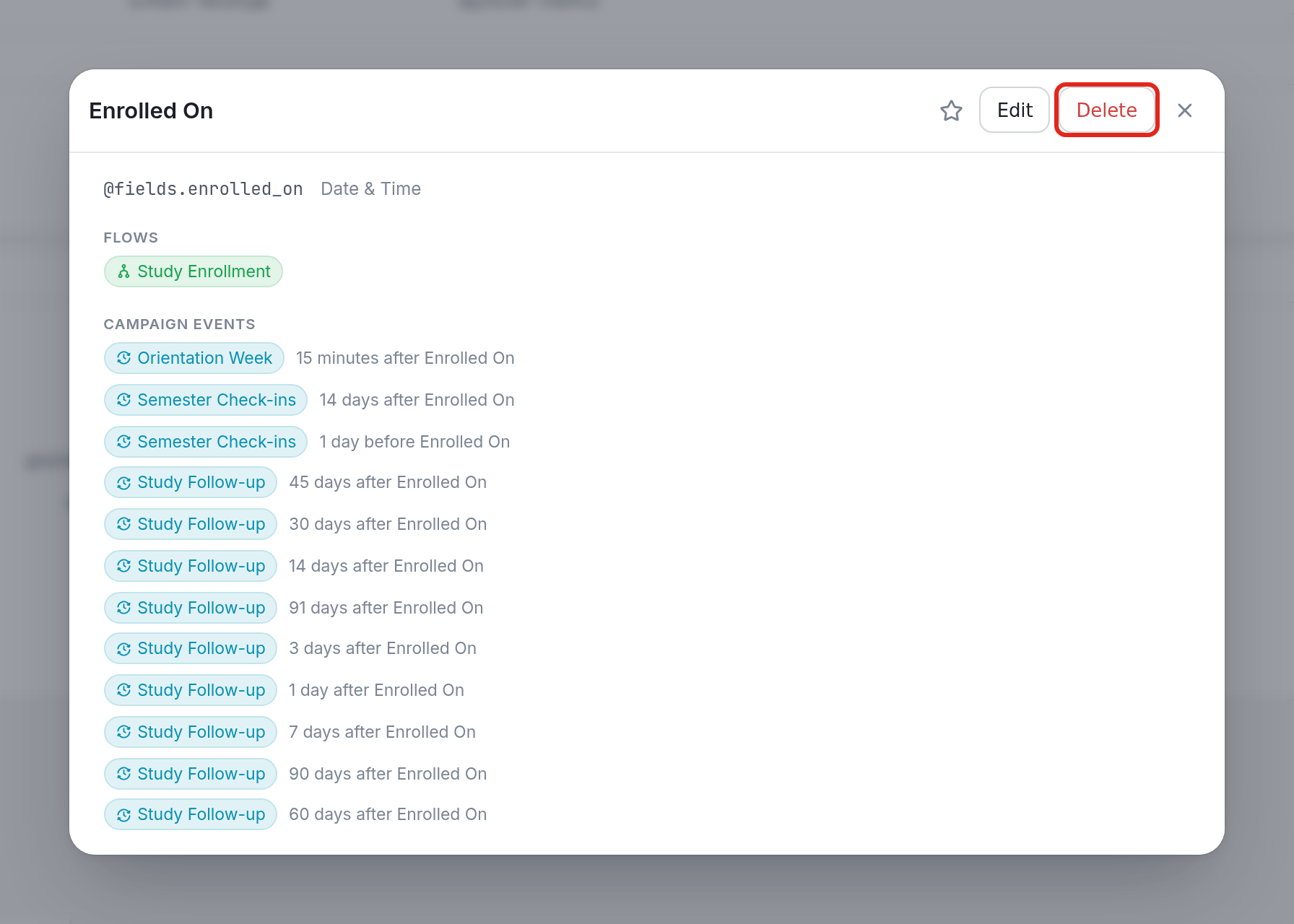
Find the contact field you want to delete and click it.
-
Click the Delete button in the top right of the field's dialog.