Introduction to Contacts
A contact is an end user who has interacted or will interact with your account. Communication with contacts occurs via a channel. A contact can be:
-
created within the Contacts tab
-
automatically generated when a new phone number interacts with your account via a channel
-
or imported into your account via an XLS spreadsheet.
From the Contacts tab, you can:
-
view, add, edit or remove contact attributes
-
organize your contacts into groups
-
view each contact's message history and any messages they're scheduled to receive by clicking on the contact
Contact Fields
Each contact is assigned attributes, called contact fields, that hold values such as their name, phone number and any other individual information you want to include. Contact fields are divided into two types, default fields and custom fields, and they can hold three types of values: text, numeric, or date & time.
Default Fields
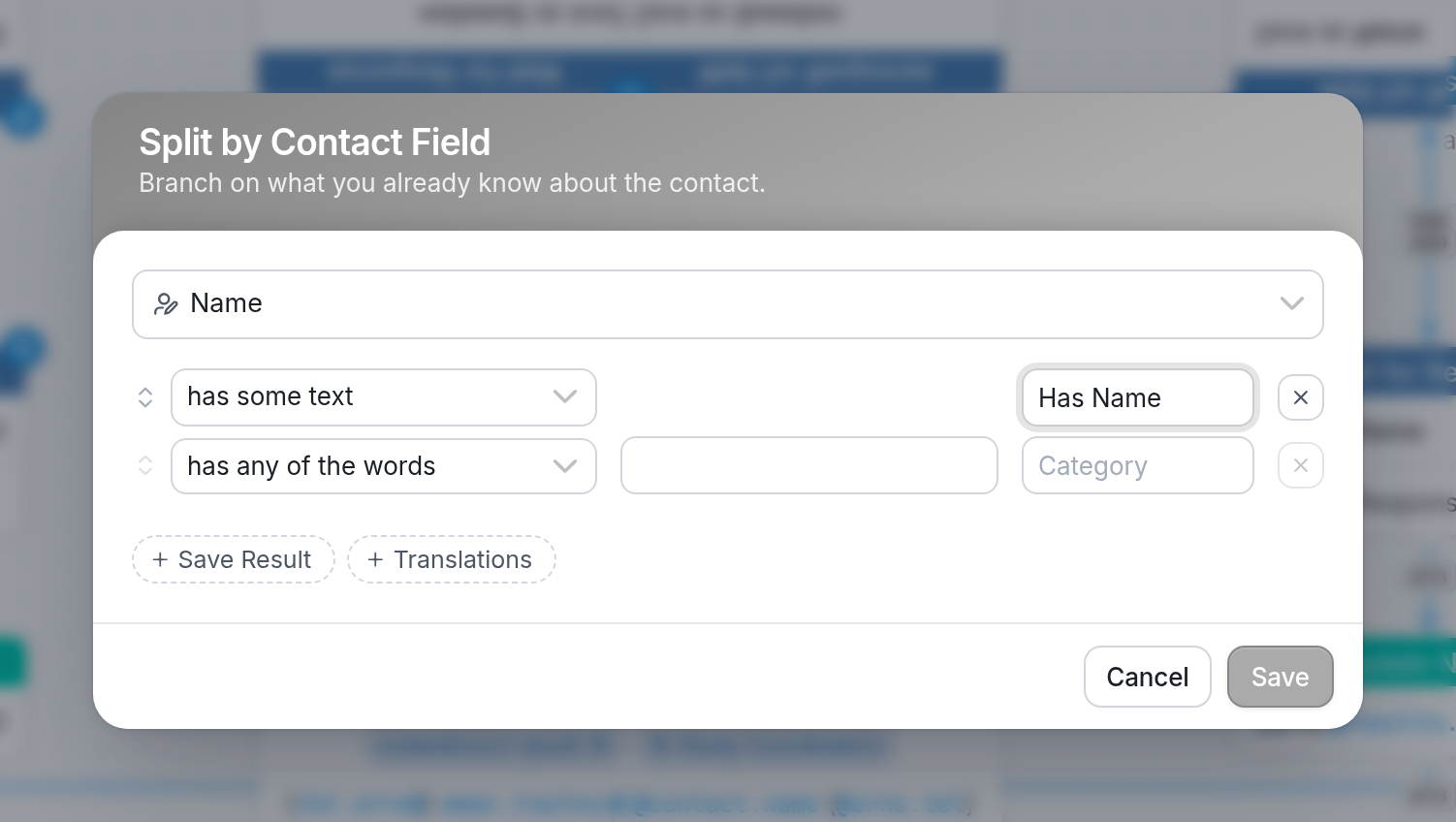
Default fields include the contact's Name, Channel, Language and Status:
Custom Fields
Custom fields are created by you. Click here to learn how.
Contact Addresses
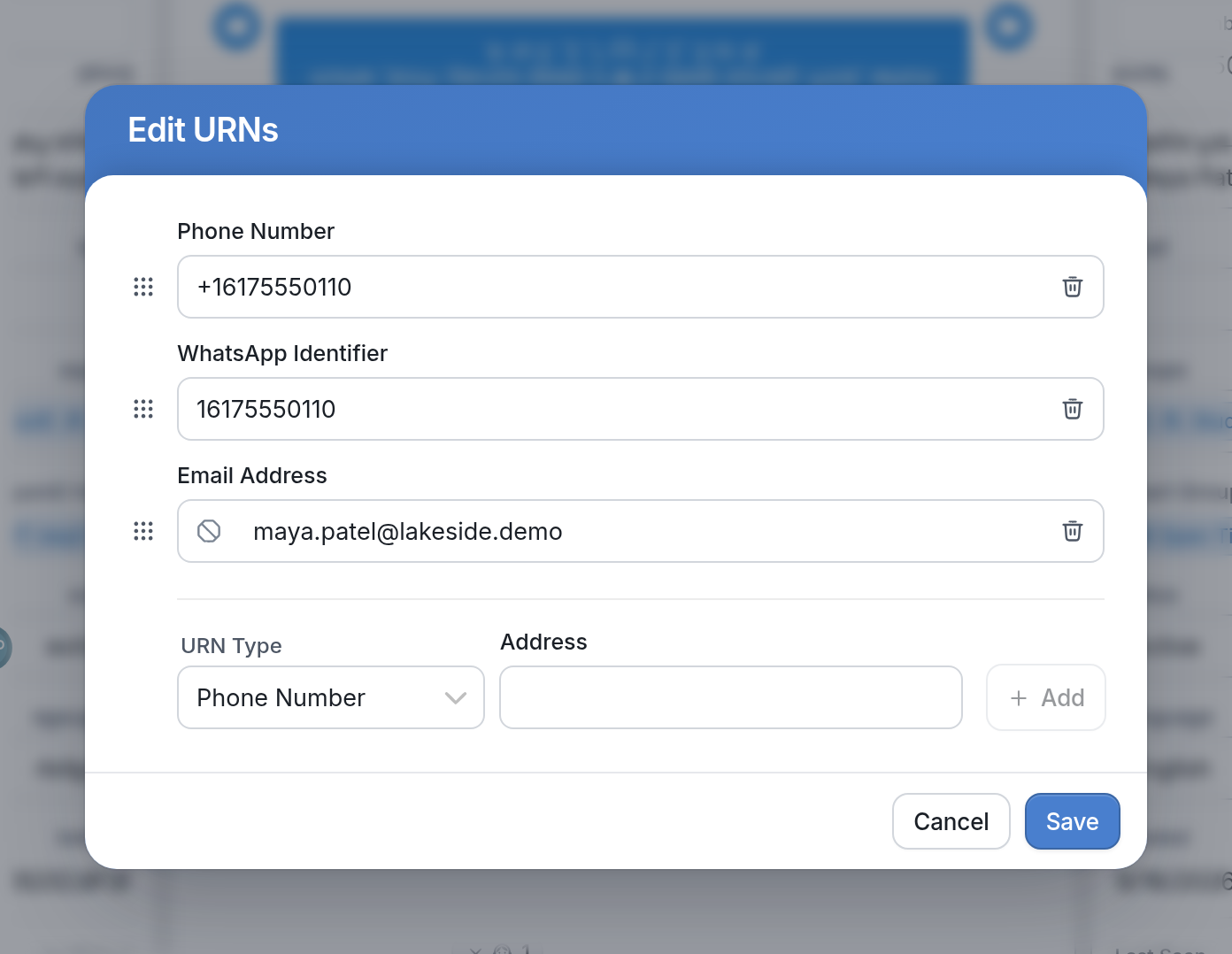
Each contact has an address, or URN, to which messages from your account are sent. Contact addresses are a type of default field, just like Name and Groups. Addresses represent the ways in which you can connect with your contacts. The most common address type is a Phone Number, though a contact can also have a WhatsApp Identifier, Telegram Identifier, Email Address, Facebook ID and any External Identifier you wish to add. Each contact can be assigned multiple addresses of the same type, so you can assign multiple phone numbers to a single contact. A contact's addresses can be prioritized, in which case they'll appear on the contact's page in the order in which they're prioritized:
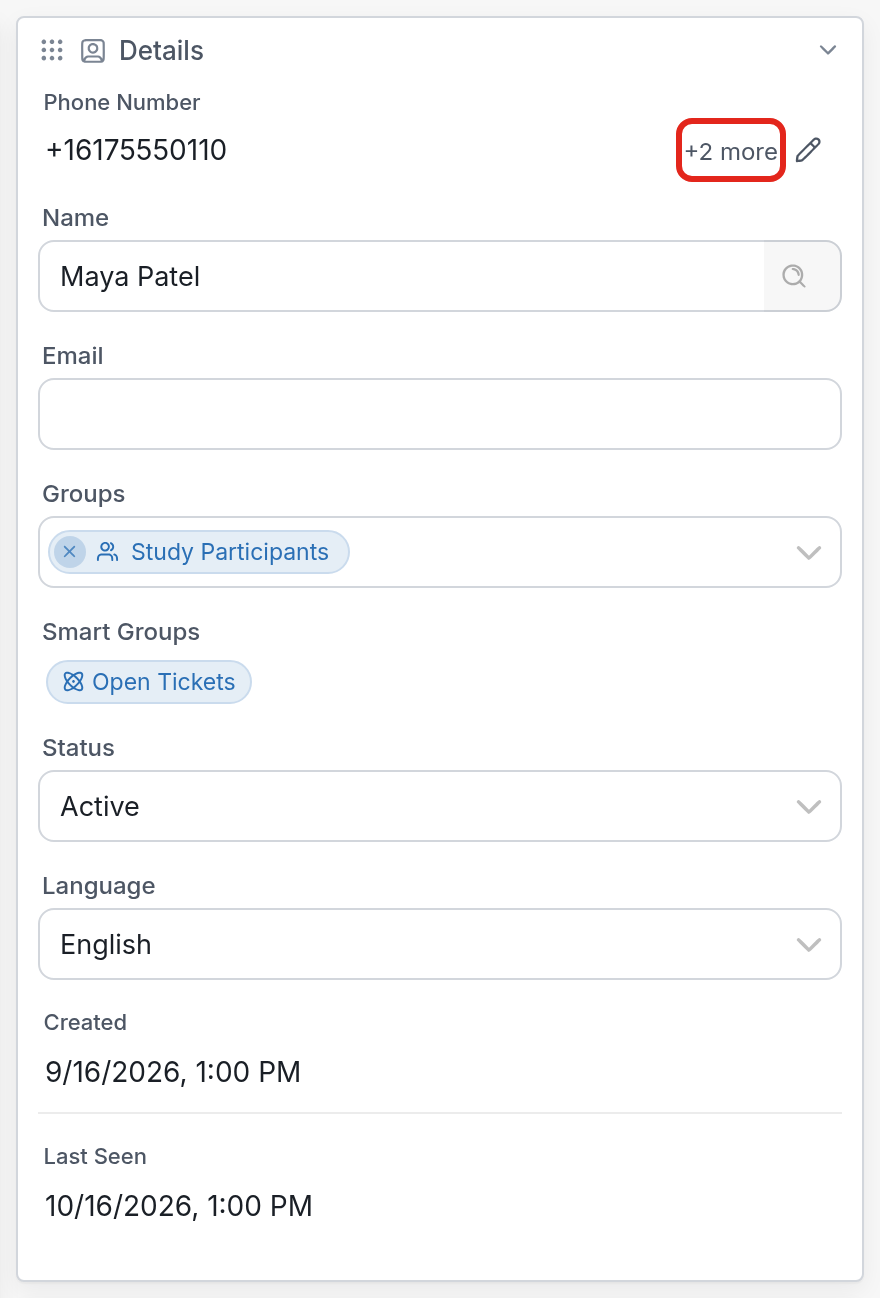
Only a contact's highest-priority address appears in the Details panel of their contact page. The +2 more label next to it shows how many other addresses the contact has; click the pen icon to see all of them.
Channel Types & Contact Address Types
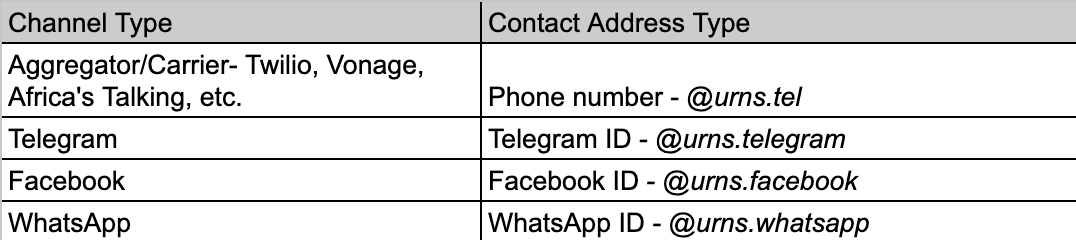
The table above shows examples of how TextIt maps each channel type to its corresponding contact address type. TextIt supports many other URN types as well. Each contact may have multiple addresses of the same type (e.g. multiple phone numbers). A contact's address type priority determines which channel type sends messages to the contact. If you have multiple channels of the same type connected to your account, the channel the contact last initiated contact with is prioritized. A contact can be locked in to a specific channel (they'll only receive messages from that channel) under three conditions:
-
You have multiple channels of the same type connected to your account.
-
The contact's highest-priority address type corresponds to the channel type (e.g. phone number) for which you have multiple channels (e.g. multiple phone numbers).
-
The contact initiates contact through an incoming message.
Contact Variables
@contact references the contact receiving the message. This is the active contact - the person whose responses are being handled by the workflow. When using the Send a Message to Someone Else action, @contact refers to the contact or group of contacts to which the message is being sent. Each extension, e.g. @contact.name or @contact.fields.[field_name], references a specific contact field.
@contact - The full name of the contact if one is set, otherwise their number, e.g. "Ben Haggerty"
@contact.name - Also the full name of the contact if one is set, e.g. "Ben Haggerty"
@contact.first_name - The first name of the contact if one is set, e.g. "Ben"
@contact.groups - The groups in which the contact has been placed.
@contact.uuid - The universally unique identifier assigned to each contact.
@contact.display - The name or URN of the contact.
@contact.language - The ISO language code for the contact.
@contact.created_on - The creation date of the contact.
@contact.channel - The preferred channel of the contact.
@contact.fields.[field_name] - Any contact fields you've created for your contacts, e.g. "@contact.fields.age"
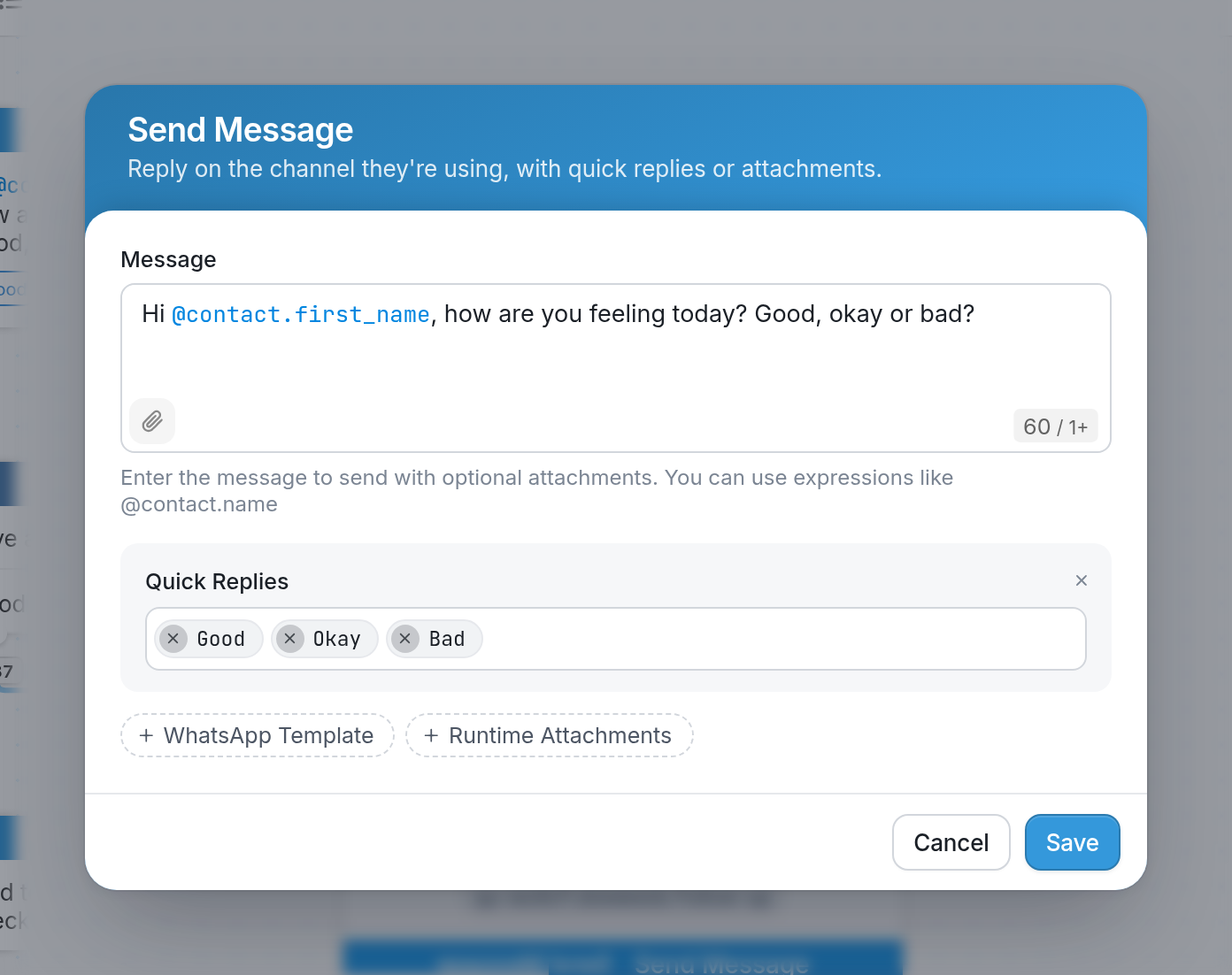
Referencing a Contact within a Flow
There are two ways to reference contacts and their fields within a workflow:
@contact - references the contact receiving the message. This is the active contact - the person whose responses are being handled by the workflow. When using the Send a Message to Someone Else action, @contact refers to the contact or group of contacts to which the message is being sent.
@input - references the last message received from the contact. In most cases, this is also the active contact.
-
@input - The most recent input.
-
@input.text - The text of the last message, e.g. "help"
-
@input.created_on - The date and time when the last message was received, e.g. "11-12-2015 13:24"
-
@input.type - The type of the last input.
-
@input.uuid - The UUID of the last input.
-
@input.channel - The channel type on which the last input was received.
-
@input.attachments - The attachments from the last message.
For more information about variables, visit the Flow Variable Reference.