Updating a Contact's Status in a Flow
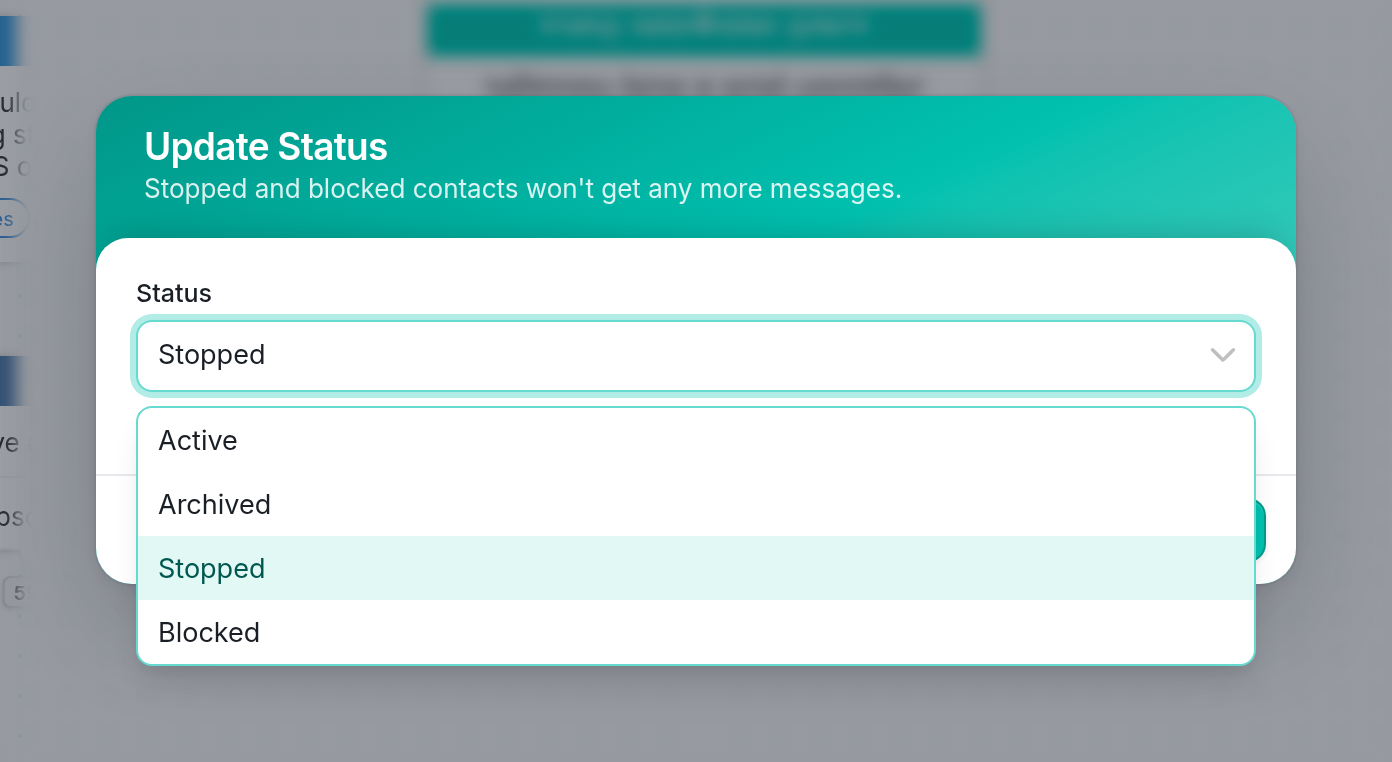
A contact can have one of four statuses:
-
Active - The contact will receive your outbound messages and can send incoming messages.
-
Stopped - The contact is removed from all groups and will no longer receive your messages. The contact is ignored until they send an incoming message, which opts them back in.
-
Blocked - The contact is removed from all groups and ignored entirely, but not deleted. The contact will neither receive outbound messages nor be able to send incoming messages.
-
Archived - The contact is removed from all groups and ignored permanently. Unlike blocked contacts, archived contacts are ready for deletion. To delete a contact, you must first place them in the Archived folder on the Contacts tab. Updating a contact's status to Archived lets you place an entire group in this folder for bulk deletion.
Stopped Contacts
| Some channels, like Twilio, have built-in opt-out keywords. If a contact sends one of them to your channel, we automatically place them in the Stopped folder on the Contacts tab. The contact is removed from all groups, and you won't be able to send them any outbound messages. The contact can opt back in at any time by sending the provider's re-subscribe keywords, but they won't be automatically re-added to groups. | 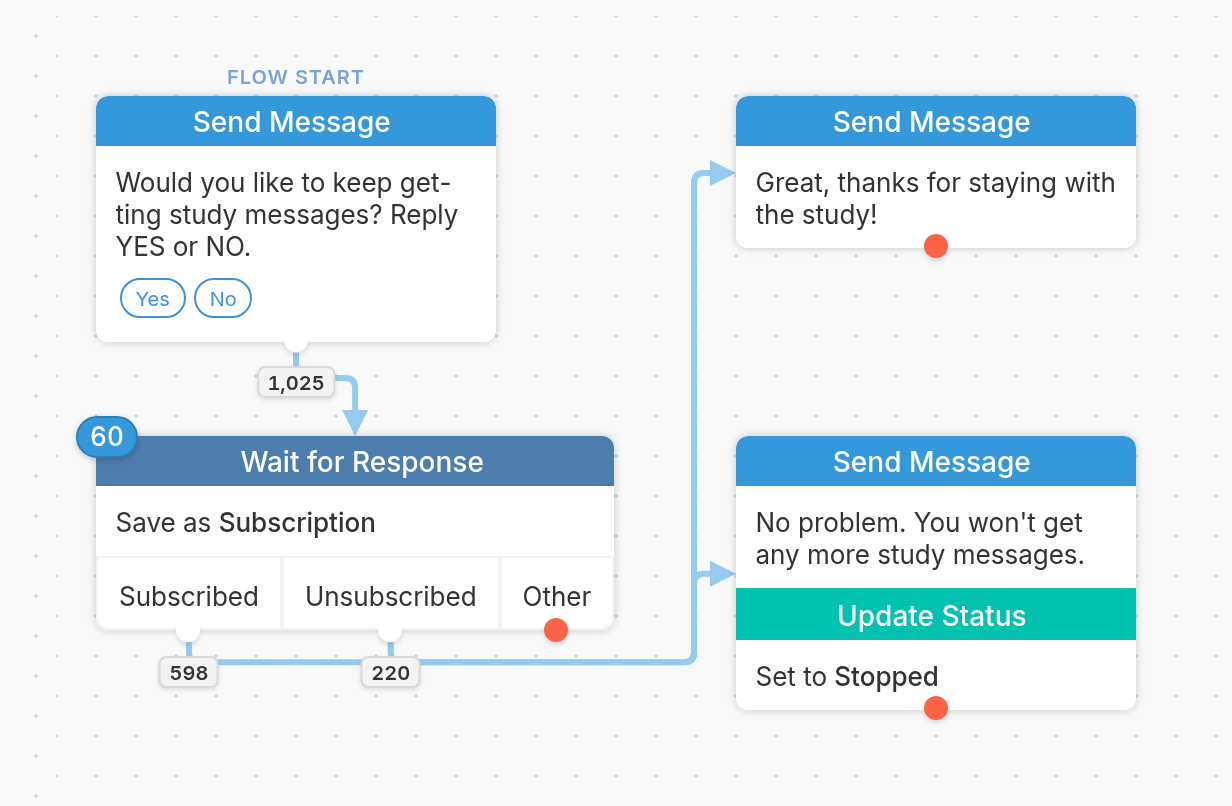 |
Using the Update the Contact action in a flow to change a contact's status to Stopped is useful when a channel doesn't have automatic opt-out keywords, and it lets you track opt-outs yourself. Any time the contact sends you an incoming message, they'll be removed from the Stopped folder and made Active, unless they're still opted out with your channel provider, like Twilio.
Blocked Contacts
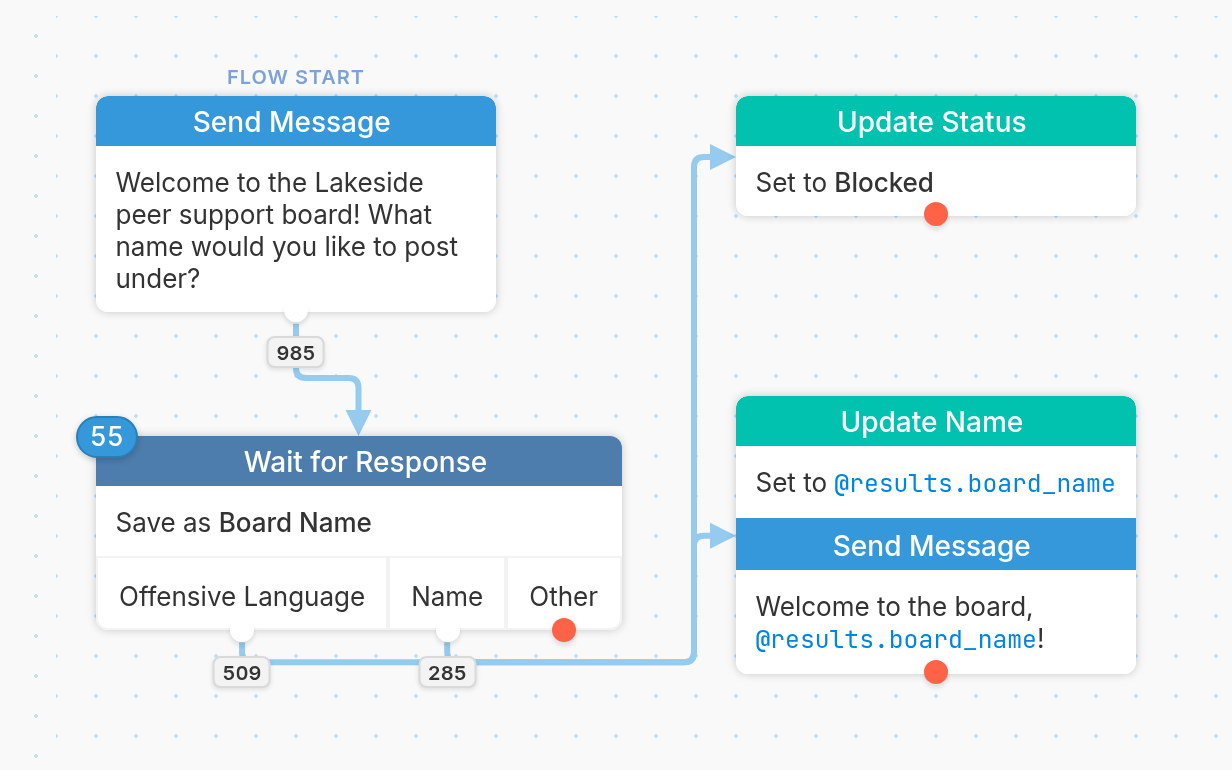
Sometimes a contact may abuse your service or send offensive messages. You can manually block a contact if you notice spammy behavior, but it can also be useful to build rules in your flows that detect abusive language.
You can use a Wait for Response to detect certain words and automatically block the contact if they're found. This is especially useful when contacts can trigger a flow with a keyword published on a website or advertisement.
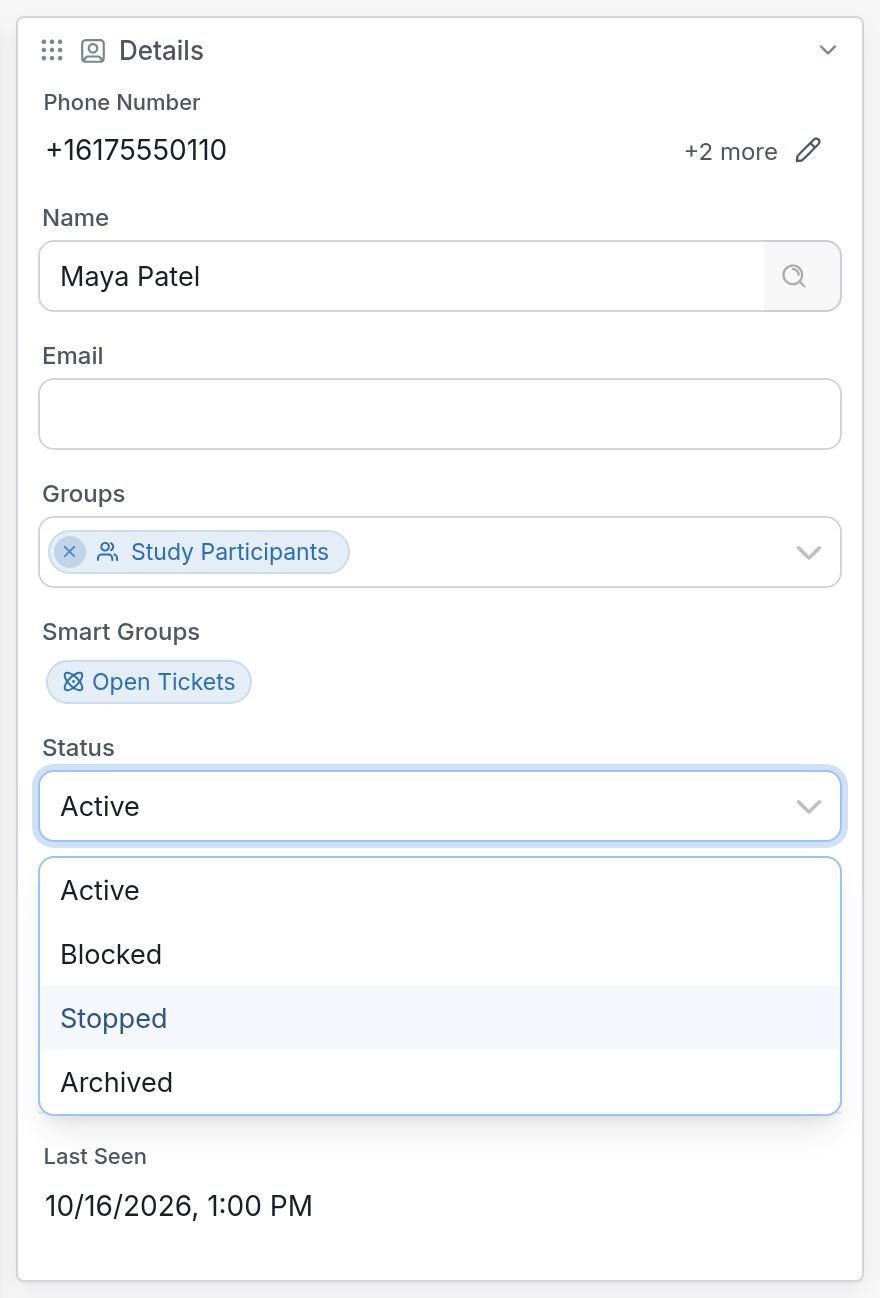
| You can view or edit a contact's status in the Details section on the right-hand side of their profile page. |
Questions? Send us a message using the support widget in the bottom-right corner of your browser.