How Can I View Where Contact Fields are Used?
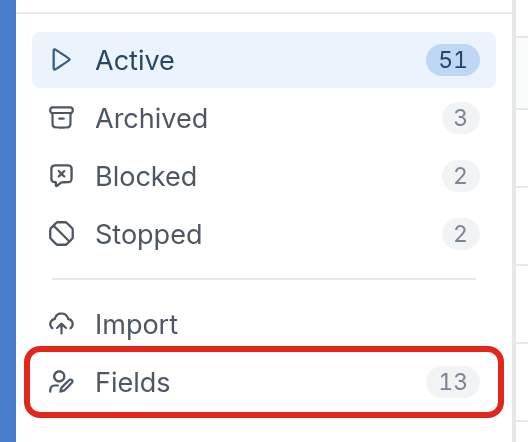
First, go to the Fields page. Click Contacts in the left-hand menu, then click Fields:
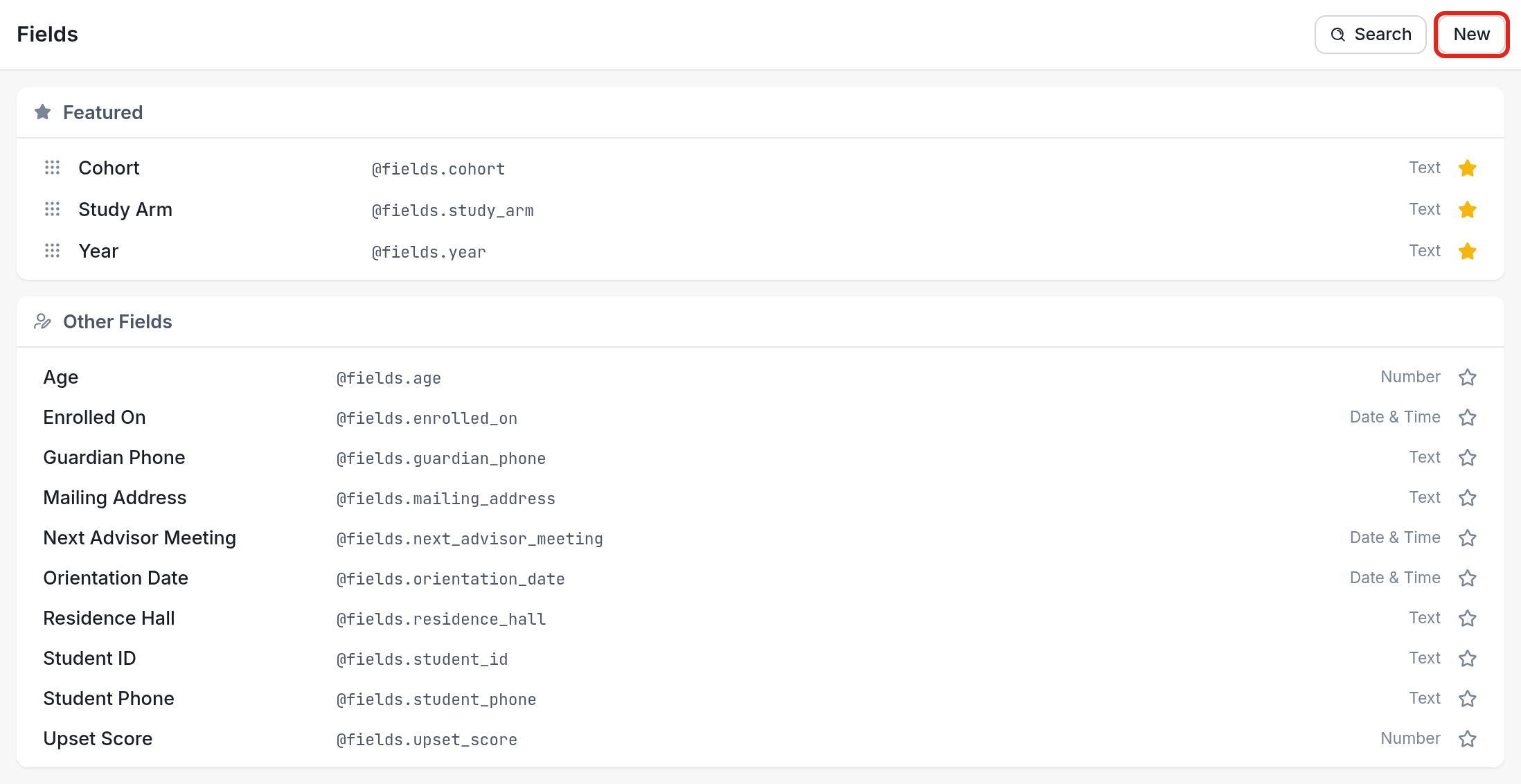
You'll be taken to the Fields page, which lists your contact fields:
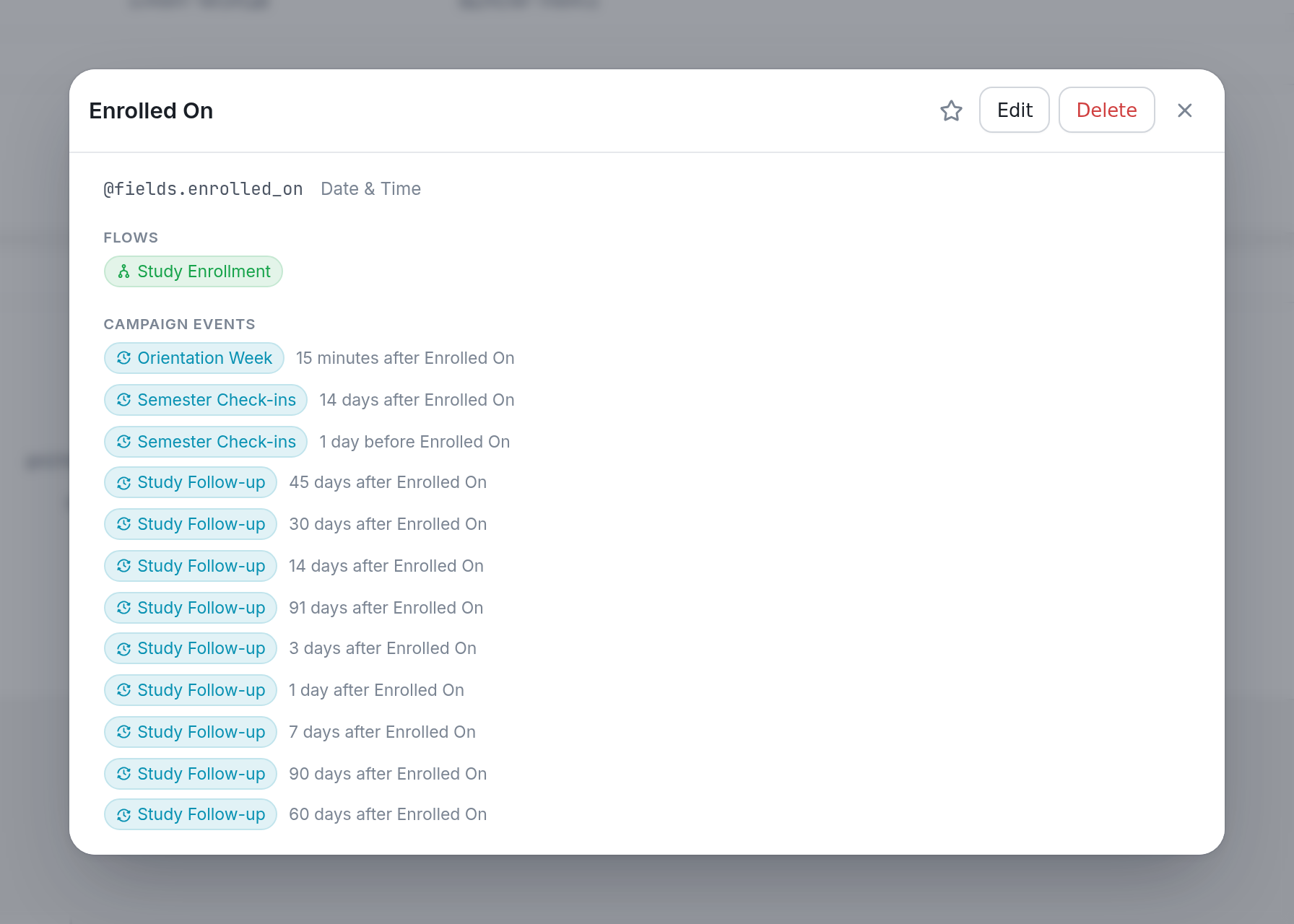
Click the name of a field to see where it's used in flows and campaign events. Here, the Enrolled On field is used in the Study Enrollment flow and in events in the Orientation Week, Semester Check-ins and Study Follow-up campaigns:
Learn more about managing your contact fields here.