Sorting Contact Field View
Click the column header of a featured contact field on your Contacts page to sort your contacts by that field.
Clicking the same header again reverses the order. In the example below, we've sorted contacts by the 'Cohort' field, first from A to Z and then from Z to A:
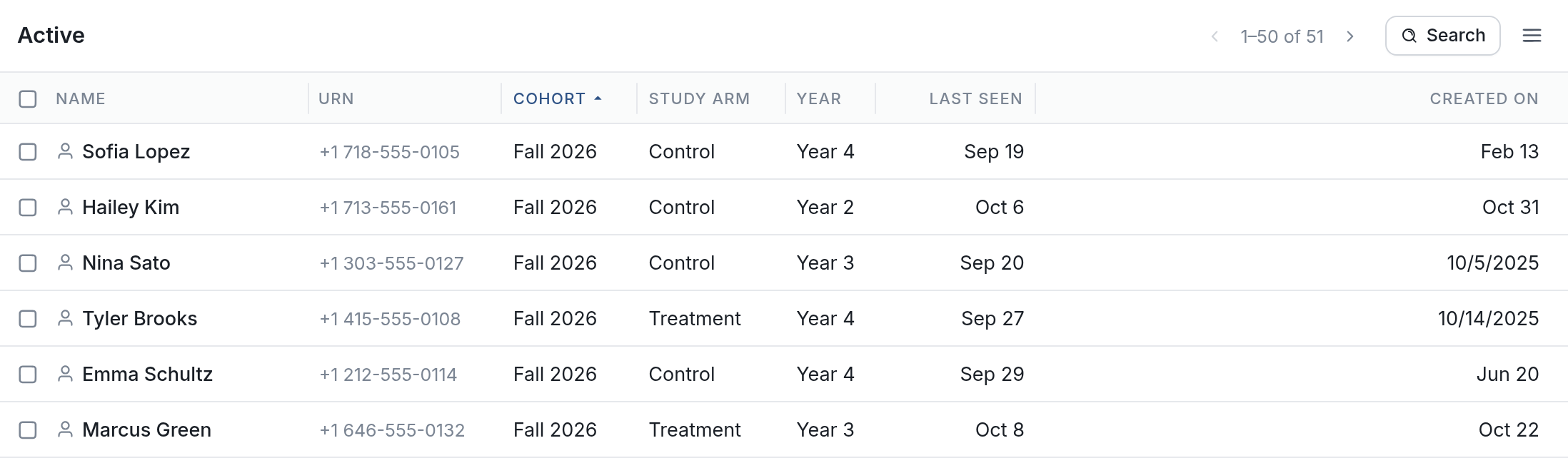
Z to A:
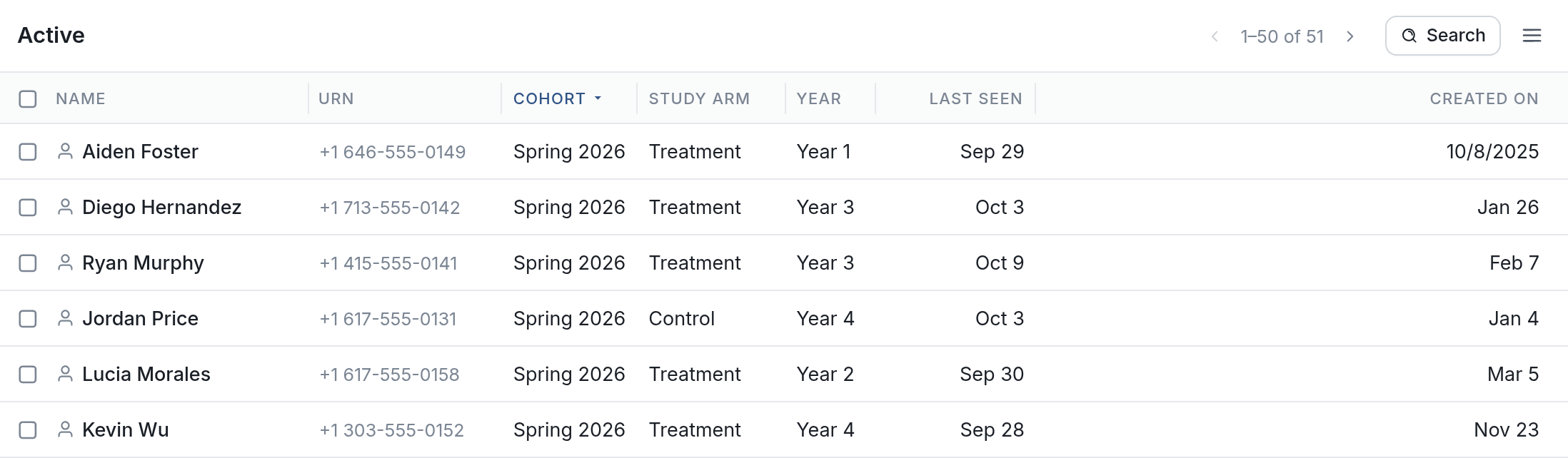
Sorting by a featured field such as Cohort groups contacts that share a value. With a date field, you can find your newest or longest-standing contacts. Sorting can also help you spot data problems, such as duplicates or missing values.
Questions? Send us a message via the support widget.