Contact Statuses
Contact Statuses
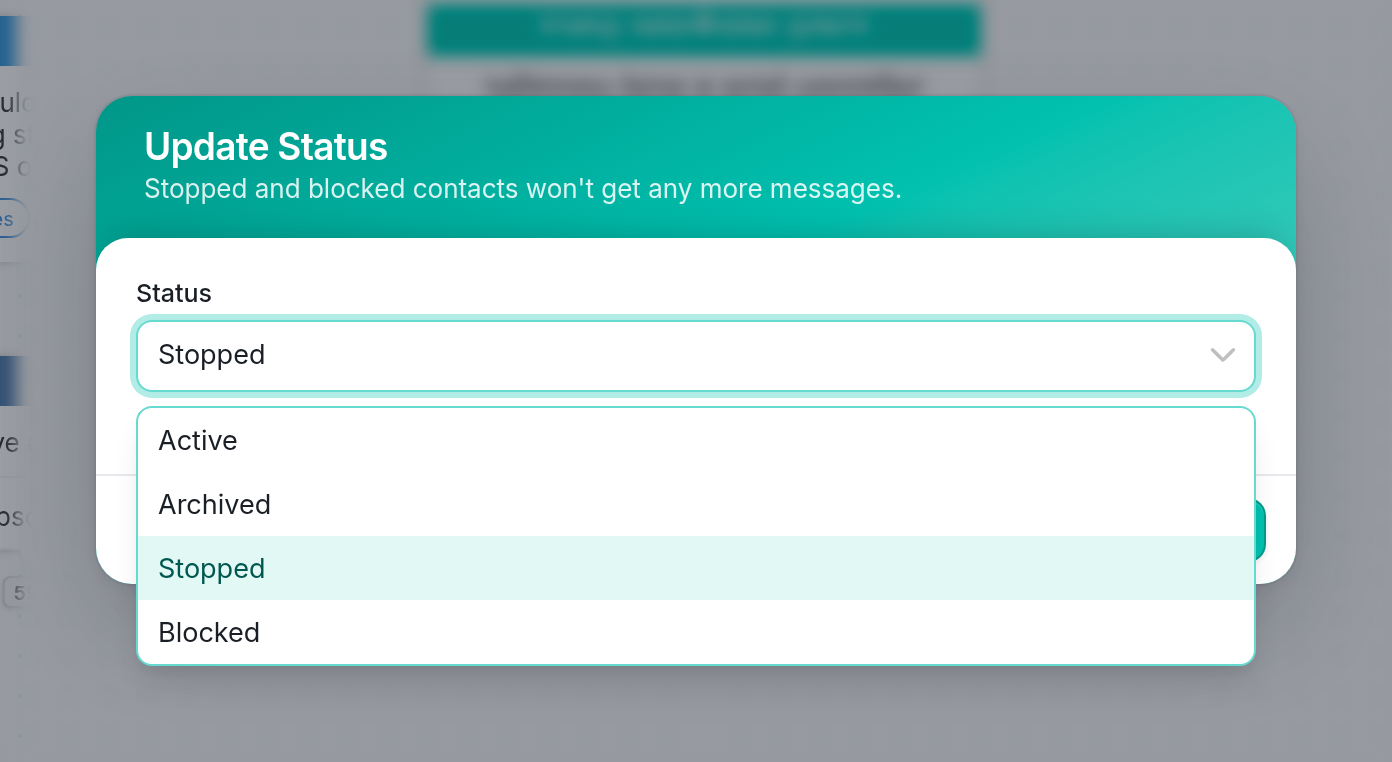
A contact's status affects their group membership and whether they can receive your outgoing messages or send you incoming messages.
-
Active contacts keep all of their group memberships. They receive your outgoing messages and can send you incoming messages.
-
Stopped contacts have opted out of receiving your messages and are removed from all groups. You can't send them any messages, but they can opt back in by messaging you, which changes their status back to Active.
-
Blocked contacts don't receive outgoing messages, and all of their incoming messages are archived automatically. They are removed from all groups. Use this status for contacts who send spam or behave in other unwanted ways.
-
Archived contacts are removed from all groups and are ignored permanently. The difference between Archived and Blocked contacts is that archived contacts are ready for deletion. To delete a contact, you must first move them to the Archived folder in the Contacts tab. Updating contacts' status to Archived lets you move an entire group to this folder for bulk deletion.
| You can find dormant contacts by searching on the 'Last Seen On' contact field, then move them to the Archived folder with a simple flow. This makes it easier to delete groups of contacts you no longer want to keep in your workspace. |
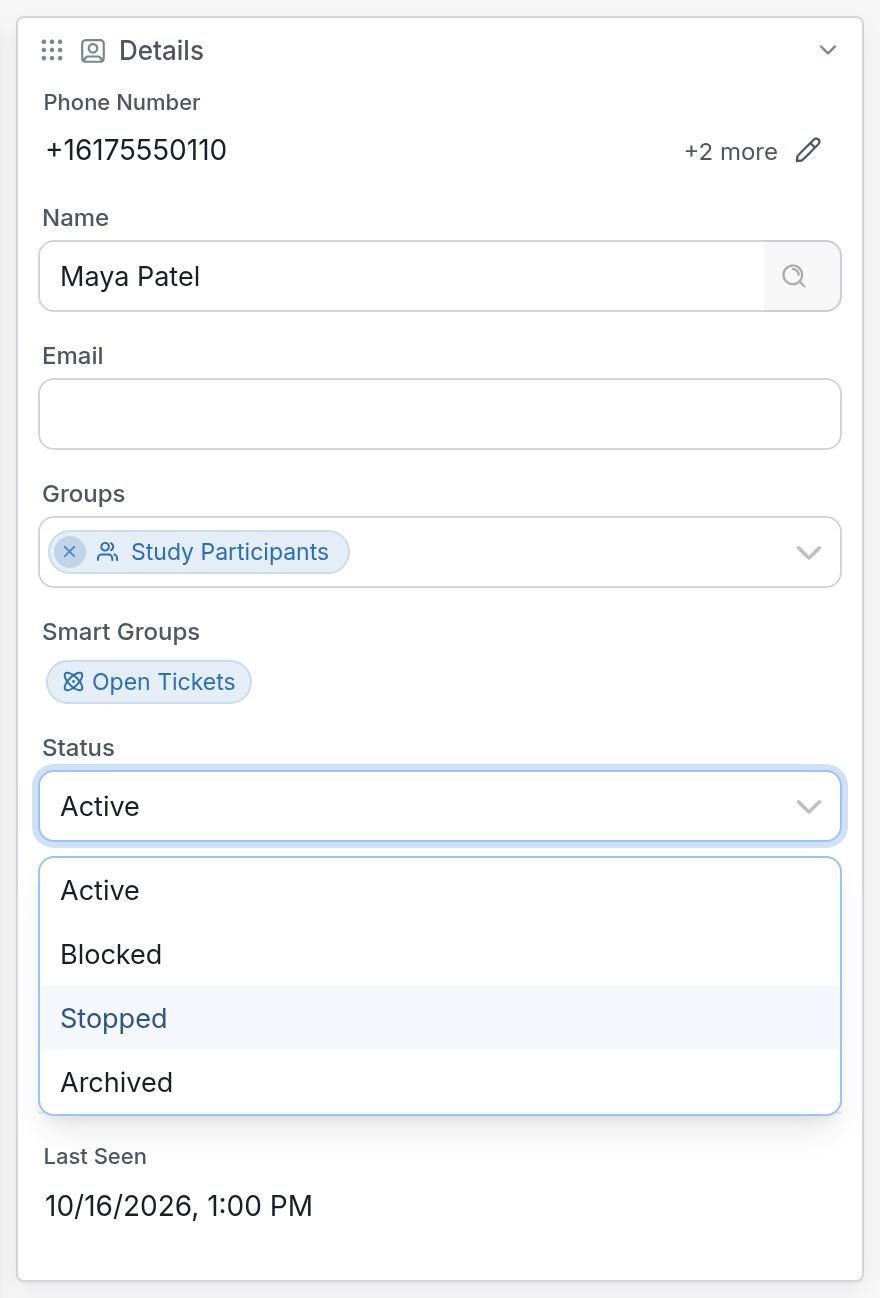
| You can view or edit a contact's status in the Details section on the right-hand side of their profile page. |
Questions? Send us a message via the support widget in the bottom right-hand corner of your browser.