Adding Channels
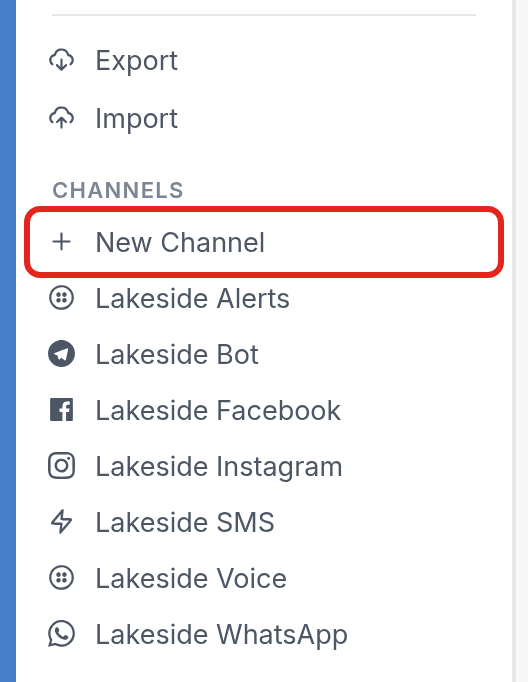
You can add a channel to your workspace from your workspace settings. Click the settings icon at the bottom left corner of your screen, then click + New Channel under Channels.
Disabling an existing channel
Once you've added a channel, it starts processing right away and can send and receive messages. If you want to stop sending messages without losing the channel's integration and history, go to the channel's page, click the menu icon at the top right, then click Edit.
In the Edit Channel window, uncheck Enabled and click Save.
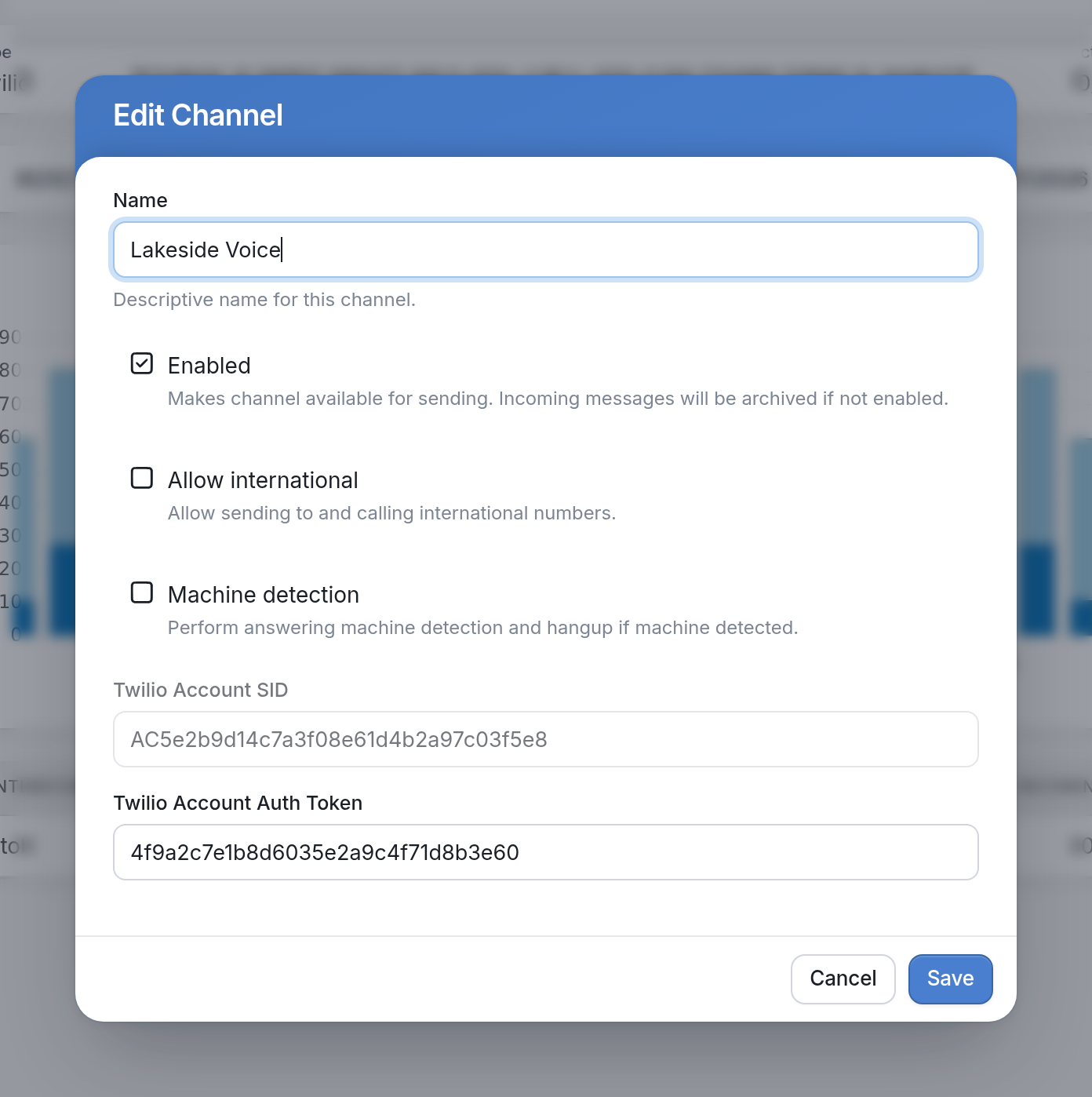
Once the channel is disabled, it stops sending messages. Messages that were sent before you disabled it will still be delivered.
Questions about channel types? Check out our Introduction to Channels.
Need to know how to add a specific type of channel? Head over to the channels collection in our Help Center.