Disabling a Channel
If you need a channel to stop sending messages to your contacts for a while, you can disable it.
Disabling a channel rather than removing it lets you keep its configuration and history. If you'd prefer, you can also remove the channel entirely.
Disable your channel
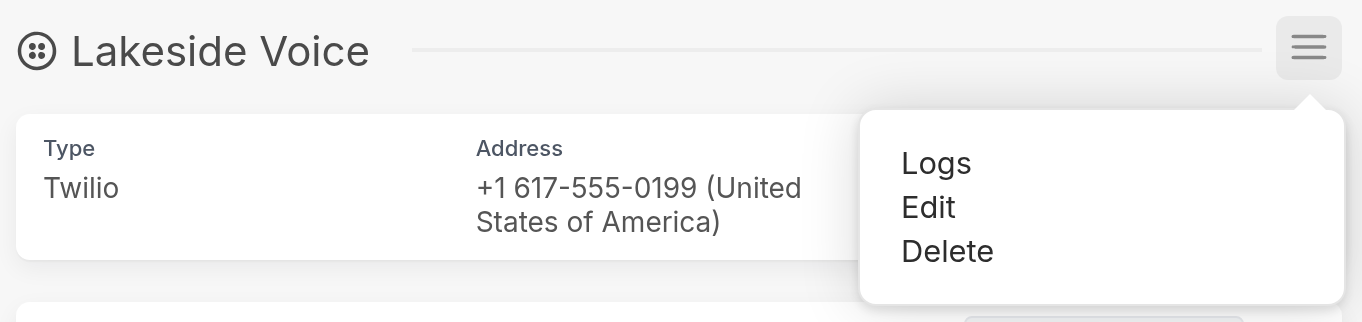
Go to the Settings page in your workspace and find Channels in the left-hand menu. Open the channel's page, click the menu (☰) in the top right and select Edit:
In the Edit Channel pop-up, uncheck the Enabled box and click Save:
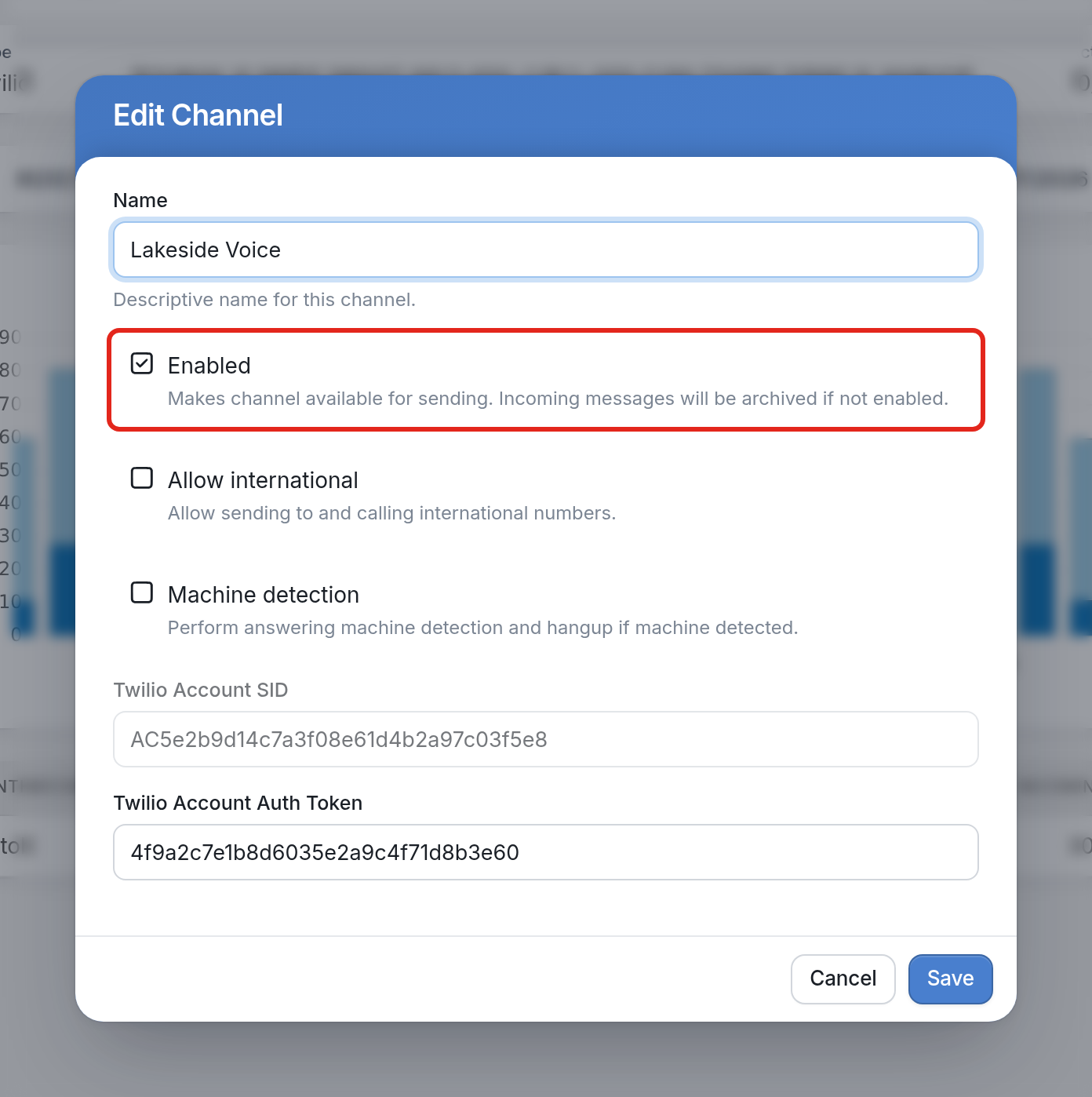
As the text under the checkbox says, once a channel is disabled it is no longer available for sending messages to your contacts, and any incoming messages to the channel are archived. If a contact's only URN is associated with the channel, messages sent to them will fail with the error "No suitable channel found".
| Note that messages already queued in the Outbox will not fail and will continue to send. |
To learn more about channels, see this article.