Adding a Telegram Channel
You can add a Telegram channel the same way as any other channel: log in to your account, go to the settings page and click + New channel. Select the Telegram option, which is the first.
You'll be asked to enter the authentication token for your Telegram bot, which Telegram provides after you create the bot. To create one, you'll need to create a Telegram account and download the app to your device. Follow the instructions below to create your bot.
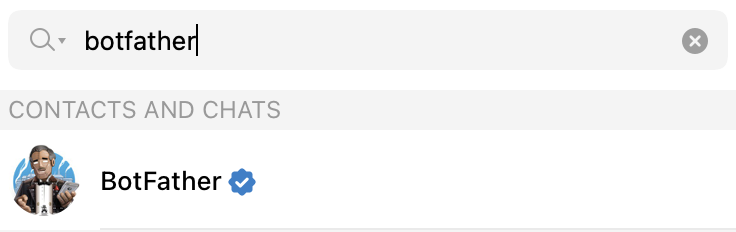
First, open the Telegram app, search for "botfather" and start a conversation with BotFather:
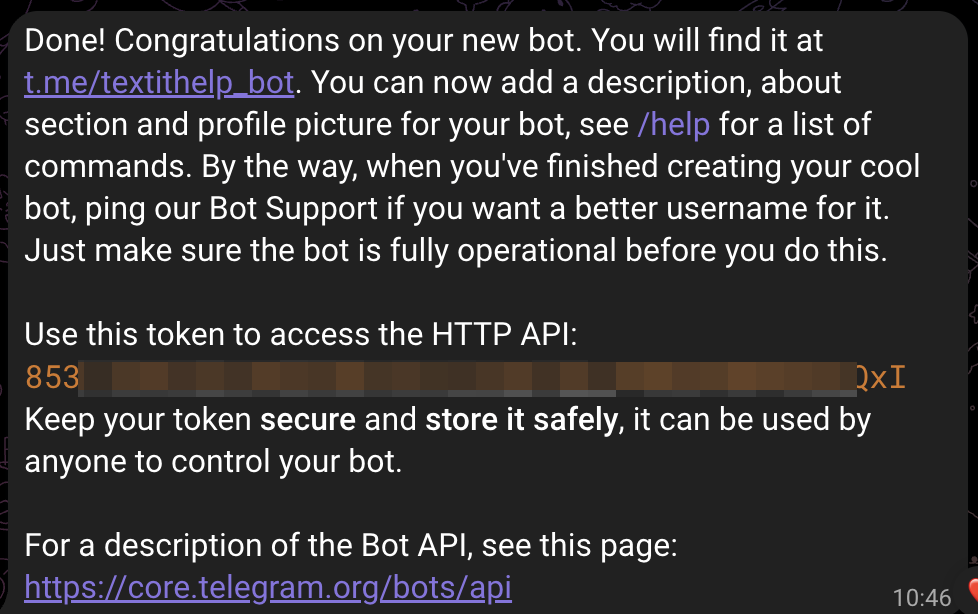
In the conversation, send the /newbot command and follow the instructions to name your bot and choose a username for it. You can follow the link provided to give your bot a picture and description. BotFather then gives you an authentication token, which you'll enter in your workspace. |
 |
Now go to your workspace, open the settings page and click + New channel to add the channel. Select the Telegram option, which is the first.
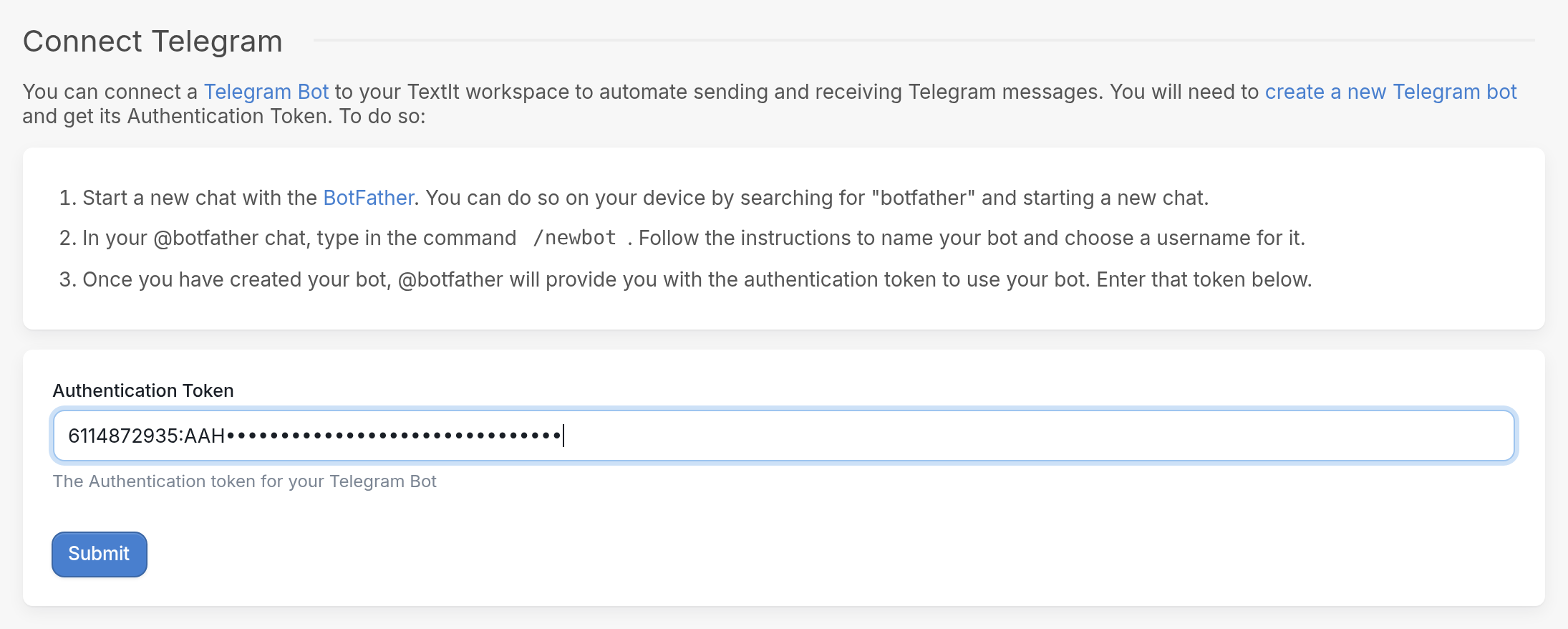
Enter the token from the BotFather conversation in the Authentication Token field and click Submit:
Considerations
Each time a new contact starts a conversation with your bot, they do so by tapping or typing the /start command. You can assign an introductory flow, such as a registration flow, to your bot by creating a keyword trigger for "start".
Try it Out
We've created an example bot about cats that you can interact with. From your Telegram account, search for Purrington and send the keyword "start", or click here.