Removing a Channel
To remove a channel from your workspace:
- Go to your workspace Settings and, under Channels, click the channel you want to remove.
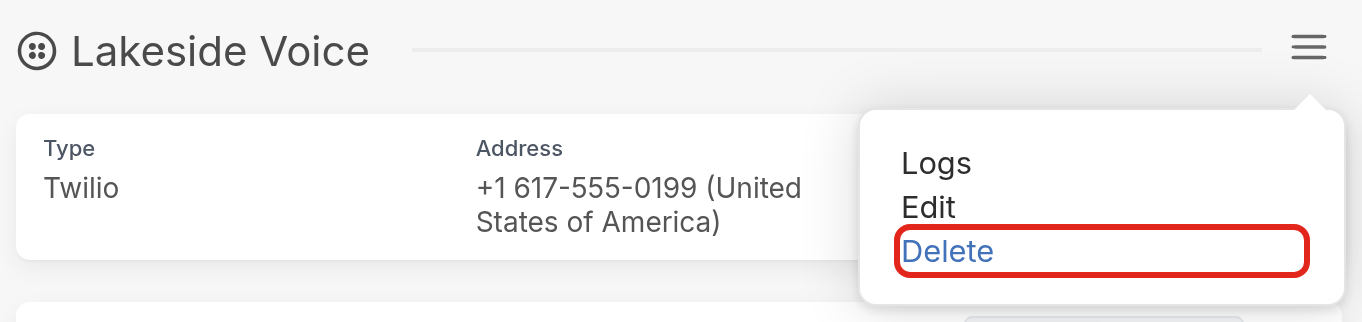
- On the channel's page, click the ☰ menu icon and select Delete. There is no way to undo this action.
If you only need a channel to stop sending messages to your contacts temporarily, you can disable it instead.