Adding Sticky Notes to a Flow
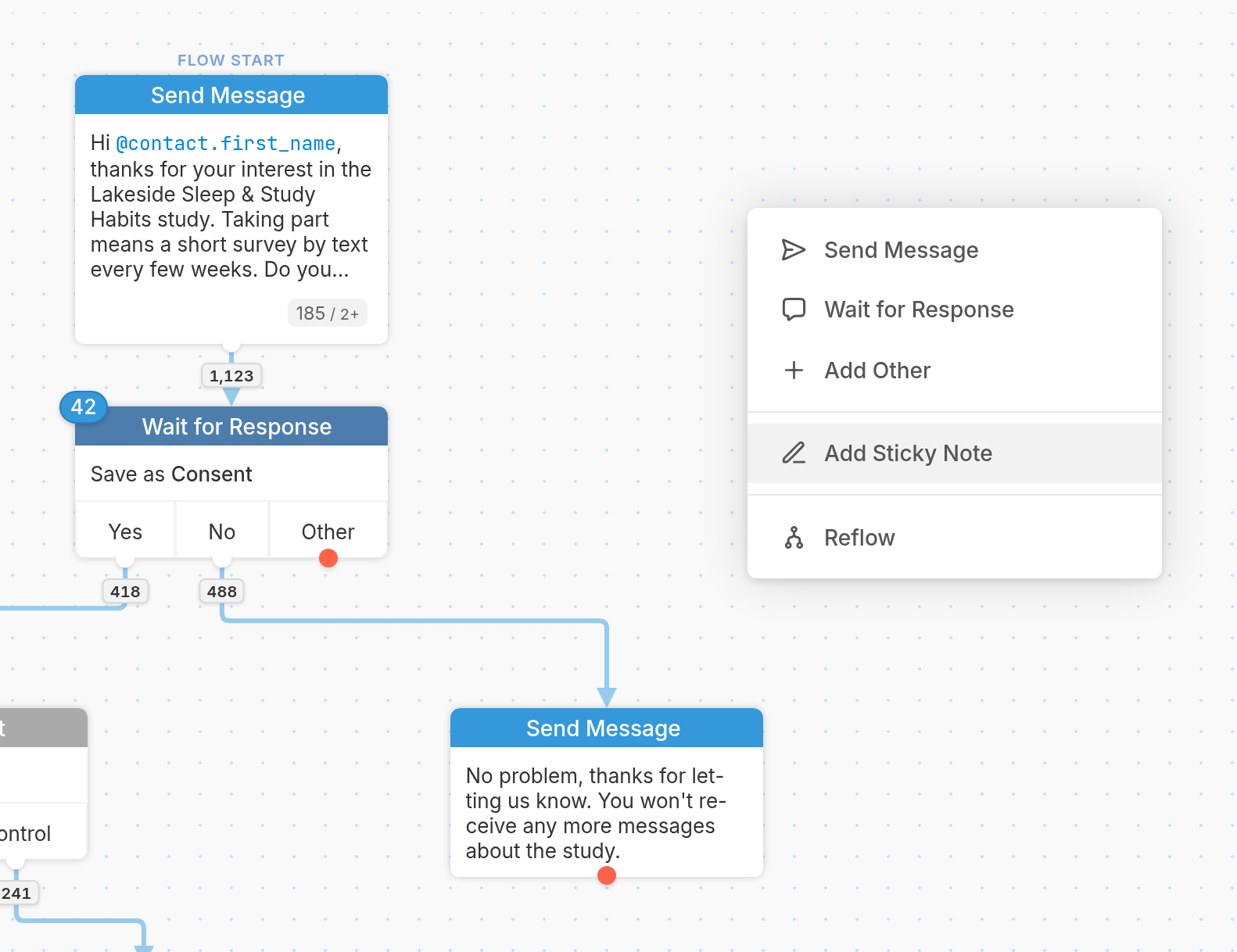
To add a yellow sticky note to a flow, right-click in an empty part of the flow editor and select Add Sticky Note from the menu:
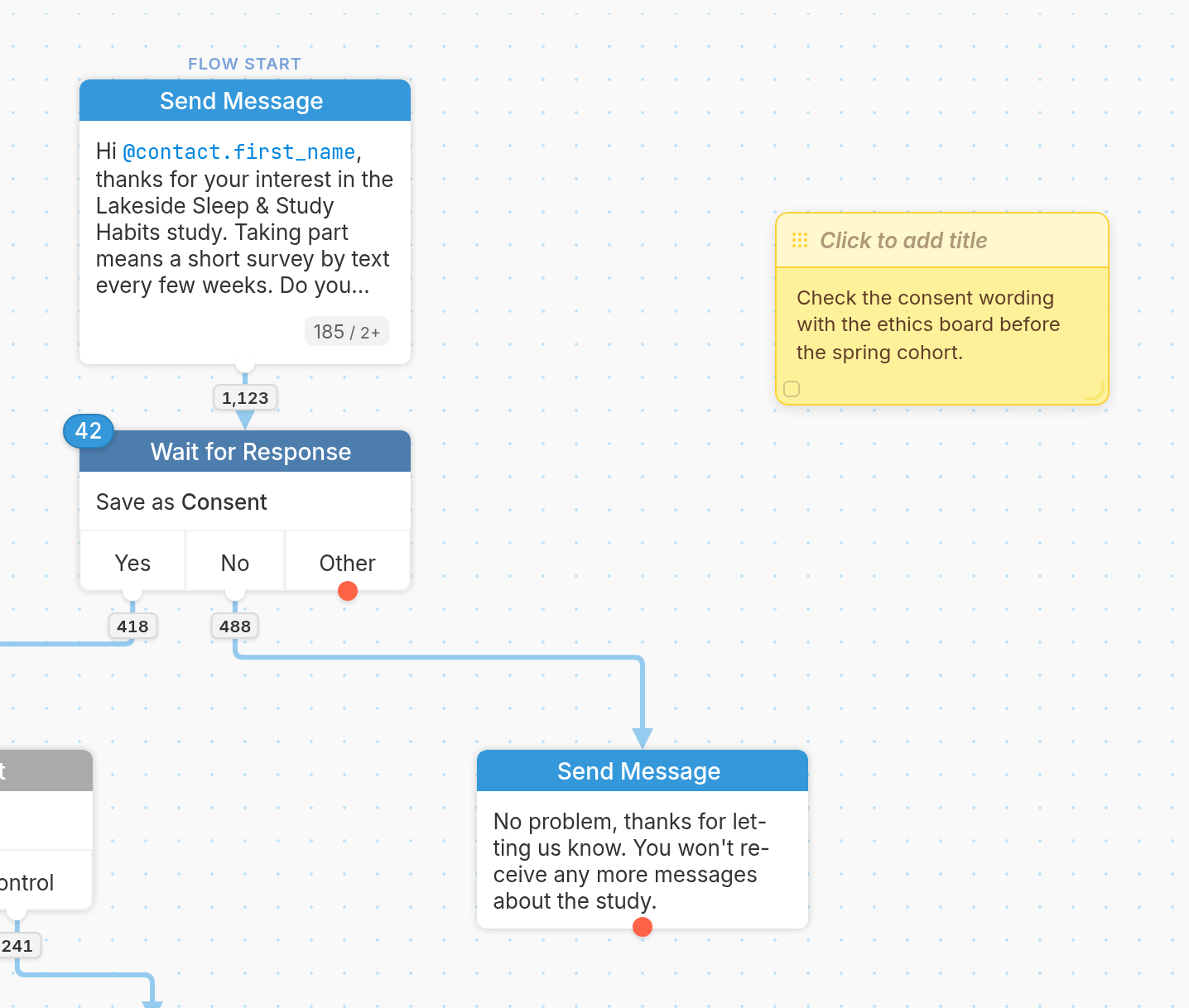
A blank note will appear. Click the note to write whatever you'd like in it, such as a note to your teammates, and click Click to add title to give it a title:
| To delete a note, hover over it and click the × that appears in the upper-right corner. To move the note around the canvas, drag it by the grid icon in the upper-left corner. You can also resize the note by dragging its bottom-right corner. | 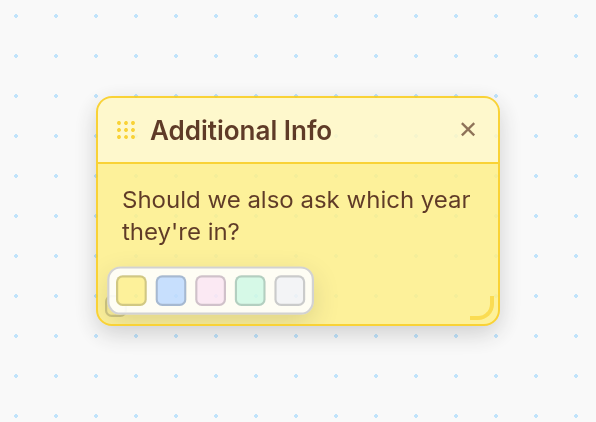 |
To change the color of the note, hover over the small box in the bottom-left corner and pick a color.
For more on how flows work, see this article.