Starting a Flow
A flow can be started in several ways:
-
You can manually start a flow at any time with the Start button in the flow editor, as described below.
-
You can start a flow directly from a contact page.
-
A flow can be started by a campaign event.
-
A flow can be started by a number of triggers:
-
when a contact sends a keyword trigger.
-
after receiving a call.
-
after receiving a message that doesn't match any keywords.
-
when a contact initiates a conversation.
-
after a ticket is closed.
Starting a Flow Manually
To manually start a contact or group in a flow from the flow editor:
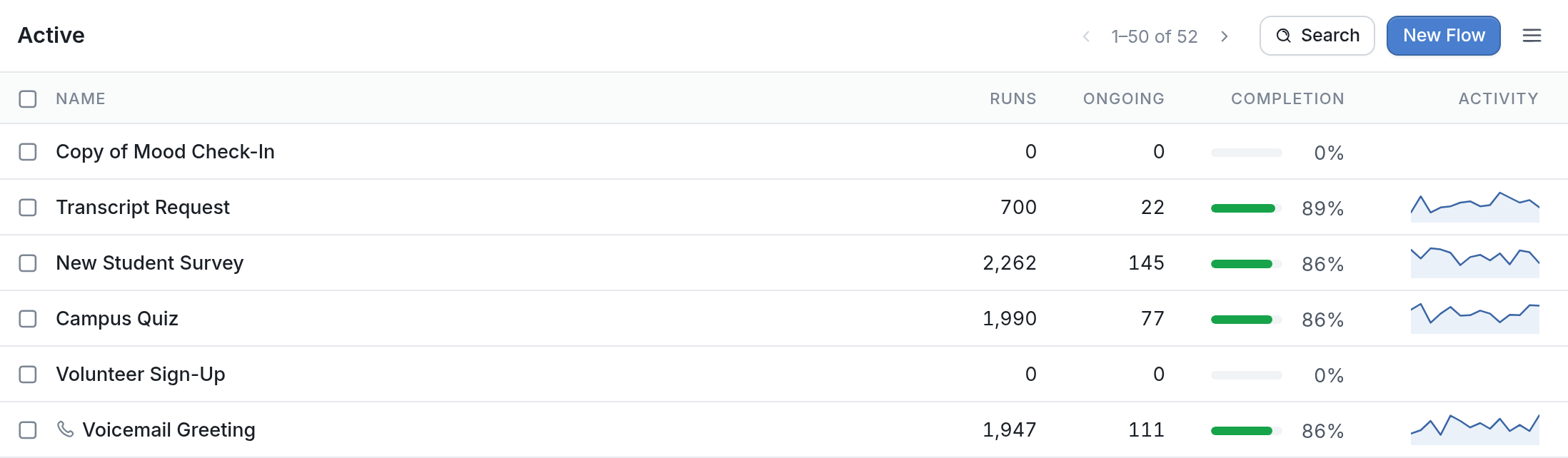
- Go to the Flows tab and click the flow you want to start.
- Click the Start button in the top right of the flow editor.
Flow Start Options
- Enter the contacts or groups you want to start in the flow, or search for contacts by contact field. Your query can use any contact field in your account, and fields and values aren't case sensitive. See here for how to write query operators and statements.
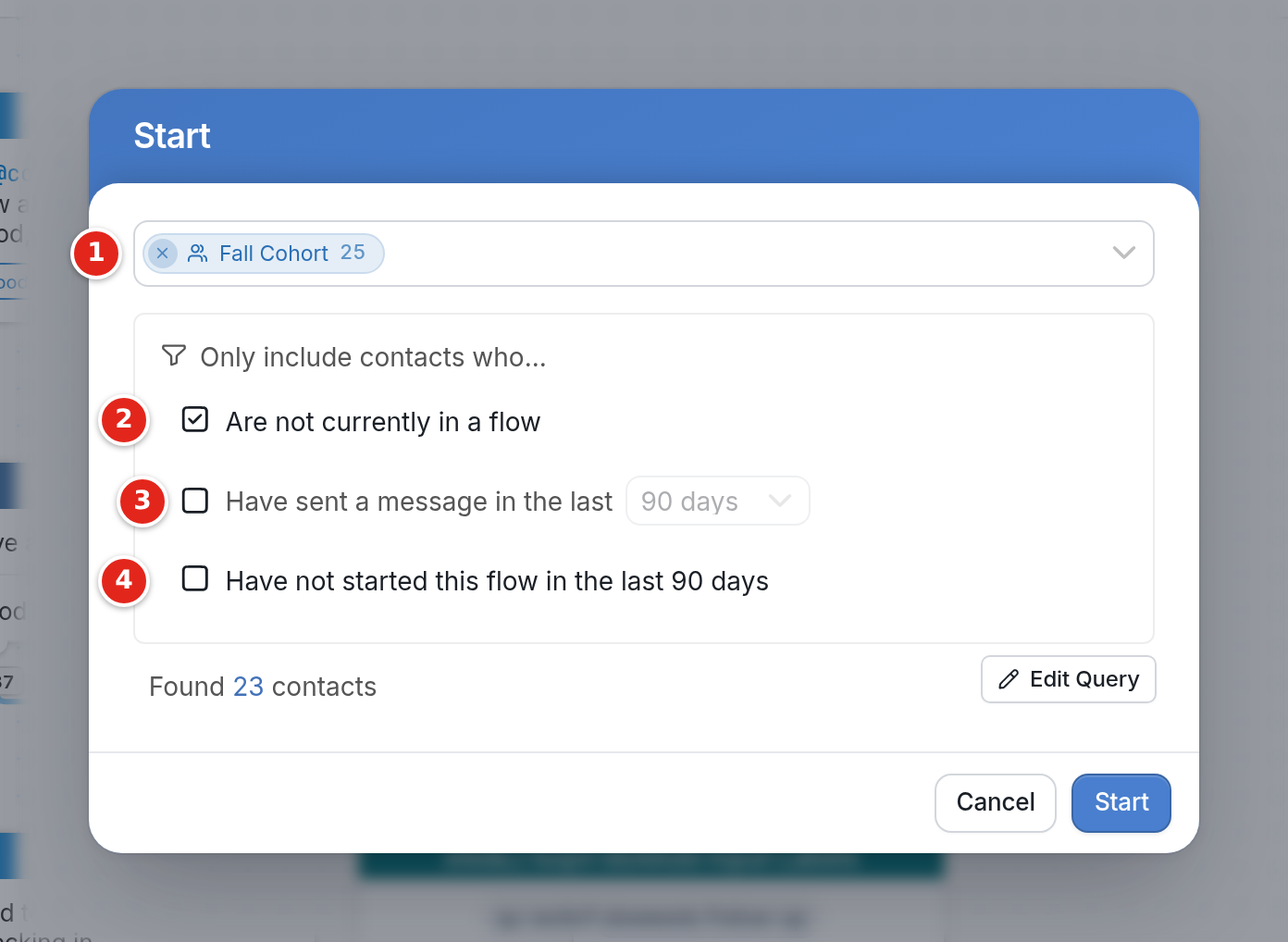
The checkboxes under Only include contacts who... let you skip certain contacts when starting your flow:
-
Are not currently in a flow: A contact can't be in two messaging flows at the same time, so check this box to avoid interrupting contacts who are already in a flow. To start a flow without interrupting contacts in another flow, use Background flows.
-
Have sent a message in the last: Only start contacts who have sent you a message in the past 90, 180 or 365 days. Use the drop-down to choose the time period.
-
Have not started this flow in the last 90 days: Only start contacts who haven't started this flow in the last 90 days.
Once you've selected the contacts or groups to start and checked any of the options you want, the bottom of the dialog shows how many contacts will be started in the flow. Clicking the count takes you to a search results page where you can preview those contacts.
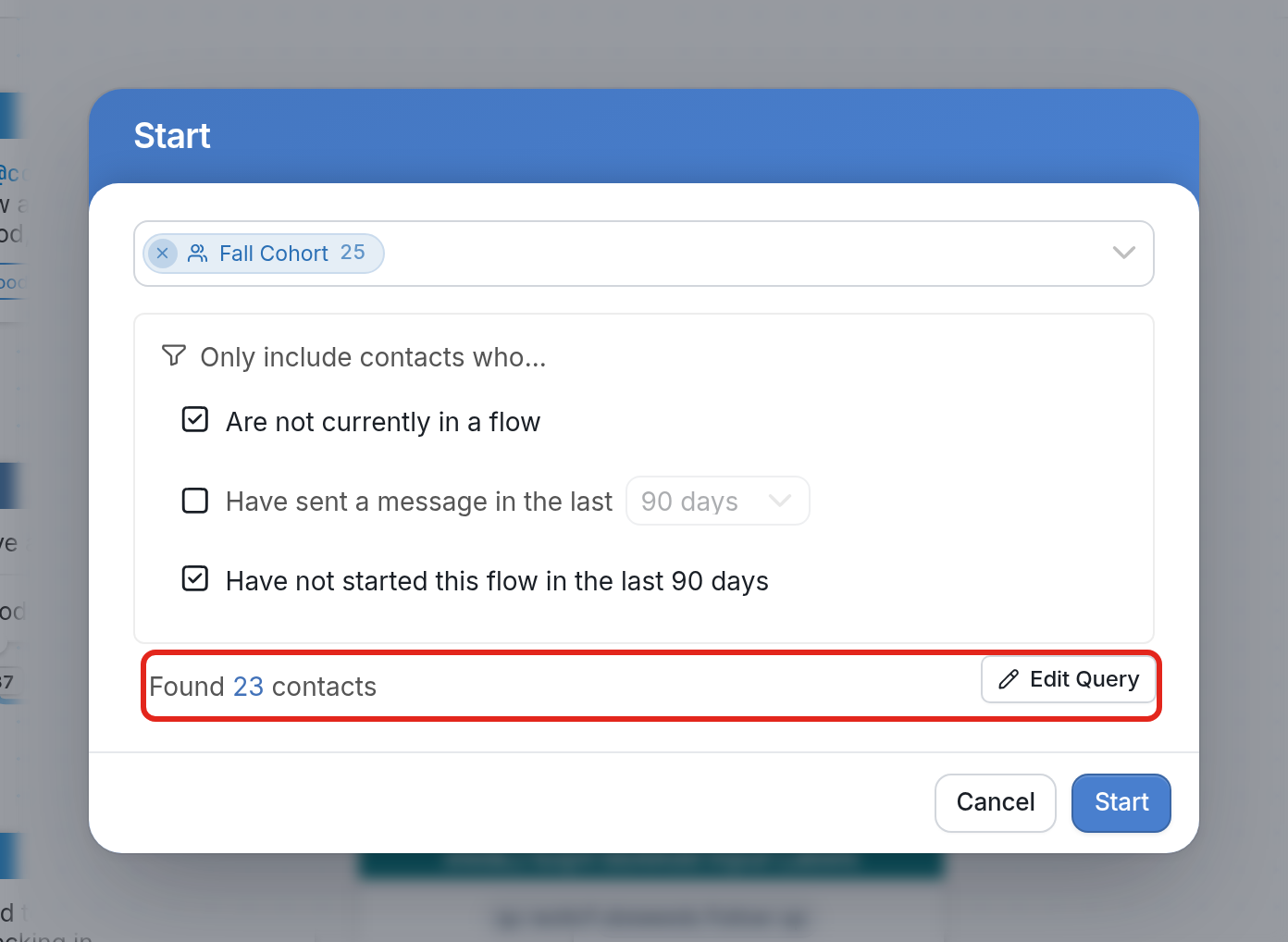
| Note: You can change the query that starts contacts in the flow by clicking Edit Query, next to the contact count. |
For more on flows, see our full collection of articles on flows.