Exporting a Flow
Use this action to export flows. You can export a flow to share with other accounts or to save a specific version of your flow for later use.
To export a flow:
-
Navigate to the Flows tab.
-
Click the flow you want to export.
-
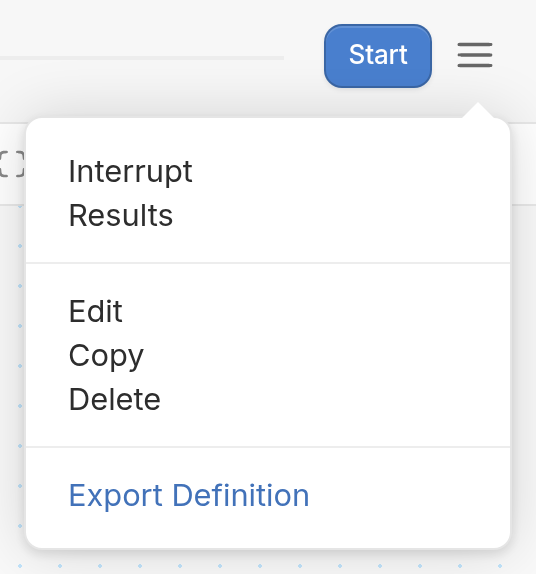
Once in the flow editor, click the ☰ menu icon:
-
Select Export Definition from the ☰ menu dropdown.
-
Choose the flows you'd like to include and click the Export button at the bottom. A JSON file will then download.