Viewing the Flow Start Log
Viewing your Flow Start Log helps you understand your account's activity. It lists every flow that has been started, along with how many contacts each start included and when it happened. To view the log, first go to the Flows tab.
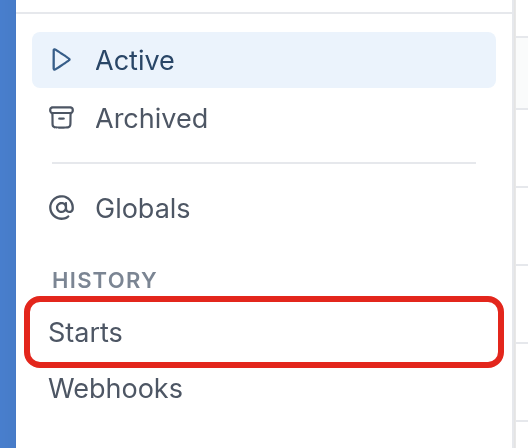
Under History on the left-hand side, click Starts:
Here, you'll see the list of flows started.
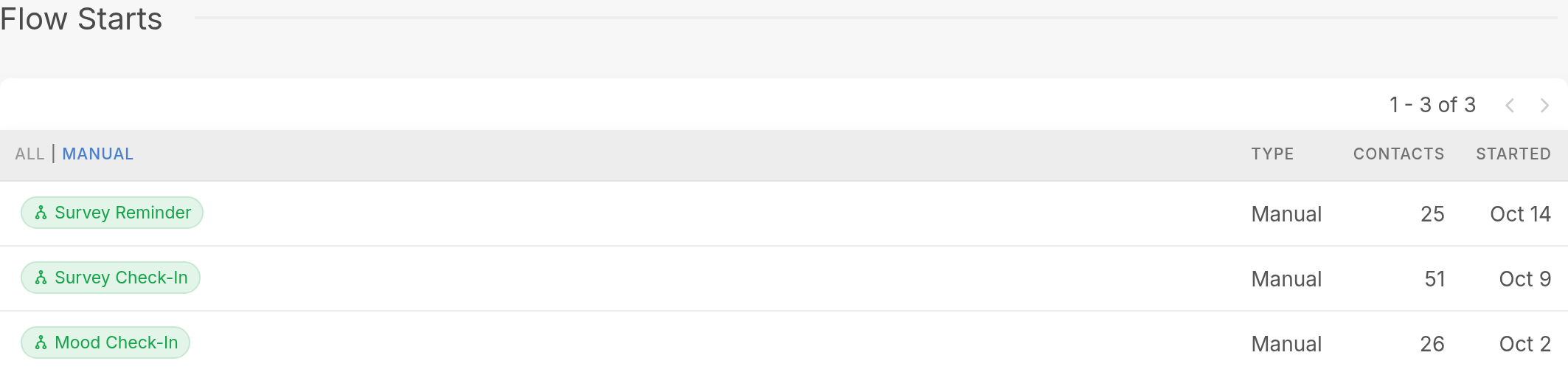
Each row shows:
-
The name of the flow. Click it to open the flow.
-
The type of start, such as Manual.
-
How many contacts were placed in the flow. Review our start flow sending options article to understand how contacts are started in a flow.
-
The date the flow was started.
Questions? Send us a message via the support widget in the bottom right corner.