Organizing Flows with Labels
Labels help you manage a large number of flows. Applying the same label to several flows keeps them grouped together.
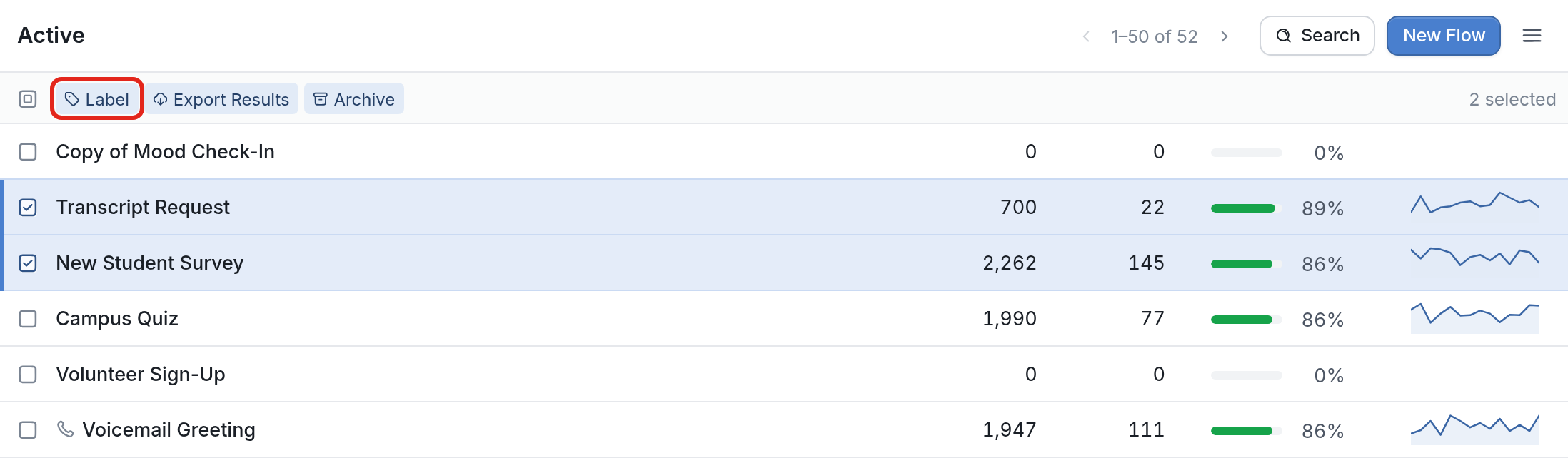
To label flows, check the boxes next to the flows you want to group together, then click Label at the top of the list.
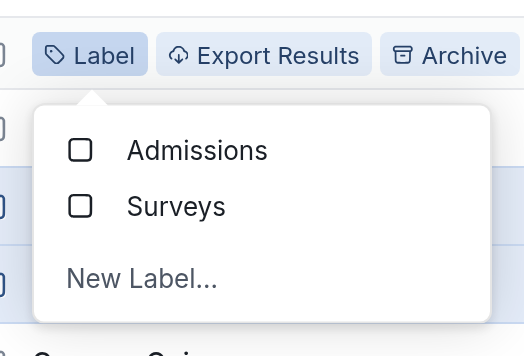
The menu lists all of the labels you've already created, along with New Label... for creating a new one. Choose an existing label to apply it to the selected flows, or click New Label... to create one.
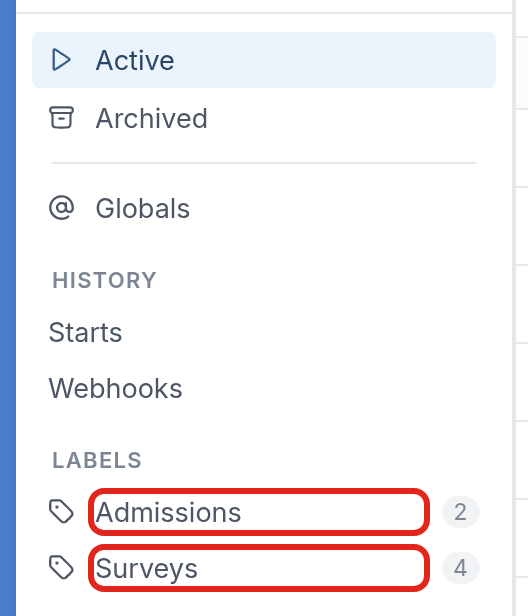
Each label gets its own entry under Labels in the Flows sidebar, like Admissions and Surveys here: