Creating an Image Attachment URL
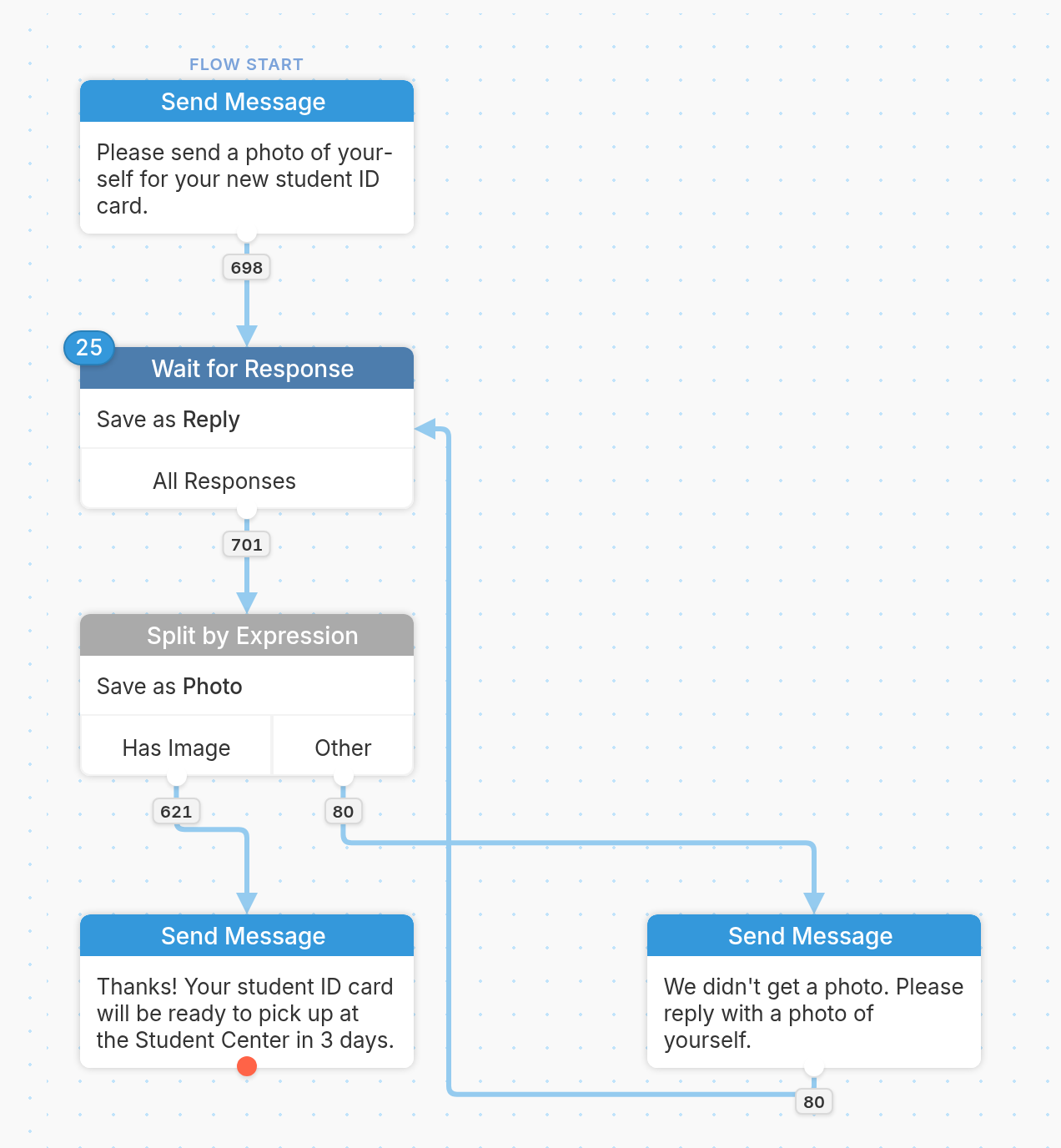
To collect images from your contacts and generate a URL, you'll need to create two nodes:
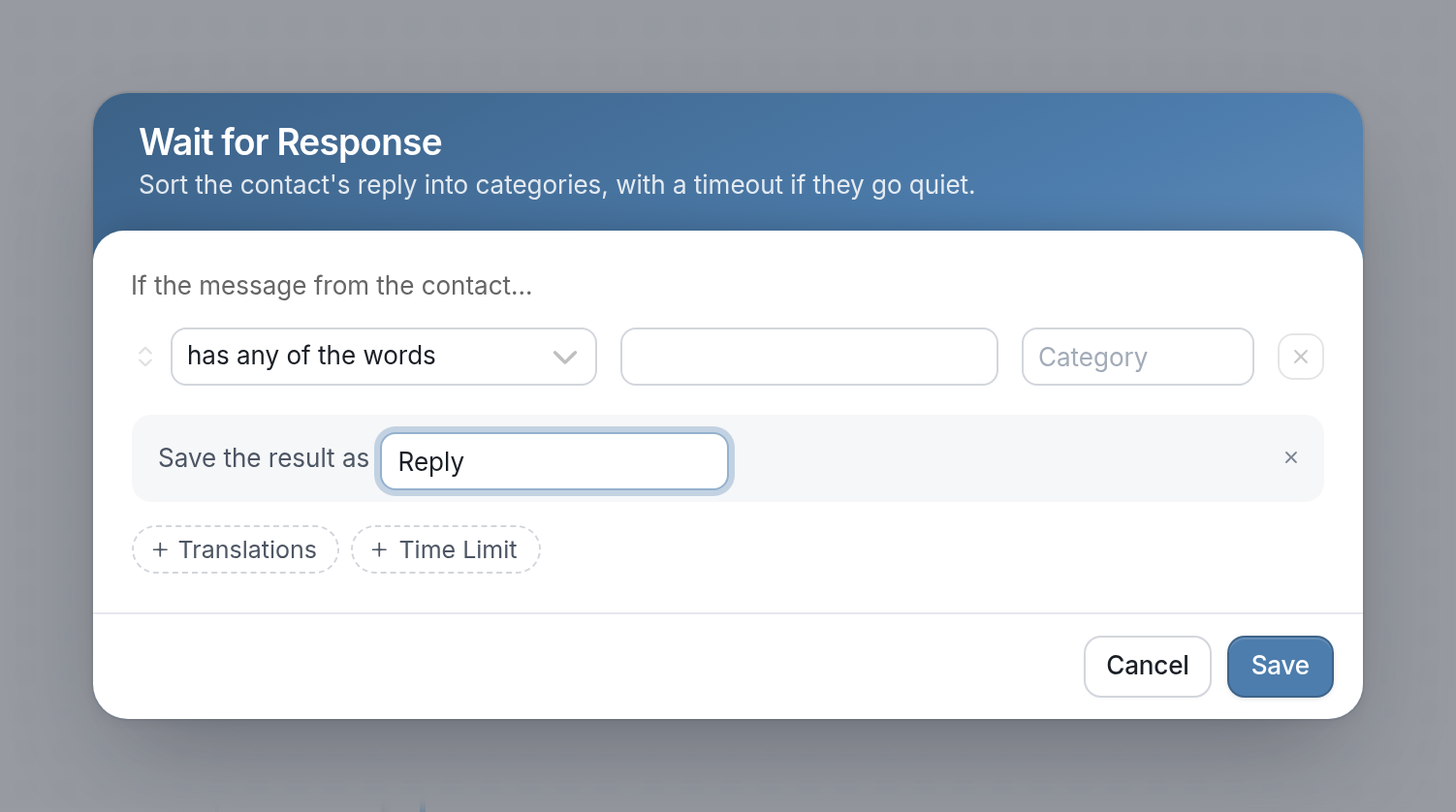
- A Wait for Response node to collect your contact's image using an open-ended response rule:
- A Split by Expression node to save the image in your flow results and create a URL for the image using the expression
@(attachment_parts(input.attachments.0).url):
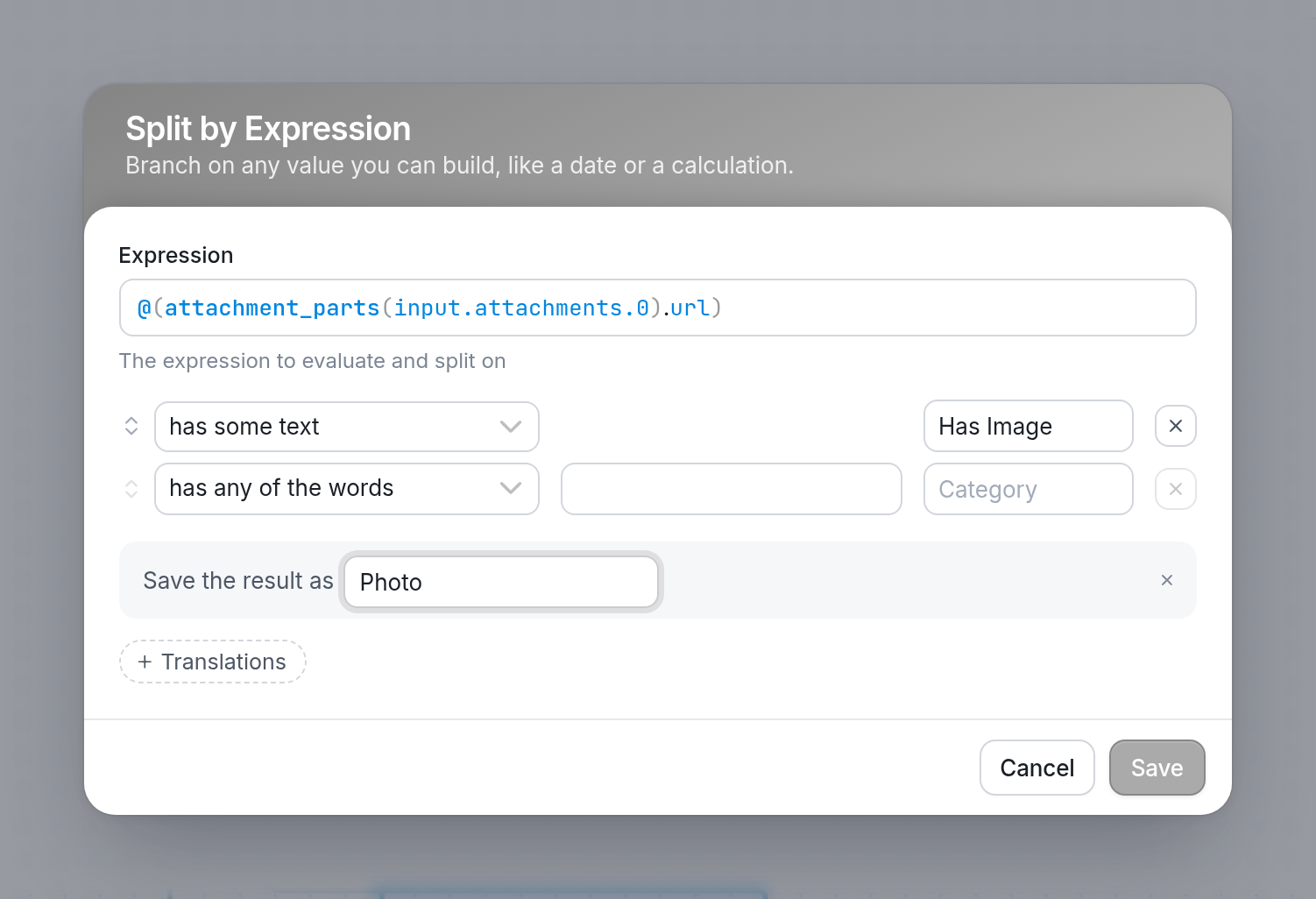
Enter a name in Save the result as so you can reference that URL later. In the example above, we've saved the result as 'Photo', so we can reference it using @results.photo.
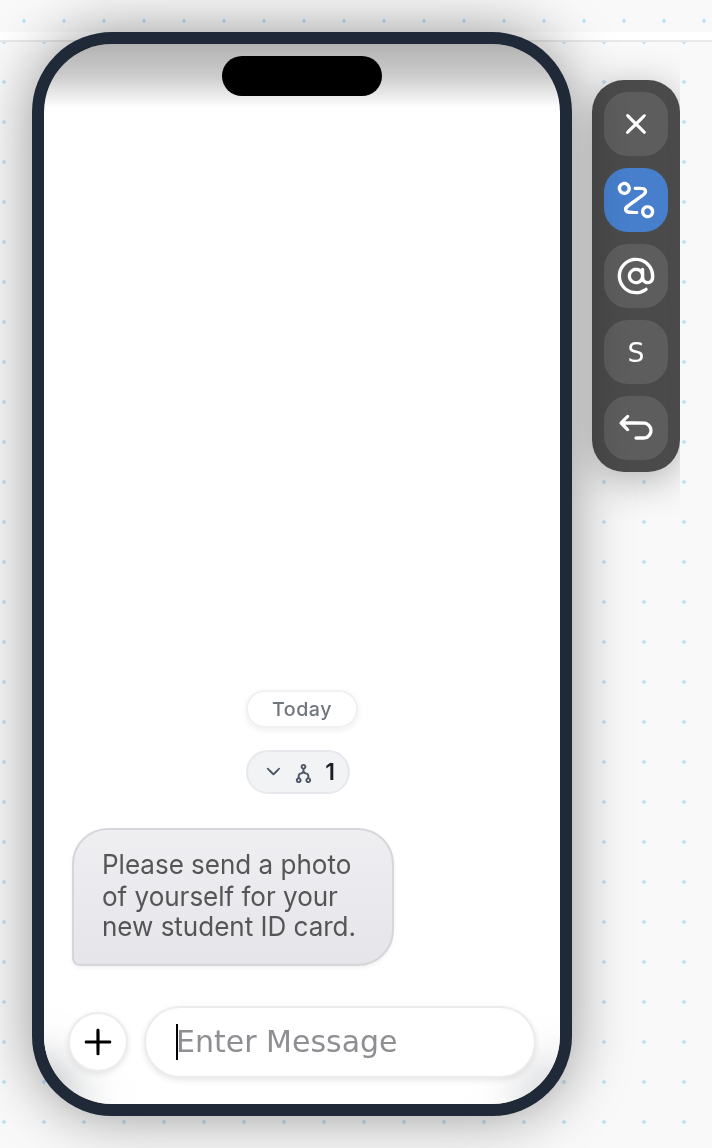
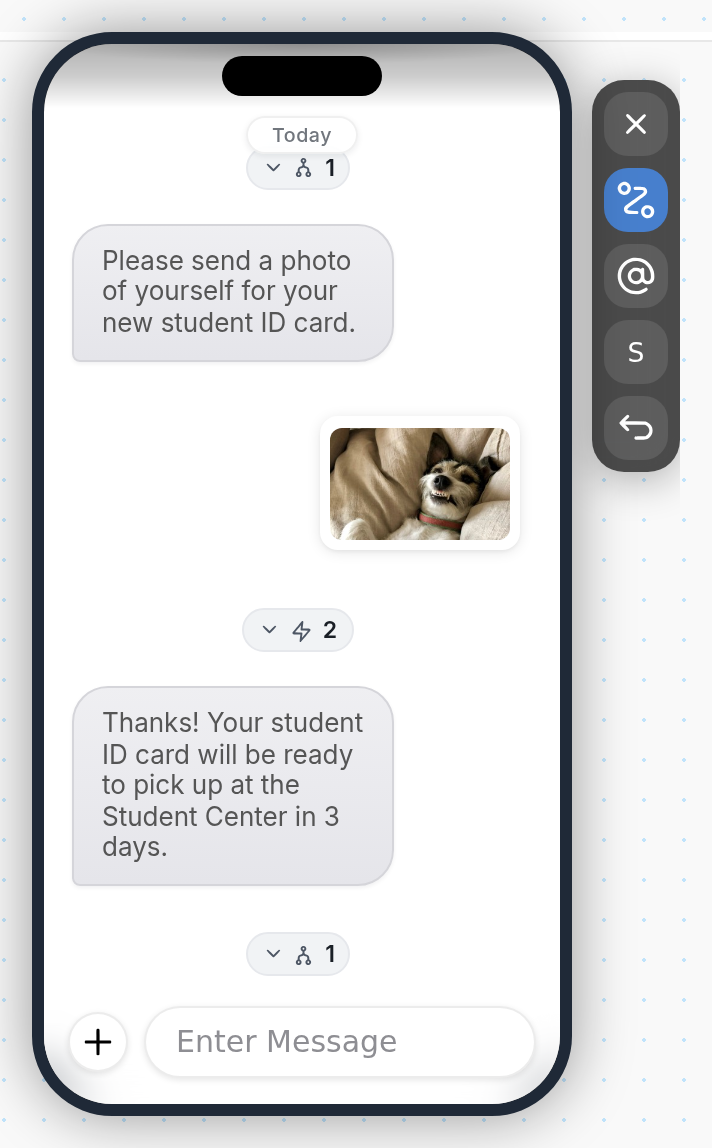
| You can test this flow in the simulator by clicking the + button, choosing Image, and selecting one of our preset images: |
 |
 |
Questions? Send us a message via the support widget in the bottom right corner of your browser.