Fixing Missing Dependencies
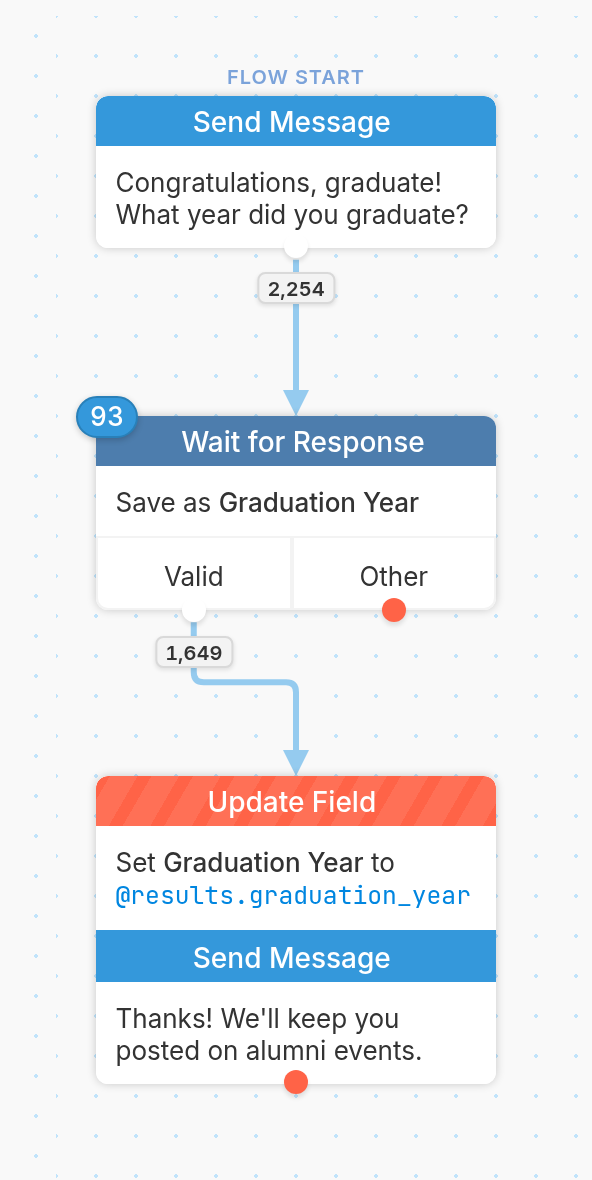
In some cases, you might find that a flow depends on something that no longer exists. When this happens, the action's title turns red (as seen above) to let you know there is a flow issue. For example, a flow might reference a contact field with an expression like @fields.graduation_year, but at some point the Graduation Year contact field may have been deleted.
Your flow will continue to run, but it might produce unexpected results. In some cases, such as updating a contact field that no longer exists, nothing happens other than the field not being set.
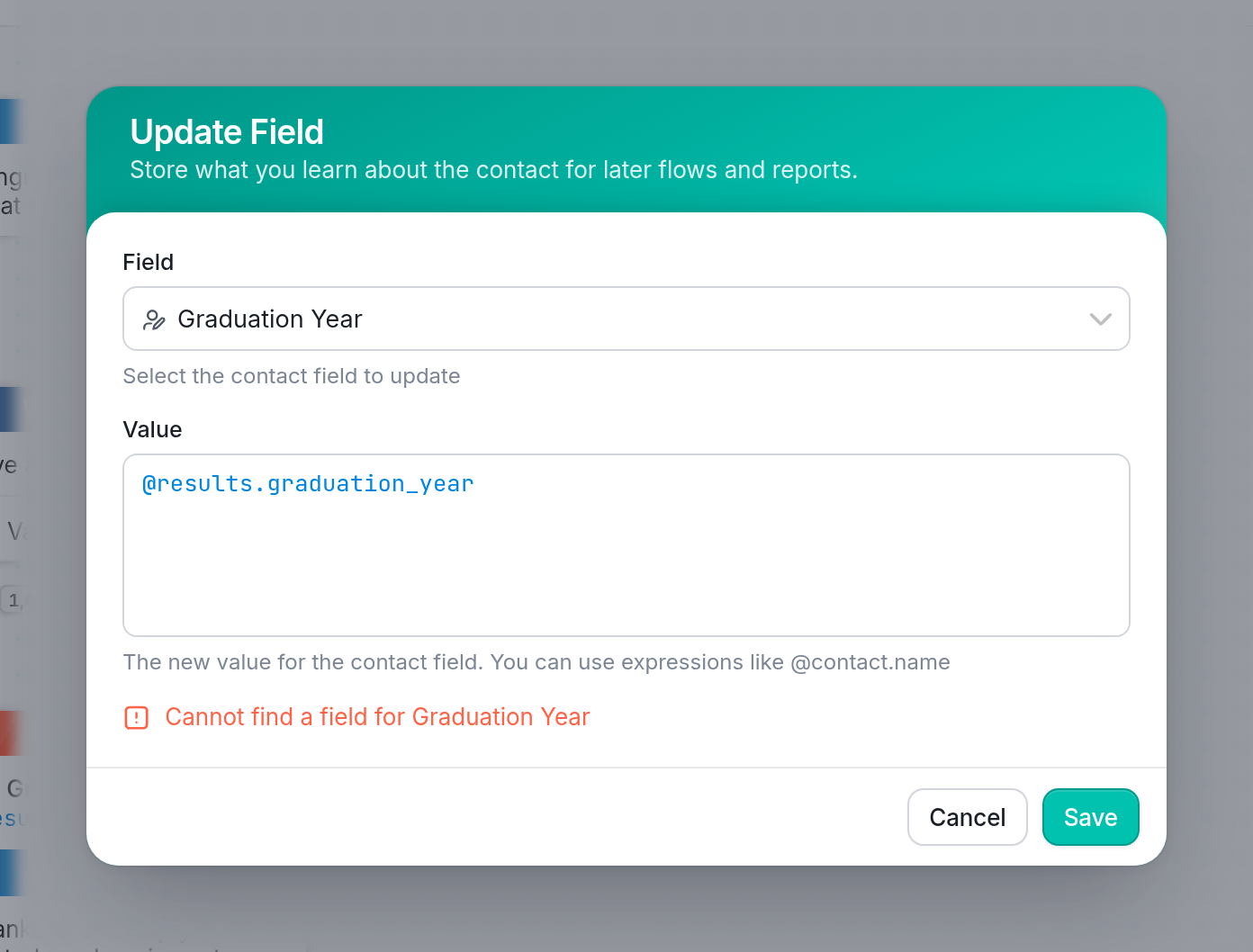
When a node has a missing dependency, the node itself turns red. If you click the node to edit it, you'll see a notification such as "Cannot find a field for Graduation Year", or another message that explains what is missing.
A red tab with an exclamation icon also appears on the right side of the editor.
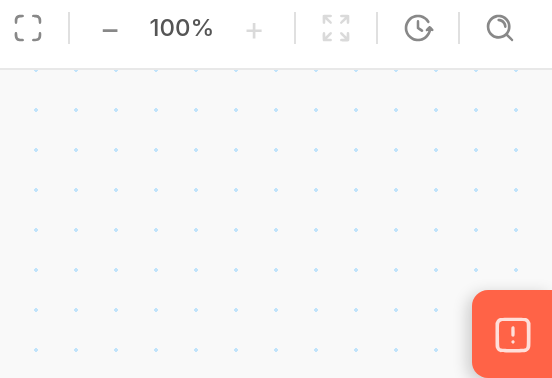
Click the tab to open Flow Issues, which lists all the missing dependencies if there is more than one. Click an issue to be taken to the exact node in your flow.
| Contact fields are not the only things that can go missing and cause a missing dependency error. You may also see this with a contact group that has been deleted, a channel that no longer exists, or other things your flow references. | 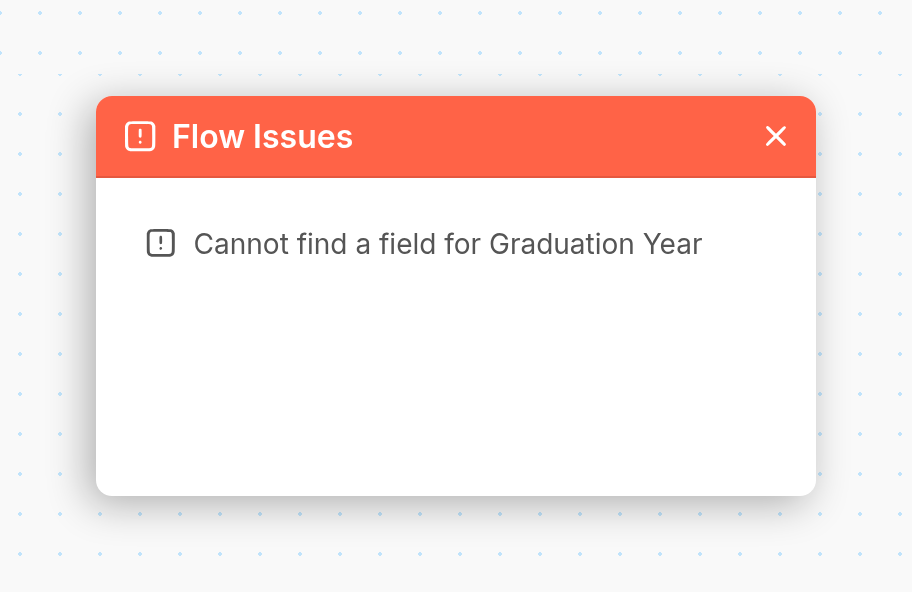 |
| Tip: In your list of flows, flows that have issues are marked with an exclamation icon next to their name. |

Questions? Send us a message via the support widget in the bottom right corner of your browser.