Importing a Flow
Importing a Flow
Use this action to import flows into your workspace.
To import a flow:
-
Go to either the Flows section of your workspace or the workspace settings page.
-
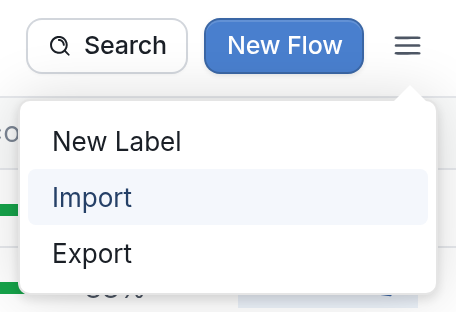
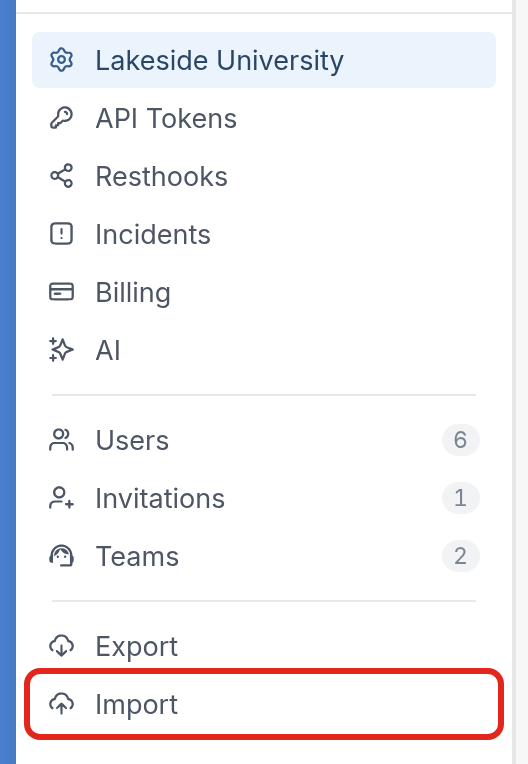
In the Flows section, click the ☰ menu at the top right and then click Import. On the workspace settings page, click Import in the Settings menu, below Export.
Flows section:
Workspace settings page:
- Click Choose File, select the file you want to import and click Import.
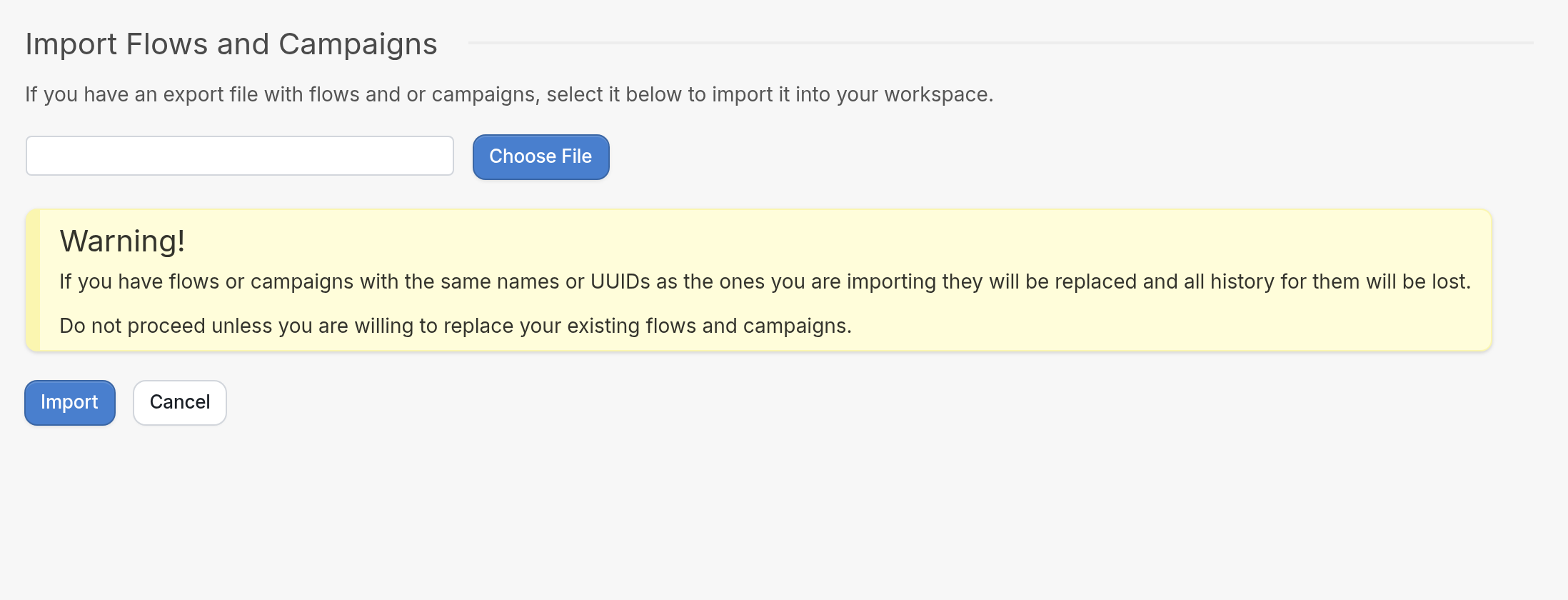
| Please note that if the flows or campaigns you're importing have the same names or UUIDs as ones that already exist in your workspace, the existing ones will be replaced and all history associated with them will be lost. |
Questions? Send us a message via the support widget in the bottom right corner.