Contacts to include when Starting Flow manually
Before starting a flow, you might not want to start all of your contacts. Instead, you can target only contacts who:
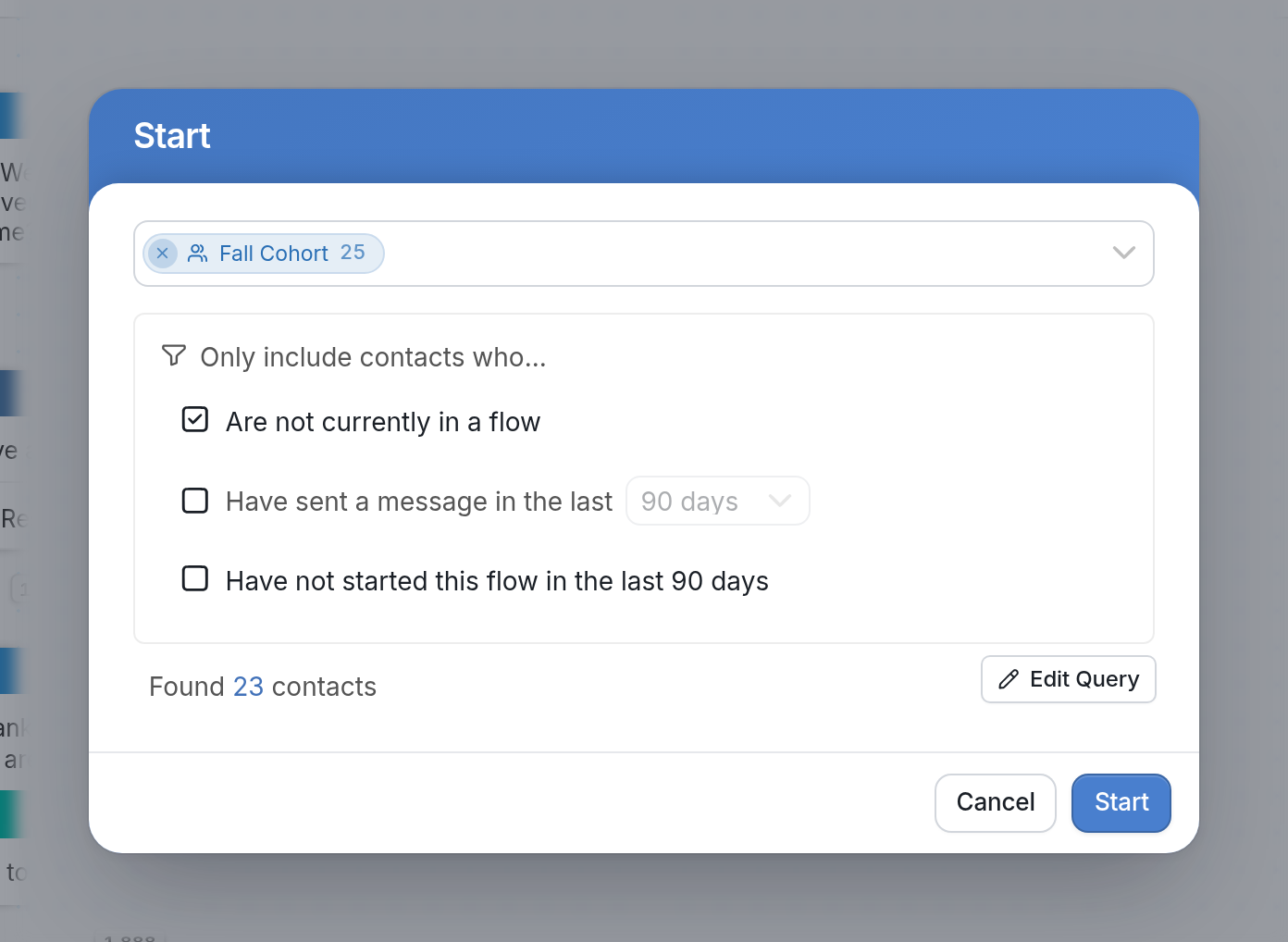
- Are not currently in a flow - Since a contact can't be in two messaging flows at the same time, check this box to avoid interrupting them. See Background Flows for another way to avoid interrupting contacts.
- Have sent a message in the last 90, 180, or 365 days - these are your active contacts. Click the drop-down to change the period.
- Have not started this flow in the last 90 days - so contacts who started it recently aren't started again.
When you click Start at the top right of the flow editor, the dialog lets you choose which contacts to include. Each of the options above has its own checkbox.
Send us a message through the support widget in the bottom right corner if you have any questions.